

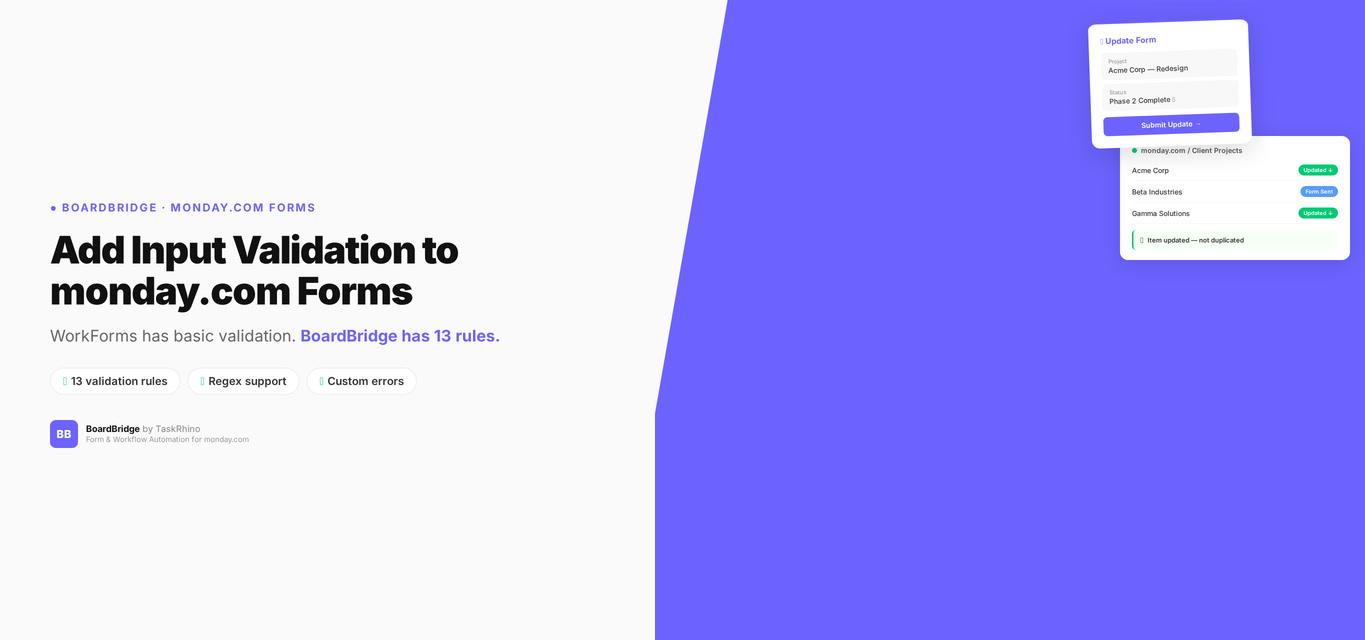
How to Add Input Validation to monday.com Forms (Email, Phone, Date, Custom Regex)
In this post:
- What “form field validation” actually means
- What monday.com WorkForms actually validates
- Why this matters in practice
- Option 1: workarounds within WorkForms
- Option 2: use a third-party form builder
- Option 3: BoardBridge Forms Engine — 13 validation rules
- A real example: event vendor intake form
- Which option is right for your situation
Someone submits your intake form with “555-1234” as their phone number. Another types “john at company dot com” as their email. A third leaves the date field blank — and your automation quietly breaks downstream because it expected a value.
monday.com WorkForms accepts all of it. No error, no rejection, no warning.
If you’ve run any kind of external form through monday.com, you know the problem. The platform’s built-in form builder doesn’t validate input — it trusts that your respondents will fill things in correctly. Spoiler: they won’t. This guide covers what monday.com does (and doesn’t) offer for form field validation rules, and the practical options for adding real validation to email, phone, date, and custom-format fields. For a broader look at what WorkForms can’t do, see our monday.com WorkForms limitations overview.
What “Form Field Validation” Actually Means
Before getting into specifics, it’s worth separating two things that often get confused:
Board-level data validations — monday.com added data validation rules to board columns in 2024. These apply when someone edits an item directly on the board. You can set rules like “the Numbers column must be between 1 and 100” or “the Date column can’t be in the past.” These are useful for keeping board data clean when your own team is entering data.
Form input validation — Rules that run when an external person submits a WorkForm. This is what most people want. This is what monday.com doesn’t have.
Board validations and form validations are completely separate. One does not affect the other. If you’ve found the board-level validation settings and assumed they’d apply to your forms, they don’t.
What monday.com WorkForms Actually Validates
Short answer: very little.
WorkForms has exactly two built-in validation behaviors:
- Required fields — You can mark a field as required. If a user leaves it blank, the form won’t submit. That’s it.
- Email column format — If you use an Email column type in your form, monday.com applies basic format checking (it expects something@something.something). This isn’t configurable — you can’t customize the error message or the rule.
That’s the entire validation surface of WorkForms as of early 2026. No phone number format checking. No date range restrictions. No minimum/maximum text length. No pattern matching. No custom regex. Any text accepted in any text field.
This is documented as Pain Point #26 in our form limitations research — and it’s one of the most quietly damaging gaps in WorkForms, because the cost doesn’t show up immediately. It shows up later, when you’re cleaning up a board full of malformed data or debugging an automation that choked on an invalid input.
Why This Matters in Practice
Here’s where bad form input causes real problems:
Phone numbers. If your workflow sends an SMS or routes a call based on a phone field, you need a valid number. “1234,” “call me,” and “+1 (416) 555-0199” all get accepted identically by WorkForms. Only one of those will actually work in a downstream automation.
Email addresses. Your email automation sends a confirmation to whatever lands in the email field. If someone types “sarah@” or leaves out the domain, the email bounces silently. The submitter never gets their confirmation. You never know.
Dates. Date pickers handle format correctly, but WorkForms doesn’t let you set a range. “Please select your project start date” gets answered with a date in 2019 — a year before your company existed. No warning. The item lands on your board with a nonsensical start date.
Reference numbers, IDs, codes. If you’re collecting purchase order numbers, employee IDs, or voucher codes, there’s no way to enforce a format. Free-text fields accept anything.
The downstream cost — data cleanup, failed automations, bad emails, manual review — is real and ongoing.
Stop Creating Duplicates
BoardBridge forms update existing items — no Enterprise plan, no workarounds, no duplicates.
Option 1: Workarounds Within WorkForms
If you need to stay within native monday.com, here’s what’s actually possible:
Use dropdown fields instead of text fields
The most reliable way to constrain input is to not let people type at all. Replace free-text phone fields with a “Country” dropdown + a “Local Number” text field with a character limit note. Replace open date fields with dropdowns for month/year combinations. It’s not elegant, but it removes ambiguity.
Limitation: Dropdowns cap at 500 options. For anything that needs free input (actual phone numbers, actual email addresses), you can’t replace with a dropdown.
Add instructional text to field descriptions
WorkForms lets you add a description under each field. Use this to spell out the expected format: “Please enter in the format: +1 (XXX) XXX-XXXX.” This reduces errors but doesn’t prevent them.
Use automation to flag bad submissions post-entry
After a form submission lands on your board, you can run an automation to check the email column and notify you if it doesn’t contain “@” (using the “contains” condition). This is reactive, not preventive, but it catches obvious errors for manual follow-up.
The honest assessment: These workarounds reduce bad input but don’t eliminate it. If you’re running high-volume forms or automations where data quality matters, you’ll keep fighting this.
Option 2: Use a Third-Party Form Builder
Several apps offer monday.com integrations with proper validation:
- JotForm — Has email validation, phone formatting, date range limits, and regex on any plan. Connects to monday.com via integration to create items. Free up to 5 forms / 100 submissions per month.
- Fillout — Offers validation logic and conditional rules. Integrates with monday.com and can update existing items. Free up to 1,000 submissions per month.
- Typeform — Has field validation on paid plans. monday.com integration creates new items only.
These are good options if form validation is your primary need and you’re building new-item forms. The gap is that most third-party form tools still follow the same model as WorkForms — they create new items. If you need a form to write back to an item that already exists on your board (a vendor updating their contract details, a client filling in project specs for a deal that’s already in flight), these tools hit the same wall.
Option 3: BoardBridge Forms Engine — 13 Validation Rules
BoardBridge — Form & Workflow Automation for monday.com was built specifically for the limitations that WorkForms doesn’t address. The Forms Engine includes 13 validation rules that apply at form submission, before any data reaches your board.
Here’s what’s available:
Standard Validation Rules
| Rule | What It Does | Example Use |
|---|---|---|
| Required | Field must have a value before submission | Name, email, project name |
| Min length | Text must be at least N characters | Notes field (min 20 chars to prevent “ok” replies) |
| Max length | Text must not exceed N characters | Reference codes (max 8 chars) |
| Min value | Number must be at or above a threshold | Budget fields, quantities |
| Max value | Number must be at or below a threshold | Capacity limits, ratings |
| Email format | Must match valid email pattern | Contact email, billing email |
| Phone format | Must match a valid phone number pattern | Cell, office, and international formats |
| Date min | Date must be on or after a specified date | Future-only booking dates |
| Date max | Date must be on or before a specified date | Application deadline enforcement |
| Regex pattern | Must match a custom regular expression | Any custom format (see below) |
Plus additional rules covering file types, field-specific constraints, and combination logic — 13 total.
Validation Error Messages Are Configurable
Each validation rule shows a custom error message to the respondent when the rule fails. Instead of a generic “invalid input,” you can tell people exactly what’s wrong: “Please enter your phone number in the format +1 (XXX) XXX-XXXX” or “PO numbers must be exactly 8 digits.”
Custom Regex Validation — The Flexible Option
The regex rule is the most powerful. If you have a specific format requirement that isn’t covered by the standard rules, you define the pattern yourself.
A few examples:
- Canadian postal codes:
^[A-Za-z]\d[A-Za-z][ -]?\d[A-Za-z]\d$ - US ZIP codes:
^\d{5}(-\d{4})?$ - Invoice numbers (INV- followed by 6 digits):
^INV-\d{6}$ - Employee IDs (2 letters + 4 digits):
^[A-Z]{2}\d{4}$ - Time in HH:MM format:
^([01]\d|2[0-3]):[0-5]\d$
If your organization uses any standardized reference codes, ID formats, or data patterns, regex validation enforces them at the point of entry — not after the fact.
How Validation Interacts with Conditional Logic
BoardBridge forms support conditional logic (show/hide fields based on answers, AND/OR operators, 5 comparison types) — on any monday.com plan, not just Enterprise. Validation rules respect the conditional state: if a field is hidden because of a conditional rule, its validation requirements don’t block submission. This is something native WorkForms gets wrong even when conditional logic is enabled — required fields can block submission even when they’re hidden.
See How BoardBridge Handles Form Updates
Book a free demo to see BoardBridge solve this exact problem — live, with your data.
A Real Example: Event Vendor Intake Form
Here’s a scenario we’ve set up for clients in the event management space.
A production company sends intake forms to vendors. The form collects:
- Vendor company name (required, min 2 characters)
- Primary contact email (required, email format validation)
- Cell phone (required, phone format validation)
- GST/HST registration number (required, regex:
^\d{9}RT\d{4}$— the Canadian tax ID format) - Availability date (required, date min: today’s date — won’t accept past dates)
- Quote amount (required, min value: $1)
Before BoardBridge, this form was a WorkForms link. They got vendor submissions with fake email addresses, phone numbers like “TBD,” and tax numbers that were just guesses. A bookkeeper spent time every intake cycle cleaning data before it could be used.
After switching to a BoardBridge form with validation rules, malformed submissions drop to near zero. The form won’t submit until every field is valid. Vendors know immediately what’s wrong and what format is expected. The data that hits the board is clean and automation-ready.
Because BoardBridge forms can update existing items (not just create new ones), the form submission goes directly to the vendor’s pre-existing item on the board — no duplicate records, no manual matching.
Which Option Is Right for Your Situation
| Situation | Best Option |
|---|---|
| You need basic format guidance, low stakes | WorkForms field descriptions + required fields |
| You need validation + you’re creating new items | JotForm or Fillout with monday.com integration |
| You need validation + you’re updating existing items | BoardBridge Forms Engine |
| You need custom format enforcement (tax IDs, codes, IDs) | BoardBridge regex validation |
| You need validation on any monday.com plan (not Enterprise-gated) | BoardBridge |
The Bottom Line
monday.com WorkForms doesn’t validate form input. It marks fields as required and checks email format — that’s the full extent of it. For teams running external forms where data quality actually matters, that’s a real gap.
The practical path depends on what else you need. Third-party form builders add validation but typically still follow the create-new-items model. BoardBridge adds 13 validation rules — including email, phone, date range, and custom regex — alongside the core capability that WorkForms still lacks: forms that write to existing board items rather than creating new ones.
If your form data is feeding automations, emails, or downstream systems, bad input costs more than the time it takes to fix the source problem.
BoardBridge by TaskRhino handles form validation, conditional logic, and item updates out of the box. Book a free 30-minute demo to see it running against your actual board setup.
Related reading:
- monday.com WorkForms limitations — what you can’t do natively
- monday.com form conditional logic guide
- Best monday.com form alternatives (2026)
Rakesh Patel is a certified monday.com consultant, builder of BoardBridge, and founder of TaskRhino. With 110+ client implementations across healthcare, finance, and professional services, he helps teams get more out of monday.com — from board architecture to custom integrations. Book a free consultation | Follow on LinkedIn
Need Help With Your monday.com Setup?
TaskRhino has implemented monday.com for 110+ teams. Get a free consultation.

Editor's Choice
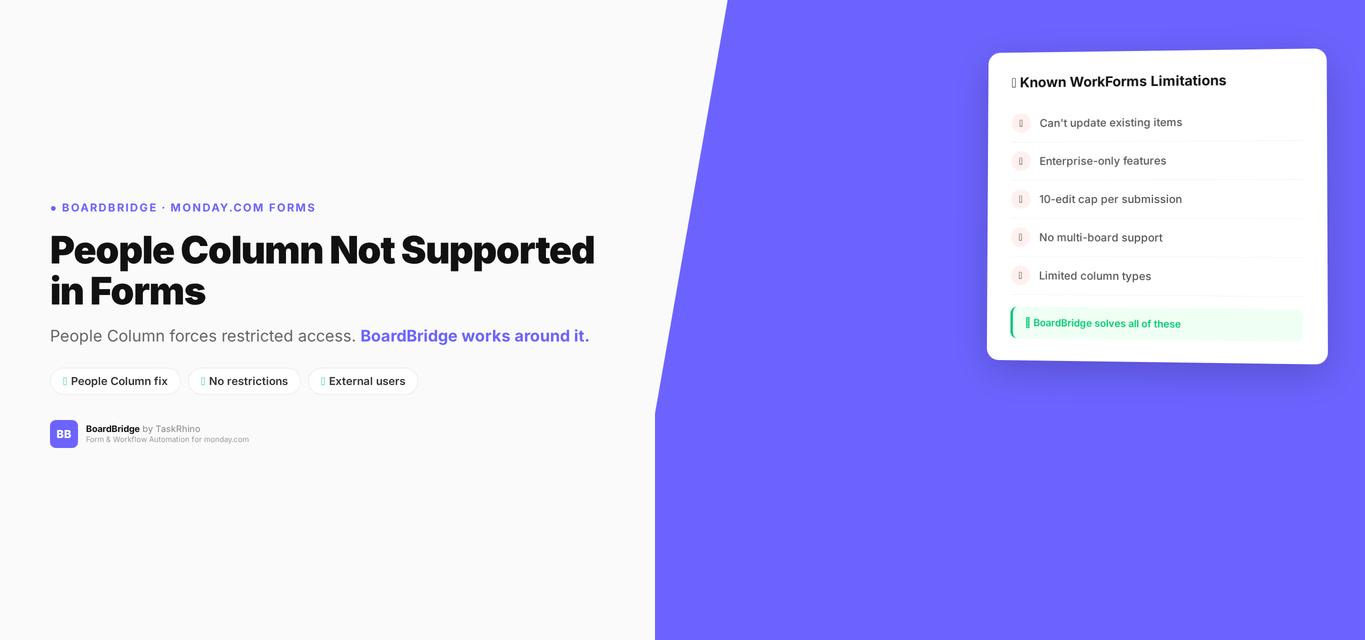
monday.com People Column in Forms — Not Supported (And Why)

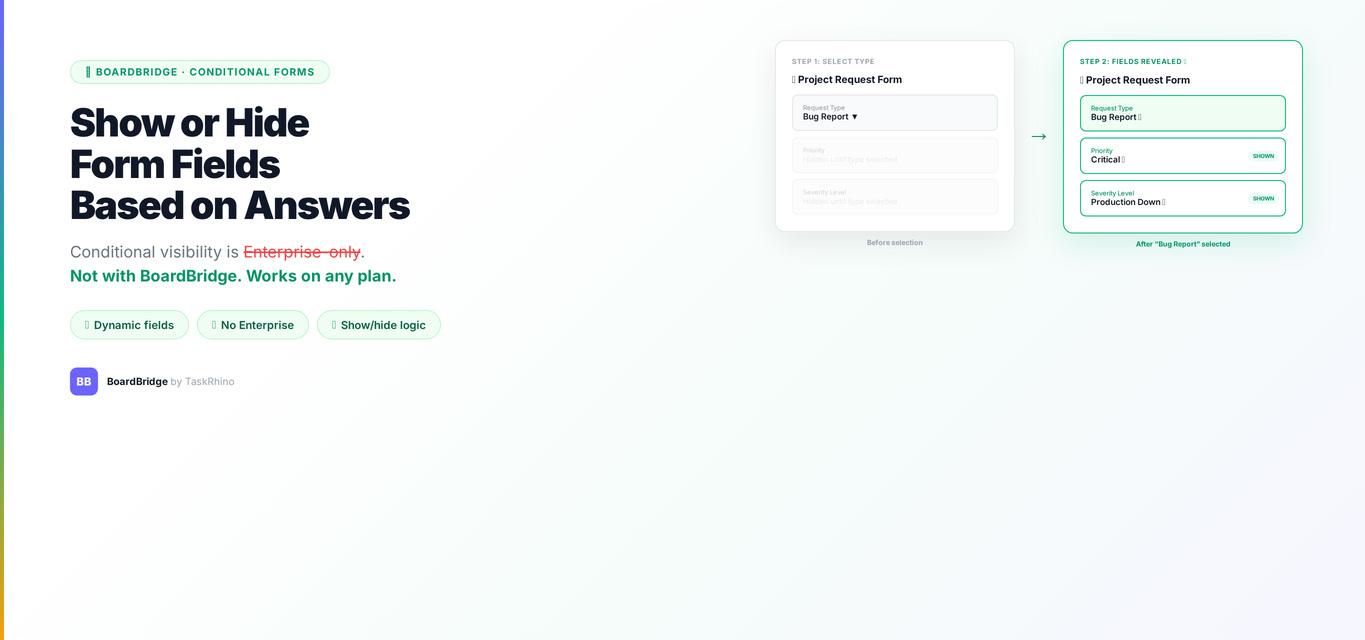
How to Show or Hide monday.com Form Fields Based on Previous Answers
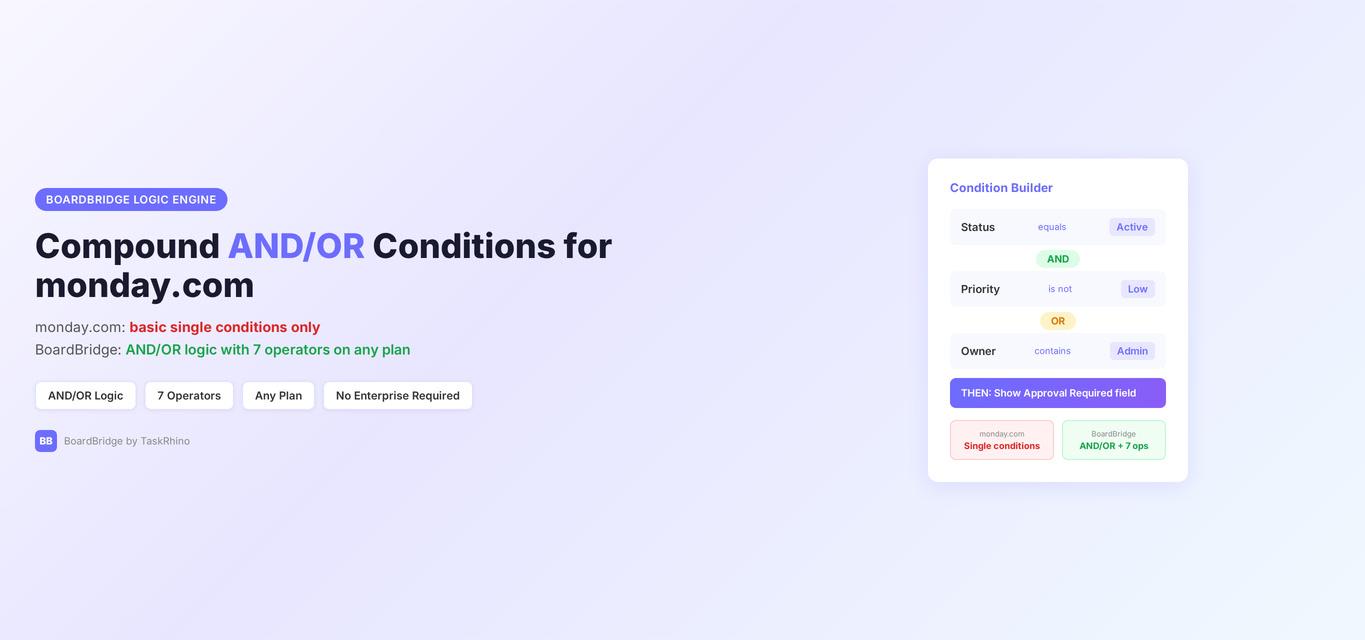
monday.com Form Compound AND/OR Conditions — Multi-Rule Logic