

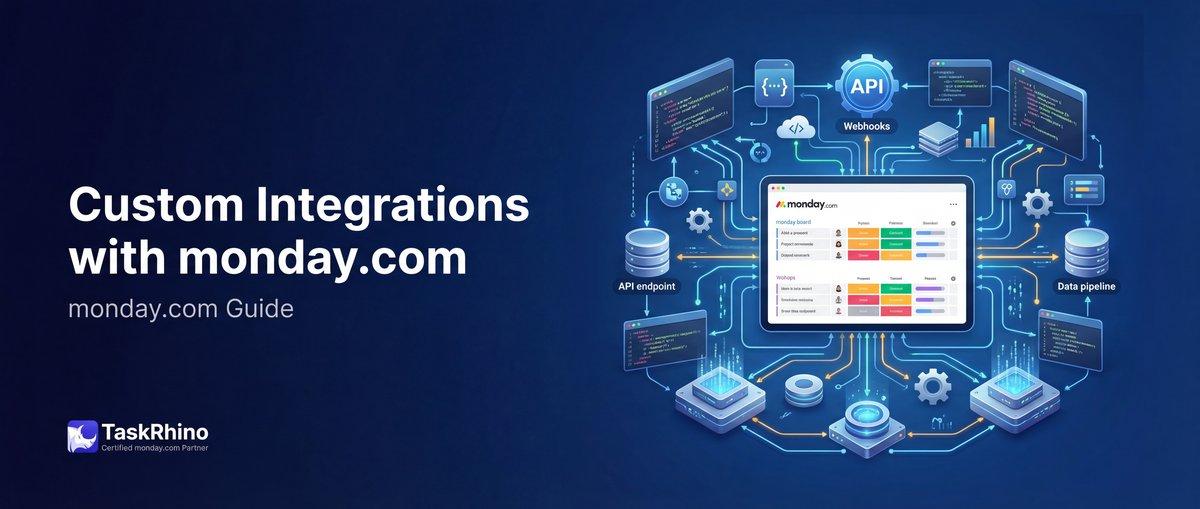
How Custom Integrations Transform monday.com for Project Management
Custom integrations transform monday.com from a powerful project management platform into a central hub that connects every tool in your tech stack. Whether you need to sync data between systems, automate cross-platform workflows, or build entirely new functionality, monday.com’s integration ecosystem gives you the flexibility to create exactly what your business needs.
This guide covers everything you need to know about custom integrations on monday.com in 2026 — from the monday.com API and webhooks to custom app development and marketplace solutions.
What Are Custom Integrations on monday.com?
Custom integrations are connections between monday.com and other software systems that automate data flow, trigger actions across platforms, and extend monday.com’s native capabilities. Unlike pre-built integrations that connect popular apps with one-click setups, custom integrations are built specifically for your unique workflows and requirements.
Types of Custom Integrations
| Integration Type | What It Does | Best For |
|---|---|---|
| API Integrations | Direct programmatic access to monday.com data via GraphQL API | Custom scripts, internal tools, complex data operations |
| Webhooks | Real-time event notifications sent to external systems when board changes occur | Triggering actions in other platforms, real-time sync, event-driven workflows |
| Custom Apps | Full-featured applications with UI components inside monday.com | Building new views, widgets, or workflow automations for internal use |
| Marketplace Apps | Public-facing applications distributed through the monday.com app marketplace | Productizing integrations, serving multiple customers, commercial distribution |
Why Build Custom Integrations?
monday.com offers hundreds of pre-built integrations with popular tools like Slack, Gmail, Zoom, and Salesforce. So when does it make sense to build a custom integration instead?
When Pre-Built Integrations Fall Short
| Scenario | Why Custom Integration Matters |
|---|---|
| Legacy systems | Your ERP, CRM, or internal database doesn’t have a pre-built connector |
| Complex workflows | You need multi-step automations that span multiple platforms with conditional logic |
| Data transformation | Information needs to be reformatted, validated, or enriched as it moves between systems |
| Volume requirements | You’re processing thousands of records daily and need efficient bulk operations |
Real Business Impact
TaskRhino Client Story #1: Healthcare Operations
A multi-location healthcare provider needed to sync patient appointment data from their legacy scheduling system into monday.com for operations management. The scheduling system had an API but no monday.com integration.
We built a custom integration using the monday.com API that:
- Pulled appointment data every 15 minutes
- Created items on location-specific boards with patient name (anonymized), appointment type, and assigned provider
- Updated item statuses when appointments were completed in the scheduling system
- Sent webhook notifications to Slack when emergency appointments were added
Result: Operations managers gained real-time visibility into all locations without switching between systems. Manual data entry was eliminated, saving 12+ hours per week across three locations.
monday.com API: Complete Overview
The monday.com API is a GraphQL-based interface that provides programmatic access to nearly every feature and data point in the platform. If you can do it through the web interface, you can automate it through the API.
API Architecture
| Element | Description |
|---|---|
| Protocol | GraphQL over HTTPS |
| Endpoint | https://api.monday.com/v2 |
| Authentication | API token (personal or app-level) passed in Authorization header |
| Rate Limits | 10 million complexity points per minute (complexity varies by query) |
What You Can Do with the API
The monday.com API gives you full read and write access to:
Data Objects:
- Boards, groups, items, columns
- Users, teams, workspaces, accounts
- Updates (comments), replies, files
- Tags, notifications, webhooks
- Activity logs, search results
Operations:
- Create, read, update, delete (CRUD) operations on all objects
- Bulk operations (create 100+ items in one call)
- Query relationships (nested data across boards)
- File uploads and downloads
- Complex filtering and pagination
API Authentication
There are two authentication methods depending on your use case:
| Method | When to Use | Security Scope |
|---|---|---|
| Personal API Token | Internal scripts, automations, development testing | Full access to everything the user can access |
| OAuth App Token | Marketplace apps, customer-facing tools, multi-account access | Scoped to permissions requested during OAuth flow |
Getting Your Personal API Token:
- Click your profile photo in monday.com
- Navigate to “Administration” → “API”
- Click “Generate” under “Personal API Tokens”
- Copy and store the token securely (it won’t be shown again)
- Use it in the Authorization header:
Authorization: YOUR_API_TOKEN
Basic API Query Structure
Here’s a simple query to get all boards in your account:
“graphql query { boards { id name state board_kind } } “
And a mutation to create a new item:
“graphql mutation { create_item ( board_id: 123456789, group_id: "topics", item_name: "New Project", column_values: "{\"status\":\"Working on it\",\"date\":\"2026-03-01\"}" ) { id name } } “
API Rate Limits & Complexity
monday.com doesn’t use simple “requests per minute” limits. Instead, each query is assigned a complexity score based on how much data it retrieves.
| Query Type | Typical Complexity | Notes |
|---|---|---|
| Single board query | 1-5 points | Depends on fields requested |
| Board with items query | 10-50 points | Scales with number of items returned |
| Bulk operations | 50-500 points | Creating 100 items = higher complexity |
Rate limit: 10 million complexity points per minute per account.
Best practice: Query only the fields you need. Don’t request all columns if you only need item names and IDs.
Common API Use Cases
1. Data Import & Migration
Moving data from spreadsheets, legacy systems, or other project management tools into monday.com.
Example workflow:
- Read data from source system (CSV, database, API)
- Transform data into monday.com’s column value format
- Use
create_itemmutations to bulk-create items - Verify imports with query validation
2. Automated Reporting
Generate custom reports by pulling data from multiple boards and analyzing it externally.
Example workflow:
- Query all items from project boards with date, status, assignee columns
- Filter completed items from last month
- Calculate metrics (completion rate, average cycle time)
- Export to PDF or send via email
3. Cross-Platform Workflow Automation
Sync data between monday.com and other business systems like CRM, ERP, or ticketing tools.
Example workflow:
- Customer submits a support ticket in Zendesk
- Script creates corresponding item in monday.com support board
- When status changes to “Resolved” in monday.com, close the Zendesk ticket
- Update customer record in Salesforce with resolution details
4. Custom Validation & Data Quality
Enforce business rules that monday.com’s native validation can’t handle.
Example workflow:
- Query items with specific status values
- Check if required fields are populated
- Validate data formats (email, phone, custom regex patterns)
- Create update posts on items that fail validation
5. Advanced Item Management
Operations that require complex logic or batch processing.
Example workflow:
- Duplicate items across multiple boards with relationships preserved
- Archive completed projects based on custom criteria
- Update hundreds of items based on external data source changes
- Clone board structures with specific column configurations
Webhooks: Real-Time Event Notifications
Webhooks are the bridge between monday.com and external systems. Instead of constantly polling the API to check for changes, webhooks send instant notifications to your server whenever specific events occur in monday.com.
How Webhooks Work
| Step | What Happens |
|---|---|
| 1. Register webhook | Tell monday.com what events to watch and where to send notifications |
| 2. Event occurs | Something changes in monday.com (item created, status changed, etc.) |
| 3. monday.com sends HTTP POST | JSON payload is sent to your webhook URL within seconds |
| 4. Your system responds | Receive data, trigger actions, update external systems |
Event Types You Can Monitor
monday.com supports webhooks for these board-level events:
| Event Type | Triggers When | Use Cases |
|---|---|---|
create_item | New item added to board | Create corresponding records in external systems, trigger onboarding workflows |
change_status_column_value | Status column value changes | Update external project status, send notifications, trigger stage-specific automations |
change_column_value | Any column value changes | Sync data to other platforms, validate changes, log modifications |
Setting Up Webhooks
You can create webhooks via the API or through the monday.com UI.
Via API:
“graphql mutation { create_webhook ( board_id: 123456789, url: "https://yourdomain.com/webhook-endpoint", event: create_item ) { id board_id } } “
Via UI:
- Open the board you want to monitor
- Click “Integrate” → “Webhooks”
- Select the event type
- Enter your webhook URL
- Click “Create Webhook”
Webhook Payload Structure
When an event occurs, monday.com sends a POST request with this structure:
“json { "event": { "type": "create_item", "boardId": 123456789, "itemId": 987654321, "userId": 12345, "timestamp": "2026-02-26T10:30:00Z" }, "pulseId": 987654321, "pulseName": "New Project Task", "boardId": 123456789, "columnValues": { "status": "Working on it", "date": "2026-03-01", "person": {"id": 12345, "name": "Jane Doe"} } } “
Webhook Security Best Practices
| Practice | Why It Matters | How to Implement |
|---|---|---|
| HTTPS only | Prevent payload interception | Use SSL certificates on your webhook endpoint |
| Validate sender | Ensure requests actually come from monday.com | Check the X-Monday-Signature header against your secret |
| Idempotency | Prevent duplicate processing if webhook retries | Track processed event IDs, skip duplicates |
Webhook Challenges & Solutions
Challenge #1: Webhook Endpoint Availability
monday.com expects your webhook endpoint to respond within 5 seconds. If it times out, monday.com will retry up to 3 times.
Solution: Use a queue-based architecture. Your webhook endpoint receives the payload, immediately responds with HTTP 200, then processes the data asynchronously.
Challenge #2: Duplicate Events
monday.com may send the same event multiple times if network issues occur during delivery.
Solution: Include deduplication logic. Store processed event IDs (with timestamps) in a database and skip events you’ve already handled within the last 5 minutes.
Challenge #3: Rate Limiting Your Endpoint
High-volume boards can trigger hundreds of webhooks per minute during bulk operations.
Solution: Implement rate limiting and batching on your end. Queue incoming webhooks and process them in controlled batches rather than one-by-one.
TaskRhino Client Story #2: Event Management Automation
A live event production company manages 40+ events per month, each requiring coordination across 9 different boards (Venue, Band, Crew, Production, Marketing, Ticketing, Budget, Travel, Post-Event).
They needed real-time synchronization: when a show date changed in the CRM board, it had to update across all 9 project boards automatically.
We built a webhook-based integration that:
- Registered webhooks on the CRM board for
change_column_valueevents on the date column - When triggered, the webhook endpoint queried the monday.com API to find all related project boards (linked via show ID)
- Bulk-updated the date column across all 9 boards in a single API call
- Sent confirmation notifications to project managers via Slack
Result: Date changes that previously required manual updates across 9 boards (15+ minutes of work) now happened instantly with zero manual effort. Human error was eliminated.
See How BoardBridge Handles This Workflow
Book a free demo to see BoardBridge solve this exact problem — live, with your data.
Custom App Development
Custom apps are full-featured applications built on the monday.com apps framework. They can include custom UI views, widgets, workflow integrations, and more — all embedded directly inside the monday.com interface.
Types of Custom Apps
| App Type | Where It Appears | Best For |
|---|---|---|
| Board Views | Alternative view of board data (replaces the main board display) | Custom visualizations, specialized interfaces, external data embedding |
| Item Views | Panel that opens when clicking an item | Detailed item information, related data from other systems, custom forms |
| Dashboard Widgets | Widget on a monday.com dashboard | KPIs, charts, external data summaries |
| Integration Recipes | Custom automation actions in the automation center | Workflow extensions, third-party system actions |
monday.com Apps Framework
The apps framework provides:
Frontend SDK:
- JavaScript/React libraries for building UI components
- Pre-built UI elements that match monday.com’s design system
- Communication layer between your app and monday.com platform
Backend Infrastructure:
- OAuth authentication flow
- Secure token storage
- Webhook registration and management
Development Tools:
- Local development environment with hot reload
- Testing tools and sandbox accounts
- CLI for app deployment and version management
Building Your First Custom App
Step 1: Set Up Development Environment
“`bash
npm install -g monday-apps-cli
monday-apps init my-custom-app
cd my-custom-app npm install “`
Step 2: Build the UI
Create a React component that uses the monday.com SDK:
“`javascript import React from ‘react’; import mondaySdk from ‘monday-sdk-js’;
const monday = mondaySdk();
function MyBoardView() { const [boardData, setBoardData] = React.useState(null);
React.useEffect(() => { monday.listen(‘context’, (res) => { // Get current board ID from context const boardId = res.data.boardId;
// Query board data via API monday.api(query { boards(ids: ${boardId}) { items { name } } }) .then(res => setBoardData(res.data)); }); }, []);
return (
Custom Board View
{/ Render your custom interface /}Step 3: Configure App Manifest
Define your app’s features, permissions, and metadata in manifest.json:
“json { "name": "My Custom App", "version": "1.0.0", "features": { "boardView": { "name": "Custom View", "icon": "icon.png" } }, "scopes": [ "boards:read", "boards:write" ] } “
Step 4: Test Locally
“`bash
npm start
“`
Step 5: Deploy
“`bash
npm run build
monday-apps publish “`
Custom App Use Cases
1. External Data Visualization
Display data from external APIs inside monday.com boards.
Example: Financial services company built a board view that pulls real-time stock prices and portfolio performance data from their trading platform, displayed alongside project items tracking client accounts.
2. Specialized Workflow Interfaces
Create task-specific UIs that are optimized for specific workflows.
Example: Manufacturing company built an item view that shows a visual production timeline with photos at each stage, replacing monday.com’s standard item card with a custom inspection checklist interface.
3. Third-Party System Integration
Embed external tools directly inside monday.com.
Example: Marketing agency built a dashboard widget that displays Google Analytics data for client campaigns, eliminating the need to switch between platforms.
4. Approval Workflows
Build custom approval interfaces with multi-stage review processes.
Example: Legal team built an item view with a custom approval UI showing document version history, reviewer comments, and approval signatures — all in one place.
App Security & Permissions
When building custom apps, you request specific permission scopes during OAuth authorization:
| Permission Scope | Access Level |
|---|---|
boards:read | Read board structure, items, and column values |
boards:write | Create, update, delete items and column values |
users:read | Access user profiles and team information |
webhooks:write | Register and manage webhooks |
Security best practices:
- Request only the minimum permissions your app needs
- Store API tokens securely (never in client-side code)
- Validate all user inputs before processing
- Implement rate limiting on your backend
Want to build a custom app for your team? Let’s talk about your requirements →
monday.com Marketplace: Publishing Public Apps
If you’ve built a custom app that solves a common problem, you can publish it to the monday.com app marketplace and make it available to all monday.com users — or monetize it as a commercial product.
Marketplace App Requirements
To publish an app in the marketplace, it must meet these criteria:
| Requirement | Details |
|---|---|
| Feature completeness | App must include at least one of: board view, item view, dashboard widget, or integration recipe |
| Quality standards | UI must match monday.com design system, no bugs, smooth performance |
| Documentation | Help docs, setup guide, support contact information |
| Security review | Pass monday.com’s security audit (OAuth flow, data handling, permissions) |
Marketplace Submission Process
1. Develop & Test
Build your app using the apps framework, test thoroughly with real users, gather feedback, and iterate.
2. Prepare Listing
Create marketing assets:
- App icon (512x512px)
- Screenshots (at least 3, showing key features)
- Description (what it does, who it’s for, key benefits)
- Pricing model (free, freemium, paid tiers)
- Support resources (docs, video demos, contact info)
3. Submit for Review
Submit through the monday.com developer portal. The review process typically takes 2-4 weeks and includes:
- Code review for security vulnerabilities
- UI/UX evaluation
- Performance testing
- Legal and compliance checks
4. Launch & Promote
Once approved:
- App goes live in the marketplace
- monday.com promotes featured apps in newsletters
- You can drive traffic through your own marketing channels
- App appears in search results when users look for integrations
Monetization Options
| Pricing Model | How It Works | Best For |
|---|---|---|
| Free | No charge to install or use | Open-source projects, lead generation, portfolio building |
| Freemium | Free basic version, paid premium features | Wide adoption with upgrade path |
| Subscription | Monthly or annual recurring charge | Ongoing value delivery, recurring revenue |
| Usage-based | Charge per transaction, API call, or data volume | Variable usage patterns, enterprise customers |
TaskRhino Client Story #3: Custom CRM-to-Project Automation
A business consulting firm used monday.com’s CRM to track leads and deals. When a deal closed, they needed to create an entire project structure:
- 9 boards (Kickoff, Discovery, Analysis, Strategy, Deliverables, Timeline, Budget, Resources, Client Communications)
- Pre-populated team members based on service type
- Cross-board automations linking related items
- Webhooks registered on each board for progress tracking
This setup took 45-60 minutes to complete manually for each new client. With 15+ new clients per month, the ops manager was spending 12+ hours just setting up boards.
We built a custom integration using the monday.com API that:
- Monitored the CRM board for status changes to “Won”
- Triggered a workflow that cloned template boards, renamed them with client name, created folder structure
- Loaded team rosters based on service tier (pulled from a roster board)
- Configured automations and registered webhooks on all 9 boards
- Sent a Slack notification to the project manager when setup was complete
Result: New client project setup time dropped from 45 minutes to 2 minutes (fully automated). The ops manager reclaimed 10+ hours per month for strategic work. Setup consistency improved — no more missed boards or forgotten automations.
Need Help With Your monday.com Setup?
TaskRhino has implemented monday.com for 110+ teams. Get a free consultation.
Integration Architecture Patterns
When building custom integrations, choosing the right architecture pattern is crucial for performance, scalability, and maintainability.
Pattern 1: Direct API Integration
Your application makes direct API calls to monday.com as needed.
| Pros | Cons |
|---|---|
| Simple to implement | Higher latency for real-time needs |
| No middleware infrastructure required | Rate limits can be hit quickly |
Best for: Low-volume scripts, one-time data migrations, internal reporting tools.
Pattern 2: Webhook-Driven Event Processing
monday.com webhooks trigger actions in your system. Your backend processes events asynchronously.
| Pros | Cons |
|---|---|
| Real-time event handling | Requires reliable webhook endpoint |
| Efficient (no polling) | Need to handle retries and duplicates |
Best for: Real-time sync between systems, event-driven workflows, high-volume automation.
Pattern 3: Hybrid (Polling + Webhooks)
Combine webhooks for real-time events with scheduled API polling for data reconciliation.
| Pros | Cons |
|---|---|
| Best of both worlds | More complex to build and maintain |
| Handles missed webhooks gracefully | Requires job scheduling infrastructure |
Best for: Mission-critical integrations, enterprise deployments, systems requiring audit trails.
Pattern 4: Middleware Platform
Use an integration platform like Zapier, Make, or custom middleware to orchestrate monday.com interactions.
| Pros | Cons |
|---|---|
| Visual workflow builder | Additional subscription costs |
| Pre-built connectors | Less flexibility than custom code |
Best for: Non-technical users, rapid prototyping, standard workflow automation.
Integration Development Best Practices
1. Error Handling & Retry Logic
Always implement graceful error handling:
“`javascript async function createMondayItem(boardId, itemName) { const maxRetries = 3; let attempt = 0;
while (attempt < maxRetries) { try { const response = await mondayAPI.createItem(boardId, itemName); return response; } catch (error) { attempt++; if (attempt === maxRetries) { // Log error, notify admin throw new Error(Failed after ${maxRetries} attempts: ${error.message}); } // Wait before retry (exponential backoff) await sleep(Math.pow(2, attempt) * 1000); } } } “`
2. Rate Limit Management
| Strategy | Implementation |
|---|---|
| Request batching | Combine multiple operations into single API call where possible |
| Complexity monitoring | Track complexity points used, throttle requests when approaching limit |
| Queuing | Use job queue to control request rate during bulk operations |
3. Data Validation
Always validate data before sending to monday.com:
“`javascript function validateColumnValues(columnValues) { const errors = [];
// Check required fields if (!columnValues.status) { errors.push(‘Status is required’); }
// Validate date format if (columnValues.date && !isValidDate(columnValues.date)) { errors.push(‘Invalid date format’); }
// Validate email if (columnValues.email && !isValidEmail(columnValues.email)) { errors.push(‘Invalid email format’); }
return errors; } “`
4. Logging & Monitoring
Log all integration activity for troubleshooting:
| What to Log | Why |
|---|---|
| API requests/responses | Debug issues, track usage patterns |
| Webhook payloads | Verify event data, identify anomalies |
| Error details | Root cause analysis, error rate tracking |
| Performance metrics | Response times, complexity scores, throughput |
5. Testing Strategy
Test integrations thoroughly before production deployment:
| Test Type | What to Test |
|---|---|
| Unit tests | Individual functions, data transformations |
| Integration tests | API call sequences, webhook handling |
| Load tests | Performance under high volume |
| Error scenario tests | Network failures, invalid data, rate limits |
Common Integration Challenges & Solutions
Challenge 1: Column Value Format Complexity
monday.com column values are stored as JSON strings with type-specific formats that vary by column type.
Solution: Create helper functions for each column type:
“javascript const columnHelpers = { status: (label) => JSON.stringify({ label }), date: (date) => JSON.stringify({ date: '2026-03-01' }), people: (userIds) => JSON.stringify({ personsAndTeams: userIds.map(id => ({ id, kind: 'person' })) }), numbers: (value) => JSON.stringify(value.toString()), text: (value) => JSON.stringify(value) }; “
Challenge 2: Bulk Operation Performance
Creating thousands of items one-by-one is slow and hits rate limits.
Solution: Use create_item mutations with multiple items in parallel batches of 25-50.
Challenge 3: Keeping External Systems in Sync
Data can get out of sync if webhooks fail or external systems go offline.
Solution: Implement reconciliation jobs that run daily to compare monday.com data against external systems and fix discrepancies.
Challenge 4: Managing Multiple API Tokens
Different teams, environments, and apps require different API tokens.
Solution: Use environment variables and secrets management:
“`javascript // .env file MONDAY_API_TOKEN_PROD=abc123… MONDAY_API_TOKEN_DEV=xyz789…
// In code const apiToken = process.env.NODE_ENV === ‘production’ ? process.env.MONDAY_API_TOKEN_PROD : process.env.MONDAY_API_TOKEN_DEV; “`
Security Considerations
API Token Security
| Practice | Implementation |
|---|---|
| Never expose tokens in client-side code | Store tokens server-side, use proxy endpoints |
| Rotate tokens regularly | Change tokens every 90 days, immediately if compromised |
| Use environment-specific tokens | Separate tokens for dev, staging, production |
OAuth Best Practices
For marketplace apps using OAuth:
- Store refresh tokens encrypted
- Implement token expiration handling
- Request minimum necessary scopes
- Validate redirect URIs
Webhook Security
Verify webhook authenticity:
“`javascript const crypto = require(‘crypto’);
function verifyWebhook(payload, signature, secret) { const hash = crypto .createHmac(‘sha256’, secret) .update(JSON.stringify(payload)) .digest(‘hex’);
return hash === signature; } “`
Data Privacy
When building integrations that handle sensitive data:
- Comply with GDPR, CCPA, and regional regulations
- Implement data encryption in transit and at rest
- Provide data deletion capabilities
- Document data handling in privacy policy
Alternative Solutions: When NOT to Build Custom
Sometimes a pre-built solution is faster and more cost-effective than custom development.
When to Use Pre-Built Tools
| Scenario | Recommended Approach |
|---|---|
| Standard two-app sync | Use Zapier, Make, or Integromat |
| Common workflow automation | Check monday.com marketplace first |
| Temporary/one-time need | Manual export/import may be sufficient |
When Custom Development Makes Sense
| Scenario | Why Custom Wins |
|---|---|
| Proprietary systems | No pre-built connectors exist |
| High volume | Pre-built tools hit pricing/volume limits |
| Complex logic | Multi-step transformations, conditional routing |
| Full control needed | Performance, security, or compliance requirements |
BoardBridge is a middle ground for teams that need advanced form and workflow automation without full custom development. It handles form-to-board-update workflows, rich email automations, and cross-board orchestration out of the box — no coding required.
Explore how BoardBridge compares to custom development for your use case →
Tools & Resources for Integration Development
Official monday.com Resources
| Resource | What You’ll Find |
|---|---|
| developer.monday.com | Complete API reference, apps framework docs, tutorials |
| monday.com Community Forum | Developer discussions, code examples, troubleshooting help |
| monday Apps CLI | Command-line tool for app development and deployment |
Third-Party Tools
| Tool | Purpose |
|---|---|
| Postman Collections | Pre-built monday.com API requests for testing |
| GraphQL Playground | Interactive query builder and documentation explorer |
| Zapier/Make | Visual workflow builders for no-code integration |
Development Languages & SDKs
monday.com provides official SDKs for:
- JavaScript/Node.js
- Python
- Ruby
- PHP
All SDKs support:
- GraphQL query execution
- Authentication handling
- Rate limit management
- Error handling
Frequently Asked Questions
How do I build a real-time bidirectional sync between monday.com and Google Workspace for project milestones using custom webhooks?
How do I build a custom multi-board workflow using the monday.com API to automate project handoffs between sales and delivery teams?
What are the performance and latency implications when running multiple custom integrations across a single monday.com board?
How should I handle data synchronization conflicts when bidirectional syncing is enabled between monday.com and external systems?
What are the API call limits and data volume restrictions I should account for when building a high-frequency integration with monday.com?
Can I build a custom integration that operates at the workspace/account level rather than being tied to individual boards?
What’s the best approach for testing and debugging custom integrations before deploying them to production boards?
How do I ensure proper error handling and visibility when a custom integration fails silently or partially syncs data?


Editor's Choice
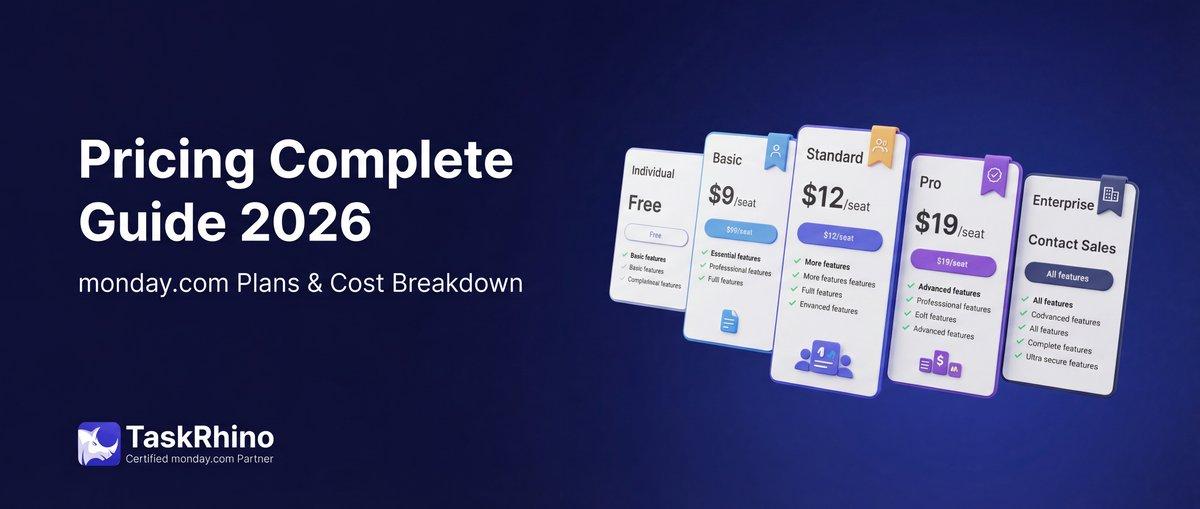
monday.com Pricing 2026: Complete Guide

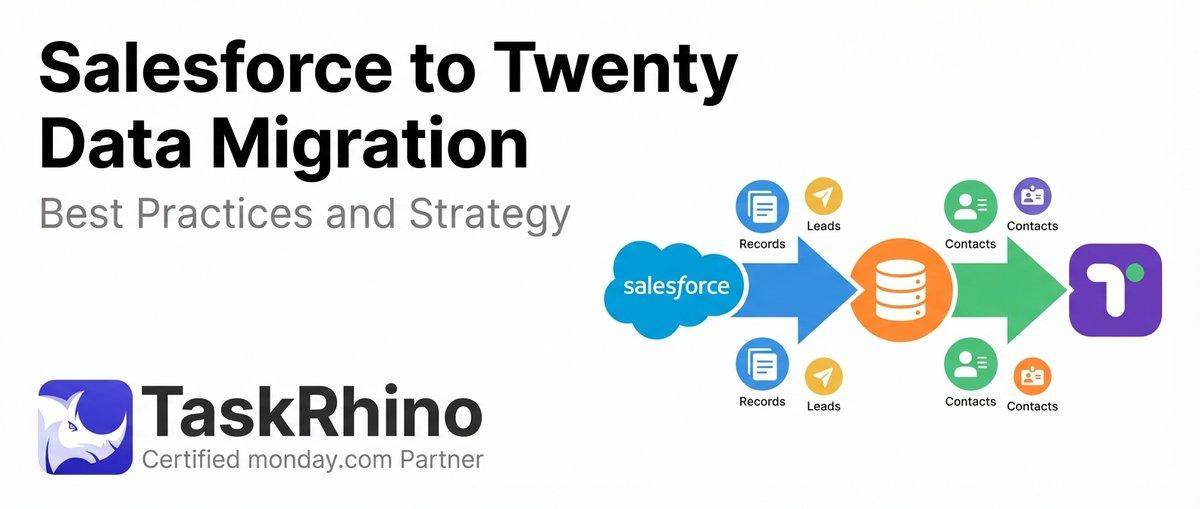
Salesforce to Twenty Data Migration: Best Practices and Strategy
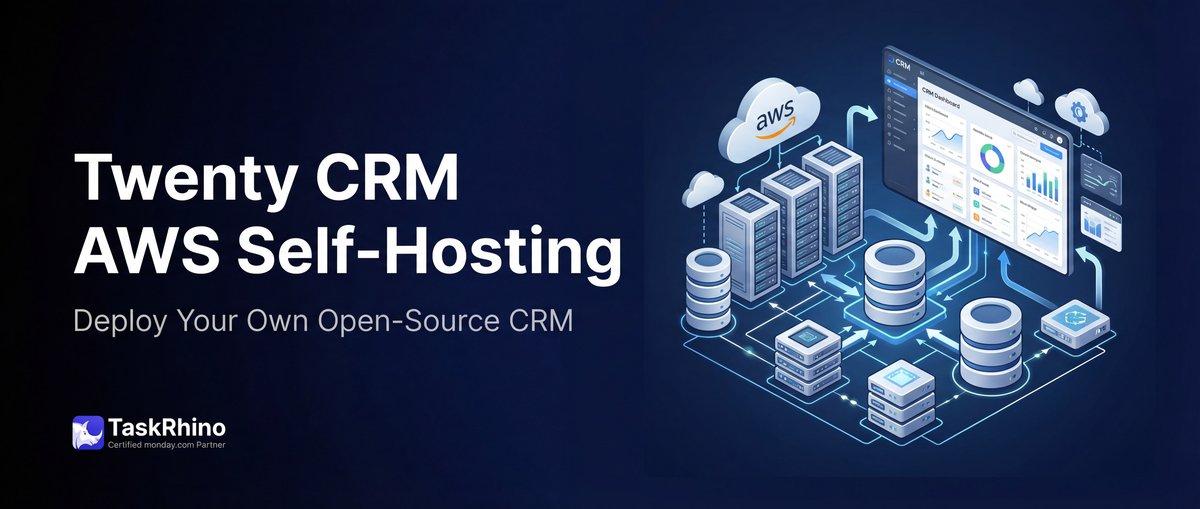
How to Self-Host Twenty CRM on AWS: Step-by-Step Guide