

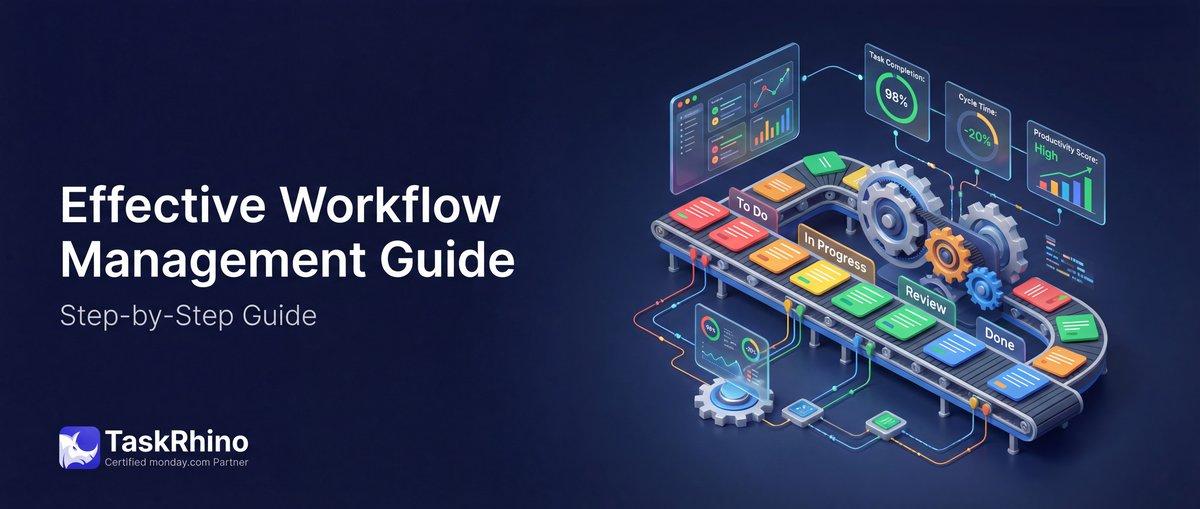
Best Practices for Workflow Optimization in New York
Workflow management is how you organize task sequences to get work done without bottlenecks, confusion, or wasted time. It’s not about adding more tools—it’s about structuring the work you already do so teams know what to do next, resources get allocated correctly, and projects finish on time.
This guide covers workflow management from the ground up: what it is, why it matters, how to build workflows that actually work, and the tools that help teams scale without breaking.
What Is Workflow Management?
Workflow management is the systematic arrangement and automation of tasks within a business process. It defines who does what, when they do it, what resources they need, and what happens next based on specific conditions.
Every workflow has three parts:
| Component | Definition | Example |
|---|---|---|
| Input | The trigger that starts the workflow | Client request, form submission, status change |
| Transformation | The sequence of tasks that process the input | Approval routing, data entry, review cycles |
| Output | The final deliverable or outcome | Completed project, signed contract, published content |
Workflows exist in every department—sales pipelines, content approval processes, client onboarding sequences, bug triage systems. The difference between chaos and clarity is whether those workflows are documented, repeatable, and optimized.
Why Workflow Management Matters in 2026
The cost of poor workflow management compounds quickly. Tasks sit in limbo waiting for approvals. Team members duplicate work because they don’t know someone else already handled it. Bottlenecks form when one person becomes the gatekeeper for 15 different processes.
Core benefits of effective workflow management:
| Benefit | Impact |
|---|---|
| Increased Productivity | Teams spend time on actual work instead of hunting for information or clarifying next steps |
| Resource Optimization | People, tools, and budget get allocated where they create the most value |
| Faster Turnaround Times | Clear task sequences eliminate waiting periods and handoff confusion |
| Better Accountability | Everyone knows who owns each step—no more “I thought you were handling that” |
A manufacturing client we worked with had a 12-step quality control process that took 4 days on average. After mapping the workflow and identifying three unnecessary approval layers, turnaround dropped to 18 hours. Same team, same tools—just clearer task sequencing and decision authority.
Types of Workflows You’ll Encounter
Not all workflows operate the same way. Understanding the three core workflow types helps you structure processes correctly.
Sequential Workflows
Tasks happen in strict order. Step B cannot start until Step A is complete.
Best for: Processes with hard dependencies, regulatory compliance requirements, manufacturing production lines.
Example: Content approval workflow: Writer drafts → Editor reviews → Brand Guardian checks → SEO validates → Publisher schedules.
Parallel Workflows
Multiple tasks happen simultaneously. Independent workstreams proceed without blocking each other.
Best for: Large projects with separate functional areas, cross-departmental initiatives, any process where teams can work independently.
Example: Event planning workflow: Venue booking, speaker outreach, marketing campaign, and logistics planning all run in parallel once the event date is confirmed.
Mixed Workflows
Combination of sequential and parallel structures. Some tasks must happen in order, while others can run concurrently.
Best for: Complex multi-phase projects, enterprise implementations, any process with both dependencies and independent workstreams.
Example: Product launch workflow: Market research and competitive analysis run in parallel (phase 1), then product positioning is written sequentially based on those findings (phase 2), then marketing assets, sales enablement, and technical documentation are created in parallel (phase 3).
Core Elements Every Workflow Needs
Strong workflows share five structural components:
| Element | Description | Why It Matters |
|---|---|---|
| Clear Tasks | Specific, actionable steps with defined outcomes | Eliminates ambiguity about what “done” looks like |
| Assigned Owners | Named individuals responsible for each task | Accountability disappears when everyone owns something |
| Resource Requirements | Tools, access, budget, or information needed | Tasks stall when people lack what they need to proceed |
| Decision Points | Conditional logic that determines next steps | Workflows adapt to different scenarios automatically |
The fifth element—conditions—is where most workflows break down. If the form response includes “custom branding,” route to design review. If budget exceeds $10,000, require VP approval. If the client is in healthcare, trigger compliance checklist. These decision points need to be explicit, not assumed.
TaskRhino Story #1: The 200-Item Duplicate Problem
A retail client ran a vendor survey every quarter using monday.com’s native WorkForms. Each form submission created a new item on their Vendor Management board. The problem: vendors who filled out the form multiple times (updating contact info, correcting mistakes, adding new data) generated duplicate items.
After three quarters, they had 200+ items for 60 vendors. The team spent hours each month manually consolidating duplicates, cross-referencing submissions by timestamp, and merging data across rows.
The workflow breakdown: WorkForms only creates new items—it cannot update existing ones. Their process needed form submissions to populate columns on a single vendor item, not create new rows each time.
The fix: We implemented BoardBridge’s form update capability. Each vendor received a unique form link tied to their existing monday.com item. When they submitted the form—once, twice, or ten times—the same row updated. Duplicates stopped. The quarterly consolidation task disappeared entirely.
Result: 6 hours per month saved on manual data cleanup. Vendor records became single sources of truth instead of fragmented across multiple rows.
Need forms that update existing monday.com items instead of creating duplicates? Book a free 30-minute consultation to see how BoardBridge handles this out of the box.
How to Map a Workflow (5-Step Process)
You can’t optimize what you haven’t documented. Here’s how to map any workflow from scratch:
Step 1: Identify the Trigger
What event kicks off this workflow? Be specific.
| Trigger Type | Examples |
|---|---|
| Manual action | Team member clicks “Start Onboarding” button |
| Form submission | Client completes intake questionnaire |
| Status change | Deal moves to “Won” in CRM |
| Time-based | First day of quarter, 7 days before event |
Step 2: List Every Task in Sequence
Write down every single step from trigger to completion. Don’t skip “obvious” tasks—those are often where confusion happens.
Walk through the process with the people who actually do the work. Managers often describe the ideal workflow; frontline team members know the real one.
Step 3: Identify Task Owners
Assign each task to a specific role (not “the team” or “someone”). If a task requires collaboration, name the primary owner responsible for moving it forward.
Step 4: Map Dependencies and Conditions
Which tasks must finish before others can start? Which tasks can run in parallel? What conditions determine next steps?
Draw this visually—boxes for tasks, arrows for sequences, diamonds for decision points. Tools like Lucidchart, Miro, or even a whiteboard work fine.
Step 5: Spot Bottlenecks and Redundancies
Look for single points of failure (one person approving everything), unnecessary approval layers (three sign-offs when one would suffice), or repeated work (same data entry happening in two places).
See How BoardBridge Handles This Workflow
Book a free demo to see BoardBridge solve this exact problem — live, with your data.
Common Workflow Management Challenges (And How to Fix Them)
Even well-designed workflows hit obstacles. Here are the four most common and their solutions:
| Challenge | Why It Happens | Solution |
|---|---|---|
| Resistance to Change | People prefer familiar processes even when inefficient | Involve team members in workflow design; show time savings with real data |
| Unclear Processes | Workflows documented poorly or not at all | Use visual workflow maps; write step-by-step instructions; maintain single source of truth |
| Communication Gaps | Information siloed across departments or tools | Centralize updates in shared workspace; automate status notifications |
The fourth challenge—tool limitations—deserves deeper attention. The wrong platform forces workarounds that add complexity instead of removing it.
What Makes a Workflow Tool Actually Useful
Workflow management software is only valuable if it eliminates work instead of creating it. Here’s what separates tools that help from tools that become another burden:
Visual Task Boards
Teams need to see the full workflow at a glance—what’s in progress, what’s blocked, what’s coming next. Kanban boards, Gantt charts, and timeline views serve different purposes; the best tools offer multiple views of the same workflow.
Automation That Scales
Basic automation—sending an email notification when status changes—is table stakes. Advanced automation handles conditional logic, multi-step sequences, and cross-board dependencies. “If deal is won AND client is in healthcare, create 9 project boards, assign templates, and notify compliance team” should happen with one trigger.
Multi-Board Workflows
Real work spans multiple boards. A won CRM deal might trigger project creation, resource allocation, finance setup, and onboarding task generation—all across different boards in your workspace. Tools that force single-board thinking break down quickly.
Forms That Update Existing Items
Most form tools create new items every time someone submits. That generates duplicates when the same vendor, client, or team member fills out a form multiple times. Forms should update existing rows when appropriate, not just create new ones.
TaskRhino Story #2: Cross-Board Event Automation
An event management client ran 40+ events per year. Each won deal in their CRM board needed to trigger creation of 9 project boards: Event Overview, Budget Tracking, Vendor Management, Marketing Timeline, Production Schedule, Staffing, Logistics, Registration, and Post-Event Review.
Their workflow: Sales rep wins deal → manually creates 9 boards → copies templates for each → renames boards with event details → links boards together → assigns owners → notifies teams. This took 45 minutes per event and was error-prone (missed boards, inconsistent naming, forgotten assignments).
The automation need: Single CRM status change → automatic 9-board creation with templates, consistent naming, pre-configured relationships, and automatic team notifications.
monday.com’s native automations don’t support multi-board creation from a single trigger. Zapier routes require separate zaps for each board and cannot handle board-to-board relationships.
The fix: We built a BoardBridge automation with “CRM Won” as the trigger and “Create Multi-Board Project” as the action. One deal status change creates all 9 boards from predefined templates, names them consistently (“Event Name – Board Type”), connects them via board relationships, and sends notification emails to relevant teams.
Result: 45-minute manual process became a 30-second automated workflow. Zero missed boards. Consistent structure across all events. Sales reps close deals without worrying about downstream project setup.
Complex cross-board workflows shouldn’t require manual setup or third-party tools. See how BoardBridge handles multi-board automation in a free demo.
Best Practices for Workflow Management
These principles apply regardless of industry, team size, or tool:
Document Everything Visually
Written documentation is necessary but insufficient. Create flowcharts showing task sequences, decision points, and responsible parties. Visual maps communicate workflow structure faster than paragraphs of text.
Start Simple, Then Layer Complexity
New workflows should start with core tasks only. Once the team uses the workflow consistently for 2-4 weeks, add conditional logic, secondary automations, and edge case handling. Launching a 15-step workflow with 8 conditional branches guarantees confusion.
Review Workflows Quarterly
Processes drift. What worked six months ago may include outdated steps, involve people who left the team, or route approvals to the wrong person. Schedule quarterly workflow audits—30 minutes reviewing each major workflow to confirm accuracy.
Automate Repetitive Tasks First
Not everything needs automation. Start with high-frequency, low-complexity tasks: status update notifications, task assignments based on triggers, deadline reminders, recurring item creation. These deliver immediate time savings with minimal configuration.
Measure What Matters
Track metrics that reveal workflow effectiveness:
| Metric | What It Reveals | How to Measure |
|---|---|---|
| Average Completion Time | How long workflows take end-to-end | Time from trigger to final output |
| Bottleneck Identification | Where tasks stall most often | Track time spent in each status |
| Task Reassignment Rate | How often ownership changes mid-workflow | Count reassignments per workflow instance |
| Workflow Abandonment Rate | How many workflows start but never finish | Incomplete workflows / total started |
Integrations That Close Workflow Loops
Workflows break when information lives in separate tools. Strategic integrations connect systems so data flows automatically:
| Integration Type | Purpose | Example Use Case |
|---|---|---|
| Email ↔ Project Board | Capture communications as board updates | Client emails auto-create items or update status |
| CRM ↔ Project Management | Convert deals to projects automatically | Won opportunity triggers project board creation |
| Forms ↔ Database | External input populates internal systems | Vendor survey updates supplier records |
The best integrations close loops—they eliminate the need to manually transfer information between tools. If your team copies data from email to a board, or from a CRM to a project tracker, that’s an integration opportunity.
TaskRhino Story #3: Email Automation for Event Logistics
A client managed large-scale corporate events with 30-50 vendors per event: caterers, AV production companies, venues, photographers, transport services. Each vendor needed specific information at specific times.
Their original workflow: Event coordinator maintains a spreadsheet tracking which emails were sent to which vendors. Each week, they manually compose emails, attach the appropriate form links, and send individually. With 8 concurrent events and 40 vendors each, this consumed 10+ hours per week.
The workflow need: Triggered email sends based on event timeline—Show Form to caterer 90 days before event, Production Form to AV company 60 days out, Final Details Form to all vendors 14 days before. Each email needed to include the vendor-specific form link tied to that event’s board item.
monday.com’s native email notifications are plain text with no ability to embed conditional recipient logic, CC/BCC groups, or merge variables from multiple columns.
The fix: BoardBridge Email Automation with conditional triggers (“Send Show Form when Event Status = Confirmed AND Days Until Event = 90”), dynamic recipient selection (email column on Vendor board), sender profiles (emails come from coordinator’s address, not a generic system email), and HTML templates with embedded form URLs. Each vendor receives a professional, branded email with their unique form link.
Result: 10 hours of weekly manual email work reduced to zero. Vendors receive timely, consistent communications. Event coordinators focus on logistics instead of email management.
Need advanced email automation beyond monday.com’s basic notifications? Book a consultation to see conditional recipient routing, CC/BCC groups, and HTML templates in action.
Need Help With Your monday.com Setup?
TaskRhino has implemented monday.com for 110+ teams. Get a free consultation.
Workflow Automation Trends in 2026
Three major shifts are changing how teams approach workflow management this year:
AI-Powered Workflow Suggestions
Tools now analyze your board activity and suggest automations based on patterns. If the same person manually updates the same status field 20 times a week, AI detects that pattern and recommends an automation rule.
No-Code Workflow Builders
You no longer need developers to create complex workflows. Visual workflow builders let non-technical users define multi-step sequences, conditional logic, and cross-system integrations without writing code.
Self-Service Workflows for External Users
Clients, vendors, and partners expect to interact with your workflows directly—submitting forms, updating information, viewing status—without requiring access to your internal systems or lengthy email chains.
How to Choose Workflow Management Software
The tool matters less than whether it matches your workflow complexity. Here’s how to evaluate options:
| Evaluation Criteria | What to Ask | Red Flags |
|---|---|---|
| Workflow Complexity Support | Can it handle parallel workflows? Multi-board dependencies? Nested conditions? | Single-board thinking; limited automation logic |
| Integration Ecosystem | Does it connect to your CRM, email, file storage, communication tools? | Zapier required for basic integrations |
| Form Capabilities | Can forms update existing items or only create new ones? | Forms limited to item creation only |
Don’t pick tools based on feature count. Pick based on which specific workflow problems they solve for your team.
How monday.com Handles Workflow Management
monday.com is a visual work operating system designed around customizable workflows. Boards represent processes, items are individual work units, and automations move work forward based on triggers and conditions.
Strengths:
- Visual Kanban, Gantt, calendar, and timeline views
- Native automations for status changes, assignments, and notifications
- Deep customization with 30+ column types
- Strong integration ecosystem
Limitations:
- WorkForms only creates new items (cannot update existing ones)
- Email automations limited to plain text with basic merge variables
- Multi-board workflows require complex automation chaining or third-party tools
- No conditional recipient logic in email notifications
These limitations don’t make monday.com a bad platform—it’s excellent for single-board workflows and standard task tracking. Complex workflows that span boards, require advanced form logic, or need sophisticated email routing benefit from extensions like BoardBridge.
Workflow Management for Different Team Types
How you structure workflows depends on what kind of work your team does:
Operations Teams
Focus: Process standardization, compliance tracking, resource allocation.
Key workflows: Client onboarding, vendor management, quality control checkpoints, approval routing.
Project Teams
Focus: Task dependencies, deadline management, deliverable tracking.
Key workflows: Project intake, milestone tracking, cross-functional coordination, project closeout.
Sales Teams
Focus: Pipeline management, deal progression, handoff to delivery teams.
Key workflows: Lead qualification, proposal generation, deal approval, CRM-to-project conversion.
Creative Teams
Focus: Review cycles, feedback consolidation, asset versioning.
Key workflows: Creative brief intake, draft submission, stakeholder review, revision management, final approval.
Implementation Roadmap: 90-Day Workflow Overhaul
If you’re rebuilding workflow management from scratch, here’s a phased approach:
Days 1-30: Audit and Map
- Document 5 most critical workflows (start to finish)
- Identify bottlenecks, redundancies, and manual handoffs
- Interview workflow participants (not just managers)
Days 31-60: Design and Build
- Create visual workflow maps with clear task sequences
- Configure automation for high-frequency tasks
- Set up integrations to close information loops
- Test workflows with small team subset before full rollout
Days 61-90: Launch and Optimize
- Roll out new workflows department by department
- Collect feedback weekly and make adjustments
- Measure completion times, bottleneck reduction, and time savings
- Document final workflows and train remaining team members
What to Avoid When Building Workflows
Common mistakes that sabotage workflow effectiveness:
| Mistake | Why It Hurts | Fix |
|---|---|---|
| Over-automation | Complex automation logic becomes impossible to debug | Start with manual workflows, automate only proven bottlenecks |
| Vague Task Descriptions | “Review document” means different things to different people | Define specific deliverables: “Check grammar, verify sources, approve for publication” |
| No Ownership Clarity | Tasks sit incomplete when everyone assumes someone else will handle it | Assign single primary owner per task even for collaborative work |
The fourth mistake—building workflows for the organization chart instead of the actual work—deserves special attention. Workflows should follow information flow and task dependencies, not reporting structures.
Measuring Workflow ROI
How do you know if workflow improvements actually matter? Track before-and-after metrics:
Time Savings: Hours per week saved on manual tasks, duplicate work, and approval waiting periods.
Error Reduction: Fewer missed steps, incomplete handoffs, or data entry mistakes.
Cycle Time Improvement: Days or hours reduction in end-to-end process completion.
Team Satisfaction: Workflow participants report less confusion, fewer blockers, and clearer expectations.
A healthcare client reduced their client intake workflow from 9 days to 3 days by eliminating two unnecessary approval layers and automating form-to-board data transfer. That faster turnaround translated to starting revenue-generating work 6 days sooner per client.
Advanced Workflow Strategies
Once basic workflows run smoothly, these advanced techniques unlock additional value:
Workflow Templates
Create reusable workflow structures for recurring processes. Event planning, client onboarding, product launches—any process you repeat more than three times benefits from a template. Templates ensure consistency and reduce setup time.
Escalation Paths
Define what happens when workflows stall. If approval sits for 48 hours, auto-escalate to manager. If vendor doesn’t submit form within 14 days, trigger reminder email sequence. Escalations prevent silent workflow failures.
Cross-Functional Handoffs
Where one department finishes and another begins is where workflows break most often. Make handoffs explicit: “Sales marks deal as Won → triggers Project Creation workflow → assigns Project Manager → PM receives onboarding checklist.”
Workflow Analytics
Beyond basic completion metrics, track workflow health over time. Are certain steps consistently taking longer than planned? Do specific team members become bottlenecks? Is workflow abandonment increasing? Analytics reveal problems before they compound.
Stop Creating Duplicates
BoardBridge forms update existing items — no Enterprise plan, no workarounds, no duplicates.
Frequently Asked Questions
How do you identify and eliminate bottlenecks in existing workflows without disrupting live operations?
Start by tracking key performance indicators like completion times, error rates, and task iterations to pinpoint where delays occur. Use a pilot program approach on a small section of your workflow to test changes and measure their impact before rolling out across the entire operation, allowing you to validate improvements without affecting production.
What’s the difference between automating everything versus automating strategically, and how do you decide which tasks to automate?
Strategic automation focuses on repetitive, high-volume, or standardized tasks where workflow software can handle task assignments, notifications, approvals, and status changes—not every step. The key is identifying tasks where automation reduces manual errors and surfaces performance insights, rather than automating complex decision-making steps that require human judgment.
How do you design workflows that remain flexible enough to adapt to changing business needs without constant IT intervention?
Build modular workflows using tools that support drag-and-drop editing and allow quick adjustments without extensive technical support. Establish a regular review cadence where teams assess workflows against current business conditions and implement improvements, treating process refinement as an ongoing practice rather than a one-time setup.
What metrics should admins monitor to know if a workflow redesign actually improved productivity, and how often should they be reviewed?
Track completion times, error rates, bottleneck frequency, compliance metrics, and task iteration counts—then compare these against your original workflow objectives. Review these KPIs regularly through systematic monitoring and conduct periodic retrospectives with stakeholders to identify emerging inefficiencies and validate whether changes are delivering expected outcomes.
How do you prevent workflow role ambiguity from causing missed handoffs between teams or departments?
Explicitly define who owns each task, how they’ll be notified of responsibilities and deadlines, and who oversees the entire workflow to ensure accountability. Use centralized workflow tools that consolidate task assignments and progress in one place, reducing misunderstandings and ensuring clear visibility into who’s responsible for what at every stage.
When scaling workflows across multiple teams or departments, what’s the best approach to ensure adoption without creating training overhead?
Begin with a small pilot program targeting one area, then gradually scale changes across other departments while learning and adjusting along the way. Select user-friendly tools that integrate seamlessly with existing systems and provide continuous training through workshops and support desks, which minimizes resistance and reduces the need for extensive IT involvement.
How do you identify and resolve bottlenecks in an existing workflow using process mapping?
Start by assessing current operations to list every task, stakeholder, and dependency, then create a process diagram to visualize flow and pinpoint slowdowns. Analyze performance data with KPIs like completion rates and efficiency to confirm bottlenecks, then refine by eliminating redundancies or reallocating resources. Regularly review and adjust based on team feedback to prevent recurrence.
What are phased implementation strategies for workflow automation to minimize disruption?
Begin with Phase 1 by automating simple, repetitive tasks with minimal exceptions and clear rules, targeting a 4-8 week pilot for quick wins and team buy-in. Progress to Phase 2 by adding conditional logic, decision trees, and multi-step workflows once basic automation is stable. Establish governance standards like naming conventions and error handling to ensure scalability across advanced features.
How can configurable rules and template libraries accelerate workflow customization in tools like Jira?
Implement decision rules as configurable parameters allowing business users to adjust thresholds and routing without IT involvement, reducing overhead. Build a library of proven workflow templates to customize rather than build from scratch, speeding deployment and minimizing errors. In Jira, leverage automation for triggers like notifications and approvals to adapt workflows to unique needs dynamically.
What KPIs should teams track for continuous workflow optimization and performance reviews?
Monitor key metrics such as task completion times, error rates, success rates, resource utilization, and compliance to assess effectiveness. Use real-time dashboards and compare outcomes against original goals, gathering team feedback post-cycle for targeted adjustments. Schedule regular reviews to identify inefficiencies, integrate new tools, and ensure alignment with business objectives.
How to design non-linear workflows that handle exceptions and failures effectively?
Design workflows as non-linear processes with conditional logic, multi-level approvals, and exception handling routes to manage deviations gracefully. Plan for failures by documenting contingency paths, prioritizing steps, and using automation alerts for delays or bottlenecks. Test with visual plans or flowcharts, ensuring roles are clearly delegated based on skills and capacity to maintain flow.
What role does documentation play in empowering teams for workflow ownership and improvement?
Create detailed documentation outlining each step, responsibilities, dependencies, resources, and visual aids like flowcharts to reduce confusion and enhance understanding. Empower teams by assigning clear ownership, providing training, and encouraging feedback for continuous improvements during regular reviews. Centralize documentation in tools for easy access, fostering open communication and accountability across the workflow.


Editor's Choice
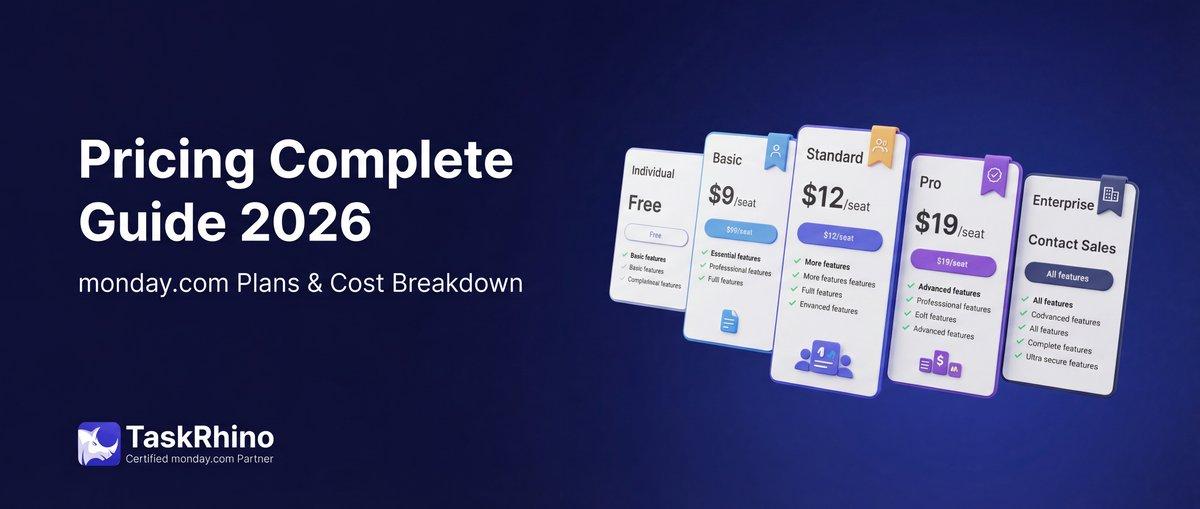
monday.com Pricing 2026: Complete Guide

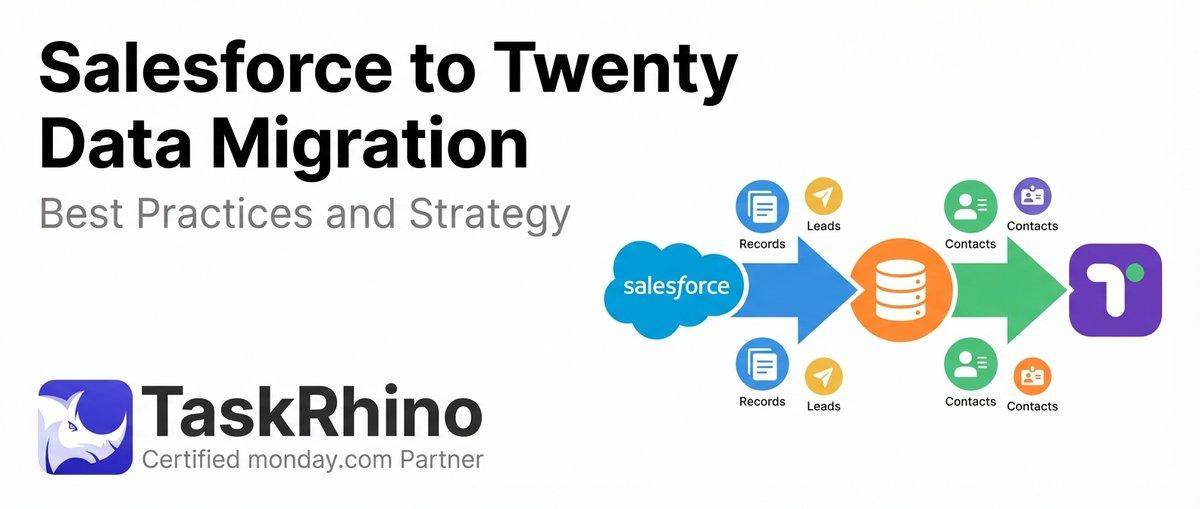
Salesforce to Twenty Data Migration: Best Practices and Strategy
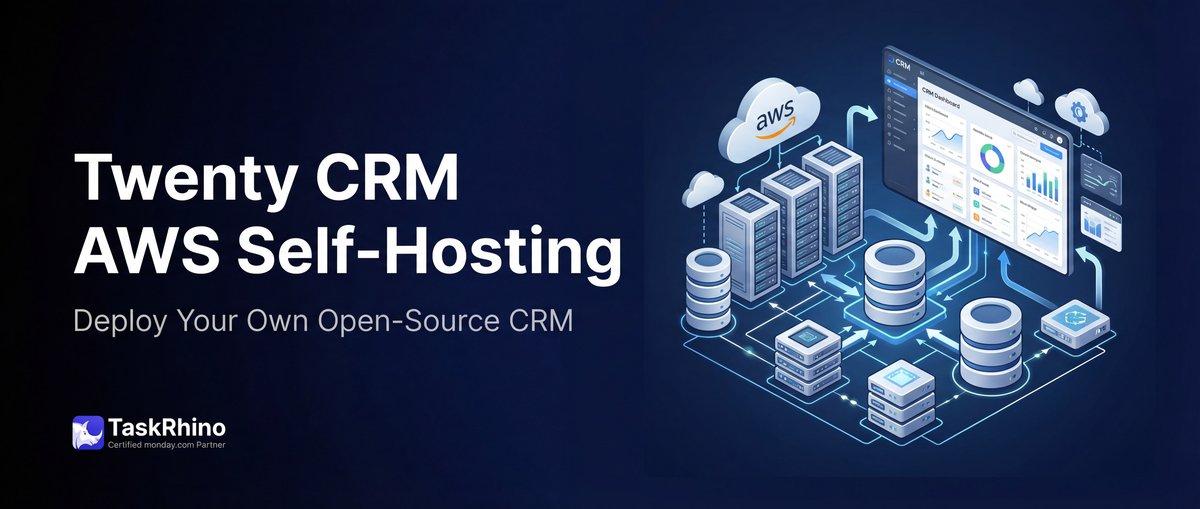
How to Self-Host Twenty CRM on AWS: Step-by-Step Guide