

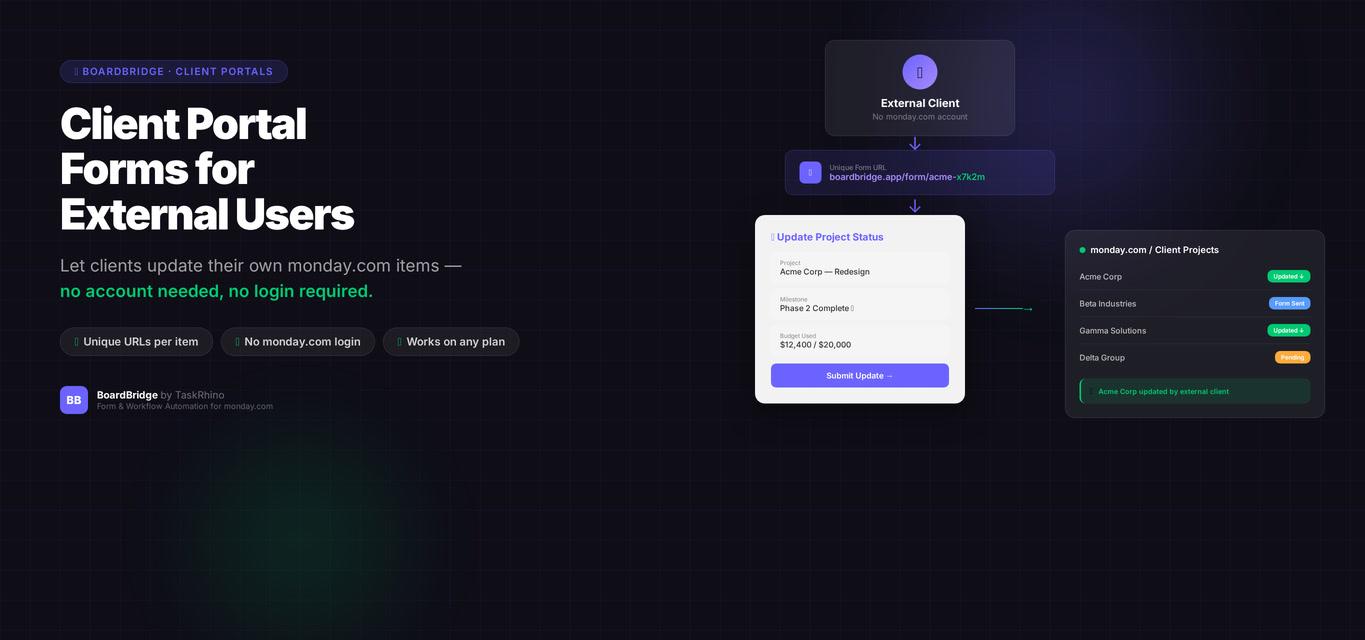
monday.com Client Portal Forms: The Feature That Doesn’t Exist (and Why That Matters)
Forms Pain Point #14: Need a customer self-service portal where clients can view and update their own submissions. WorkForms has no portal concept — forms are submit-once (or submit-and-forget). No login, no submission history, no self-service.
You send a client an intake form. They fill it out. It submits to your monday.com board. Great.
Two weeks later, they can’t remember what they submitted. They want to check their answers. Or update something. Or download a copy of their submission for their records.
With monday.com WorkForms, there’s no way to do this. Forms are one-way: client → monday.com board. There’s no client-facing dashboard, no login portal, no submission history. Once the form submits, the client loses access to their own data.
This post covers what a “client portal” actually means, why monday.com doesn’t offer one, what competitors provide (spoiler: some do, most don’t), and what your realistic options are in 2026.
Quick reality check: BoardBridge — Form & Workflow Automation for monday.com — does not currently have a client portal feature either. This is on the roadmap for Q4 2026 but is not available yet. This article is honest about what exists and what doesn’t — including our own product’s gaps.
What a “Client Portal” Actually Is
A client portal in the context of monday.com forms would provide:
- User login — clients authenticate with email/password or SSO
- Submission history — clients see a list of all forms they’ve submitted, with timestamps and status
- View past submissions — clients open a previous submission and see all the data they entered
- Edit past submissions — clients update fields in a previous submission without creating a new one
- Download/export — clients download a PDF or CSV of their submission for their records
- Status tracking — clients see whether their submission is “Pending,” “Approved,” “In Progress,” or “Completed”
- File management — clients upload additional documents, view previously uploaded files, or replace outdated attachments
- Notifications — clients receive email or in-app alerts when their submission status changes or when action is required
Real-world use cases:
- Vendor management: Vendors log in, see all their past submissions (insurance docs, compliance forms, pricing updates), and update expiring certifications without your team’s intervention.
- Client onboarding: Clients submit an intake form, then return weeks later to review what they submitted, upload additional documents, or update contact info.
- Event registration: Attendees submit an event registration form, then log in later to update meal preferences, add plus-ones, or download their confirmation.
- Applicant tracking: Job applicants submit applications, then log in to check application status, upload additional references, or update contact details.
What this is NOT:
- A shared monday.com board (clients would see everyone else’s data)
- A public form link (one-way submit, no history)
- monday.com’s “Guest” feature (guests see the full board, not just their own submissions)
A portal is a client-scoped, read/write interface to data submitted via forms — without exposing the entire board or requiring a full monday.com seat.
Why monday.com Doesn’t Offer This
monday.com WorkForms has no portal concept at all. Forms are designed as one-way data collection tools:
- Client opens a public form link
- Client fills it out
- Client submits
- monday.com creates an item (or, with Edit Form Responses, updates a form-created item)
- Client has no further access to the submission
There’s no login, no dashboard, no “view your submissions” page. Once the form submits, the client is done.
Why monday.com hasn’t built this:
1. Architectural Complexity
A portal requires:
- User authentication system (separate from monday.com’s main user accounts)
- Permission scoping (clients see only their data, not the whole board)
- Submission-to-user mapping (which submissions belong to which client)
- Session management, password resets, security audits
- Mobile-responsive UI distinct from monday.com’s main interface
This is a significant engineering lift for a feature that doesn’t serve monday.com’s core user base (internal teams managing their own data).
2. Board-Centric Design Philosophy
monday.com is built around boards as the central object. Everything happens on a board. Boards are shared with team members.
A client portal is user-centric, not board-centric. The client doesn’t care about the board. They care about their submissions across potentially multiple boards. This is a fundamentally different data model.
3. Limited External User Demand (Until Now)
For the first 5 years of WorkForms’ existence (2018–2023), most use cases were internal: employee onboarding, internal requests, team surveys. Client-facing portals weren’t a priority.
As more teams use monday.com for client work (agencies, consultancies, service providers), the portal gap has become more visible. But monday.com’s product roadmap doesn’t prioritize external user features over internal collaboration features.
Stop Creating Duplicates
BoardBridge forms update existing items — no Enterprise plan, no workarounds, no duplicates.
Competitor Comparison
| Feature | monday.com WorkForms | JotForm | Typeform | Fillout | Google Forms | BoardBridge |
|---|---|---|---|---|---|---|
| Client login | ❌ | ✅ (JotForm Tables) | ❌ | ❌ | ❌ | ❌ (roadmap Q4 2026) |
| Submission history | ❌ | ✅ | ❌ | ❌ | ❌ | ❌ (roadmap Q4 2026) |
| View past submissions | ❌ | ✅ | ❌ | ❌ | Via Google Account | ❌ (roadmap Q4 2026) |
| Edit past submissions | ✅ (Enterprise Source, 10-edit cap) | ✅ | ❌ | ❌ | ✅ (owner only) | ✅ (unlimited) |
| Download submission | ❌ | ✅ (PDF export) | ❌ | ❌ | ❌ | ❌ (roadmap) |
| Status tracking | ❌ | ✅ (with workflows) | ❌ | ❌ | ❌ | ❌ (roadmap) |
| File management | ❌ | ✅ (with Storage) | ❌ | ❌ | ❌ | ❌ (roadmap) |
JotForm is the only major form builder that offers a full portal experience via JotForm Tables and My Forms feature. Users log in, see all forms they’ve submitted, view responses, download PDFs, and upload files — all without accessing the backend monday.com board.
Typeform, Fillout, and Google Forms do not offer client portals. Once a form is submitted, the submitter has no way to view or manage their data unless the form owner manually shares results.
BoardBridge currently does not have a portal feature. It’s on the roadmap for Q4 2026 but is not available yet.
What You CAN Do Today (Realistic Workarounds)
Option 1: Share the Monday.com Board as a Guest (Not Recommended)
monday.com allows you to invite external users as “Guests” with limited permissions. You can restrict them to viewing or editing only specific items.
Pros:
- Native monday.com feature
- Guests see live board data
Cons:
- Guests see the entire board structure (groups, other items, columns), not just their own data
- Complex permission management — easy to misconfigure and expose sensitive data
- Guests see monday.com’s interface, not a clean client-facing portal
- Requires manual guest invitation and permission setup per client
- Guests may count toward your seat limit (depending on plan)
When this works: Small teams with <10 external clients who are tech-savvy and comfortable navigating monday.com boards.
When this fails: Agencies, service providers, or teams with 50+ external clients. Permission management becomes a nightmare.
Option 2: Send a Pre-Filled Form Link for “Editing”
With BoardBridge (or Fillout’s “Update monday.com items” integration), you can send clients a unique form URL that pre-fills with their existing data. They open it, update what needs changing, and submit.
Pros:
- Feels like editing their submission
- No login required
- Works on any monday.com plan
- Clean client-facing interface
Cons:
- Not a true portal — no submission history, no status tracking, no download
- Client must bookmark or save the unique URL (if they lose it, you have to resend)
- No way for the client to see “all my submissions” across multiple forms
When this works: One-off updates. Client needs to edit one form submission occasionally.
When this fails: Ongoing workflows where clients manage multiple submissions over time.
Option 3: Use JotForm as Your Form Layer + Sync to monday.com
JotForm has a true client portal via JotForm Tables and My Forms. Clients log in, see submission history, download PDFs, upload files.
You can integrate JotForm with monday.com via:
- JotForm’s native monday.com integration (creates items on submission)
- Zapier or Make (sync form submissions to monday.com boards)
Pros:
- Full portal experience for clients
- Robust form builder with payment processing, multi-page forms, conditional logic
- Submission PDFs, file storage, status tracking
Cons:
- Additional cost: JotForm’s plan with API access and integrations requires paid tiers
- Two platforms to manage: JotForm for client-facing forms + monday.com for internal workflows
- Data sync delays: Not real-time; middleware adds latency
- Double data entry risk: If someone updates monday.com directly, JotForm doesn’t sync back
When this works: Teams with budget for a dedicated form platform and complex external client workflows.
When this fails: Teams looking for a native monday.com solution or unwilling to pay for two platforms.
Option 4: Build a Custom Portal with monday.com’s API
For enterprise teams with development resources, you can build a custom client portal using monday.com’s GraphQL API.
How it works:
- Build a web app with user authentication
- Use monday.com API to query board items filtered by client ID
- Display client-specific submissions in a custom UI
- Allow clients to update items via API mutations
Pros:
- Fully custom, fully integrated
- You own the UX, security, and feature set
Cons:
- Expensive: Requires in-house or contracted developers
- Time-consuming: Months of development, testing, security hardening
- Maintenance burden: You’re responsible for bug fixes, security patches, feature updates
- API rate limits: monday.com API has request limits per month; high-traffic portals may exceed them
When this works: Large enterprises with in-house dev teams and very specific portal requirements.
When this fails: Small teams, agencies, or anyone without dedicated development resources.
See How BoardBridge Handles Form Updates
Book a free demo to see BoardBridge solve this exact problem — live, with your data.
What BoardBridge Is Building (Roadmap Transparency)
BoardBridge does not currently have a client portal feature. Here’s what’s planned for Q4 2026:
Planned Portal Features (Not Available Yet):
- Client login: Email/password authentication, separate from monday.com user accounts
- Submission history: Clients see all forms they’ve submitted, with timestamps
- View submissions: Clients open a previous submission and see all data
- Edit submissions: Clients update any field (no edit cap, same as current BoardBridge forms)
- Status tracking: Clients see submission status (pulled from a designated monday.com status column)
- Notifications: Email alerts when submission status changes
Not Planned (Yet):
- Download submission as PDF (roadmap for 2027)
- File management dashboard (upload/replace files post-submission)
- Custom branding per client (logos, colors)
- Multi-language portal interface
Why we’re being upfront about this:
We could write this article as a sales pitch. “BoardBridge solves this!” Except it doesn’t — yet.
Being honest about what exists (and what doesn’t) builds trust. If you need a client portal today, JotForm is your best option. If you can wait until Q4 2026 and want a native monday.com-integrated solution, BoardBridge will have it.
If you want early access when the portal launches, book a consultation and let us know — we’ll add you to the beta list.
What Most Guides Don’t Tell You
“Guest access” is not a client portal.
When monday.com documentation mentions “external users,” they mean Guests — people who get a monday.com account and see a board. This is not the same as a self-service client portal where users log in, see only their data, and interact via a clean interface.
No form builder solves this natively except JotForm.
Typeform, Google Forms, Fillout, and monday.com WorkForms all lack client portal features. JotForm is the only major player that offers login, submission history, and PDF downloads out of the box.
Building a custom portal is not a “workaround” — it’s a project.
Developer cost estimates for a basic client portal:
- Design + UX: 20–40 hours
- Authentication + security: 40–60 hours
- monday.com API integration: 30–50 hours
- Testing + deployment: 20–30 hours
- Total: 110–180 hours = significant development investment
For most small teams, this is not a realistic solution.
Need Help With Your monday.com Setup?
TaskRhino has implemented monday.com for 110+ teams. Get a free consultation.
Frequently Asked Questions

Editor's Choice
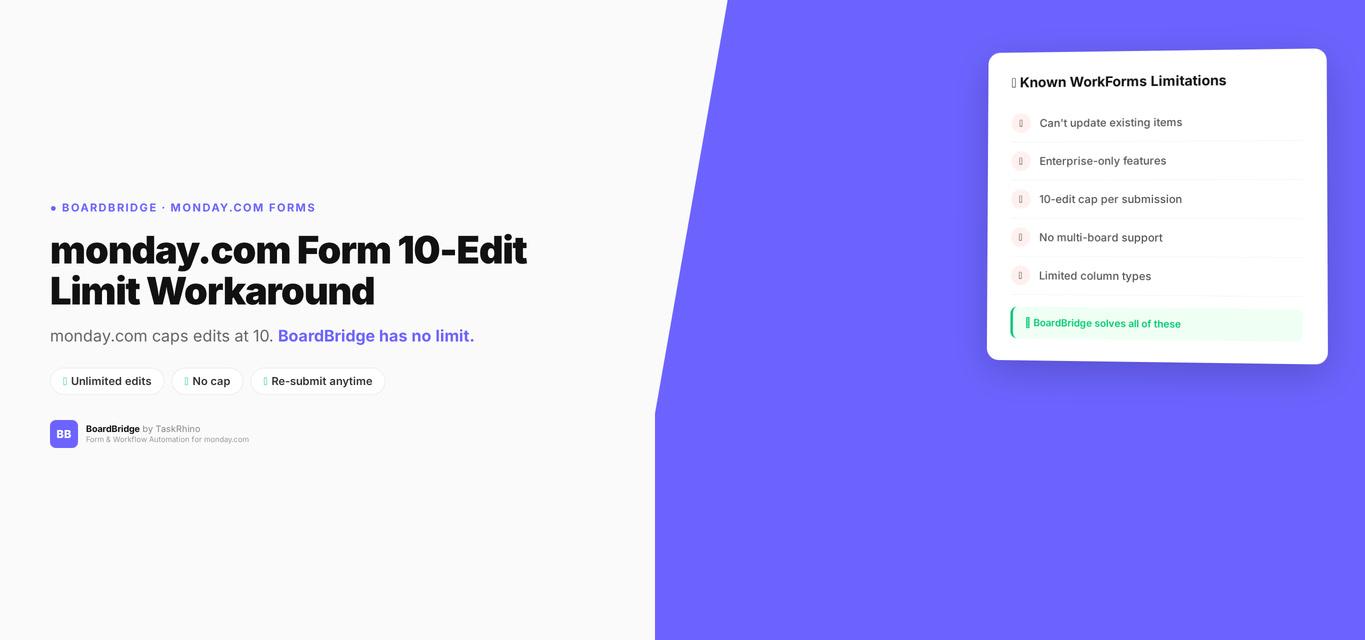
monday.com Form 10 Edit Limit Workaround: How to Get Unlimited Edits

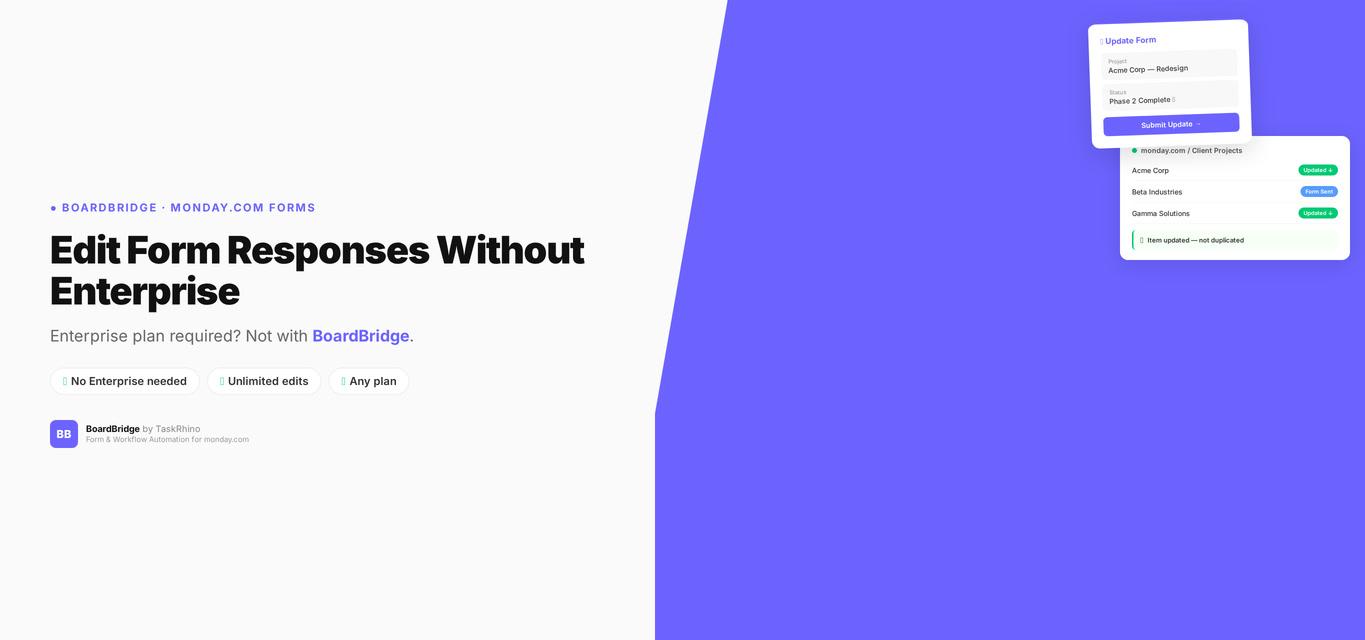
monday.com Edit Form Responses — Enterprise Only (And Why That Matters)
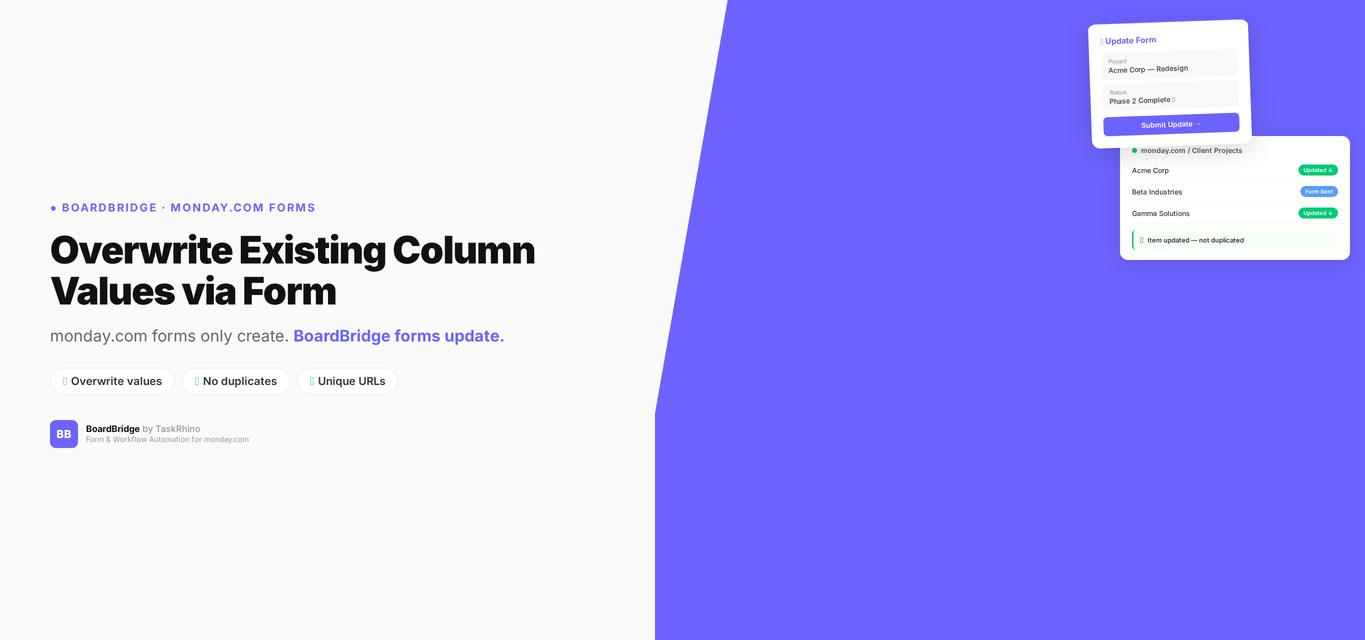
monday.com Form Overwrite Column Values: Per-Field Protect/Overwrite Toggle