

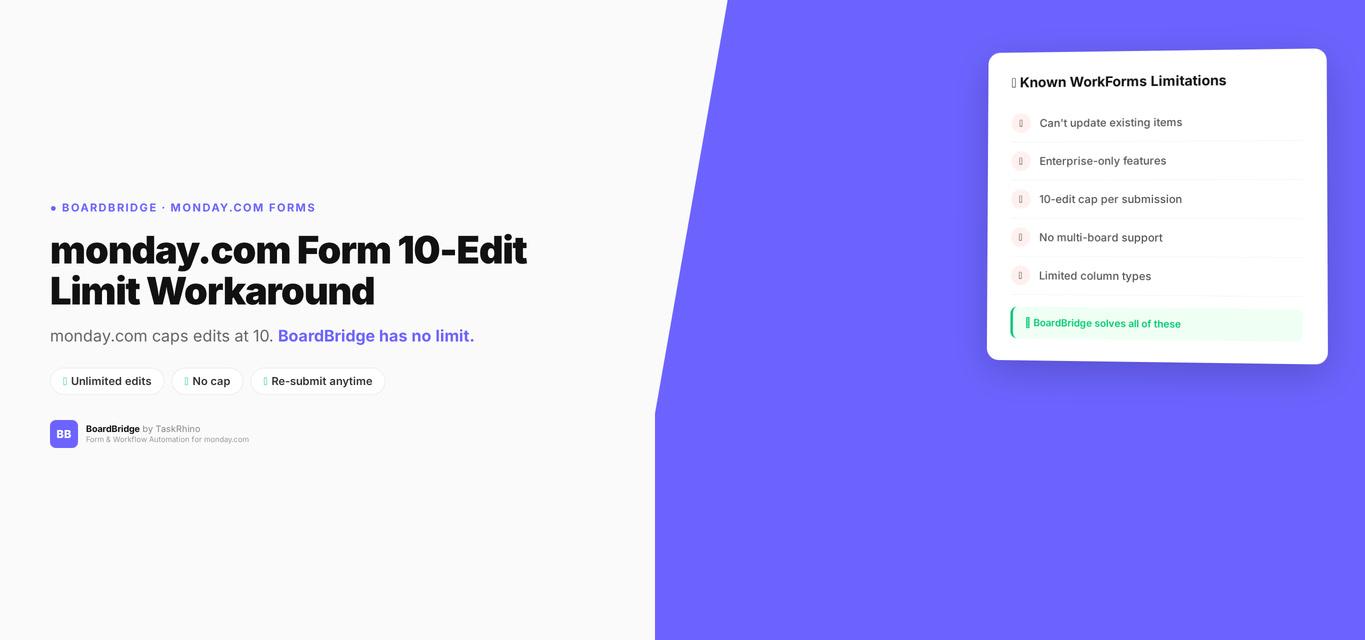
monday.com Form 10 Edit Limit Workaround: How to Get Unlimited Edits
Forms Pain Point #12: Form response editing has a hard limit of 10 edits per submission Source. After that, the form response is permanently locked.
You’re on monday.com Enterprise. You enabled “Edit Form Responses” before publishing your form. Everything works great — for a while. Your client edits their submission once, twice, three times as project details evolve. Then they hit submission #11. The form locks. They can’t edit anymore. Neither can you.
This is monday.com’s 10-edit cap Source — a hard limit that exists even on Enterprise plans, even for paying customers, with no override and no workaround inside the platform.
This post covers why the 10-edit limit exists, what happens when you hit it, what monday.com’s official support says to do (spoiler: recreate the form and start over), and how to actually solve this if you need unlimited edits.
Quick solution: BoardBridge — Form & Workflow Automation for monday.com — has no edit cap. Submit the same form 100 times; it updates the monday.com item every time. Book a free demo.
What the 10-Edit Limit Actually Is
When monday.com released “Edit Form Responses” in January 2025 (Enterprise-only Source), they included a hard cap: 10 edits per submission Source.
What this means:
- A user submits a form → creates item #1 (initial submission)
- They edit their response 10 times → edits #1 through #10
- They try to edit an 11th time → LOCKED
After the 10th edit, the form response becomes permanently read-only. No one can edit it — not the submitter, not the board owner, not a monday.com admin. The data is frozen.
monday.com’s official documentation confirms this Source:
“There is a limit of 10 edits per form response.”
No explanation for why. No option to increase it. No “access after 10” button. It’s a hard-coded platform limit.
Why the 10-Edit Limit Breaks Real Workflows
For short-lived forms — event registration, one-time surveys, single-use intake — 10 edits might be enough.
For long-running workflows where a single submission evolves over weeks or months, 10 edits is a death sentence.
Example 1: Vendor Onboarding (60+ Days)
A procurement team uses a vendor intake form with 35 fields covering company info, capabilities, insurance, references, and contract terms.
Typical edit pattern:
- Day 1: Initial submission (baseline data)
- Day 5: Vendor corrects contact email (Edit #1)
- Day 10: Vendor updates insurance expiration date (Edit #2)
- Day 15: Vendor adds second reference (Edit #3)
- Day 20: Vendor uploads updated W9 (Edit #4)
- Day 30: Vendor corrects service area (Edit #5)
- Day 35: Vendor updates pricing tier (Edit #6)
- Day 40: Vendor adds compliance certification (Edit #7)
- Day 45: Vendor updates primary contact (Edit #8)
- Day 50: Vendor corrects billing address (Edit #9)
- Day 55: Vendor updates payment terms (Edit #10)
- Day 60: Vendor needs to update phone number → LOCKED
The vendor is still in the onboarding process. But the form is dead. monday.com’s only solution: create a new form. Which creates a new board item. Which means manual data merging again.
Example 2: Client Project Planning (90+ Days)
A project management team uses a 48-field event intake form covering logistics, A/V, catering, travel, and accommodations.
Clients typically update the form 15–20 times over 60–90 days as planning progresses and details solidify.
What happens:
- Days 1–50: Clients edit freely (Edits #1–#10)
- Day 51+: Form locks
- Client calls: “I can’t update the venue notes anymore”
- PM’s options:
- Manually update the monday.com item yourself (defeats the purpose of client self-service)
- Create a new form → new item → manually merge the data → delete one of the duplicates
- Tell the client to email updates instead (back to manual data entry)
None of these are acceptable for teams managing 40–80 projects per year.
Stop Creating Duplicates
BoardBridge forms update existing items — no Enterprise plan, no workarounds, no duplicates.
monday.com’s Official Workaround: Recreate the Form
monday.com support’s documented solution when you hit the 10-edit cap:
- Duplicate the form
- Resend it to the user
- They fill it out again (creating a new board item)
- Manually merge the new item’s data with the old item’s data
- Delete the old item (or the new item, depending on which has the most complete data)
This is not a workaround. This is admitting defeat and returning to manual data management.
From the monday.com community forums:
“if you want to send a follow-up form, it’ll just create a new item instead of updating” — DavidSchenkler, April 23, 2025
The “Edit Form Responses” feature was supposed to eliminate duplicate items. The 10-edit cap brings them back. Learn more about monday.com WorkForms limitations and why this matters.
Why the 10-Edit Limit Exists (Speculation)
monday.com has never publicly explained why the 10-edit cap exists. Here’s the likely reasoning:
1. Database Write Costs
Every form edit triggers a write to monday.com’s database. Unlimited edits create unbounded database writes per item. For a SaaS platform serving thousands of accounts, this is a cost and performance concern.
Counter-argument: Other form platforms (Fillout, JotForm, Google Forms) handle unlimited edits without issue. This is a solvable problem.
2. Abuse Prevention
Without a cap, users could theoretically spam-edit forms, creating excessive API load or triggering automations repeatedly.
Counter-argument: Rate limiting (e.g., max 10 edits per hour) would prevent abuse without imposing a lifetime cap.
3. Feature Gating for Future Upsell
The 10-edit cap creates artificial scarcity. monday.com could later offer “Unlimited Edits” as an add-on or higher-tier feature.
Counter-argument: Enterprise customers are already paying premium pricing. Capping edits at this tier feels punitive, not strategic.
Whatever the reason, the limit is non-negotiable as of February 2026.
Competitor Comparison
| Form Builder | Edit Cap | Plan Restriction | Updates Pre-Existing Items |
|---|---|---|---|
| monday.com WorkForms | 10 edits Source | Enterprise-only | ❌ |
| SuperForm | Unlimited | None | ✅ Source |
| Fillout | Unlimited | None (free tier) | ✅ |
| JotForm | Unlimited | None | ✅ (via integrations) |
| Google Forms | Unlimited | None | N/A (no native monday.com integration) |
| BoardBridge | Unlimited | None | ✅ |
Fillout offers unlimited edits on their free tier Source (up to 1,000 submissions/mo). They don’t impose edit caps at any pricing level.
JotForm and Typeform have no edit caps for form submissions.
BoardBridge has no edit cap because every submission is an update by design — there’s no concept of “editing” vs. “submitting.” Every form submission writes to the same monday.com item, unlimited times.
How to Get Unlimited Edits with BoardBridge
BoardBridge doesn’t have an edit cap because there are no “edits” — only submissions. Every submission updates the target monday.com item.
How it works:
Step 1: Create the form and map fields to monday.com columns Build your form in the BoardBridge admin panel. Map each field to a specific monday.com column (text, dropdown, date, status, email, phone, number, checkbox, file upload, location).
Step 2: Generate unique form URLs BoardBridge generates a unique URL for each monday.com item: https://forms.yourcompany.com/f/vendor-intake/12345
When you send this link to a vendor, it’s tied to item 12345 on your Vendor Board.
Step 3: User submits the form When the vendor opens the link:
- BoardBridge fetches current column values from item 12345
- Pre-fills all form fields with existing data
- Vendor updates what needs changing
- Vendor hits Submit → item 12345 updates
Step 4: Repeat unlimited times The vendor can resubmit the same form link 50 times, 100 times, 500 times. Every submission updates item 12345. No cap. No lockout.
No plan restriction: Works on monday.com Standard ($12/seat/mo) Source, Pro ($19/seat/mo) Source, and Enterprise identically.
No enable-before-publishing trap: Every BoardBridge form is editable by default.
No file deletion limitation: Files are append-only (same as monday.com), but there’s no edit cap preventing you from adding new files.
See How BoardBridge Handles Form Updates
Book a free demo to see BoardBridge solve this exact problem — live, with your data.
Real-World Example: Event Management (40–80 Projects/Year)
A client runs 40–80 events per year. Each event has a 48-field intake form covering logistics, A/V, catering, travel, and accommodations.
Old workflow (monday.com WorkForms with Edit Responses):
- Client submits form → item created
- Client edits 10 times over 50 days → reaches cap Source
- Form locks on Day 51
- Client calls: “I can’t update anymore”
- PM manually updates the monday.com item for every subsequent change
- Or: PM creates a new form → new item → manual merge → delete duplicate
New workflow (BoardBridge):
- Client submits form via unique URL → item updates
- Client edits 15 times over 60 days → no cap
- Client edits 20 times over 90 days → still no cap
- Form never locks
- PM never manually updates anything
Result: Zero edit-related support calls. Zero manual data merging. Zero duplicate items.
What’s NOT a Workaround
1. “Just manually update the monday.com item after 10 edits”
This defeats the entire purpose of client self-service forms. You’re back to manual data entry.
2. “Create a new form when the old one locks”
This creates duplicate board items. You’re back to manual data merging — exactly what “Edit Form Responses” was supposed to eliminate.
3. “Tell clients to email updates after the 10th edit”
This is admitting forms don’t work for your workflow. You’re back to email-based data collection.
4. “Split your form into multiple smaller forms”
This spreads the same data across multiple board items. Now you have the opposite problem — fragmented data instead of duplicated data.
None of these are solutions. They’re all workarounds that return you to pre-form manual workflows.
What Most Guides Don’t Tell You
The 10-edit cap is non-negotiable, even for Enterprise customers.
There’s no setting to increase it. There’s no support ticket you can file to access it. monday.com’s official response: create a new form.
The cap applies per submission, not per user.
If 10 different users each edit the same form response once, that’s 10 edits — cap reached. The limit is tied to the submission itself, not the person editing it.
The edit counter is invisible.
There’s no way to see how many edits remain. Users don’t get a warning at Edit #9. They just try to submit Edit #11 and hit a wall.
Unlocking costs more than solving the problem elsewhere.
Even if monday.com adds an “Unlimited Edits” add-on in the future, you’re already paying premium pricing for Enterprise. Paying more to remove an artificial cap makes no sense when third-party tools offer unlimited edits as standard.
Need Help With Your monday.com Setup?
TaskRhino has implemented monday.com for 110+ teams. Get a free consultation.
Frequently Asked Questions

Editor's Choice
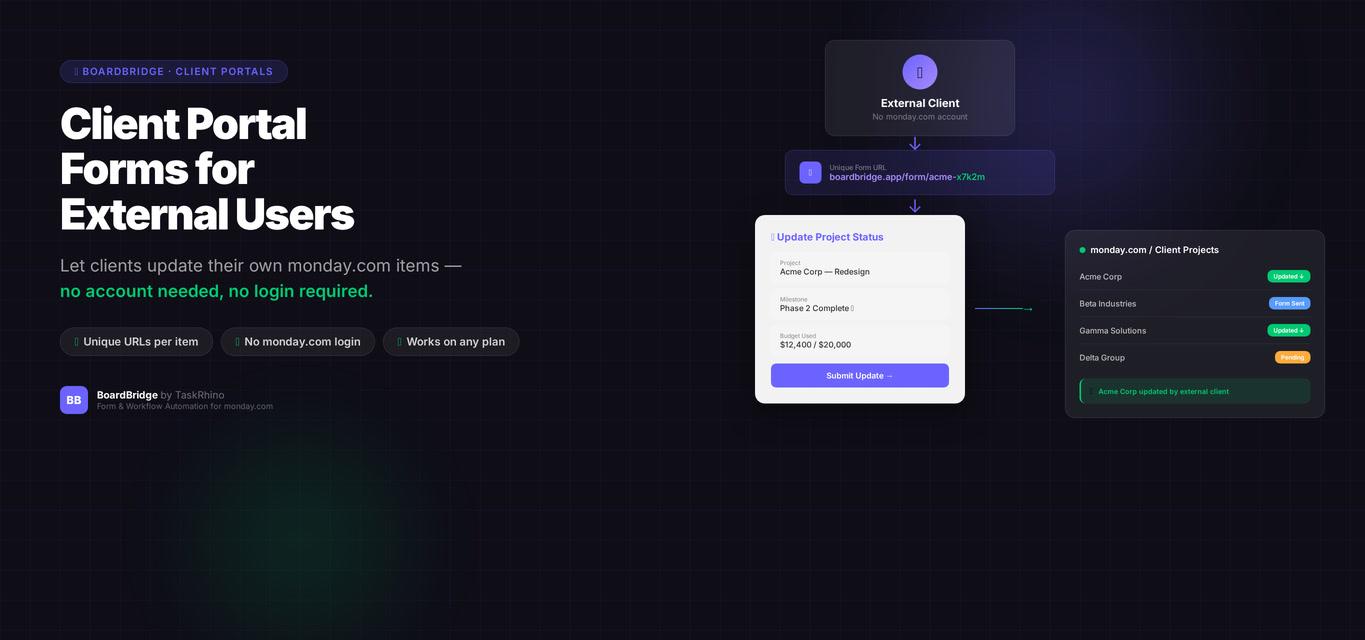
monday.com Client Portal Forms: The Feature That Doesn’t Exist (and Why That Matters)

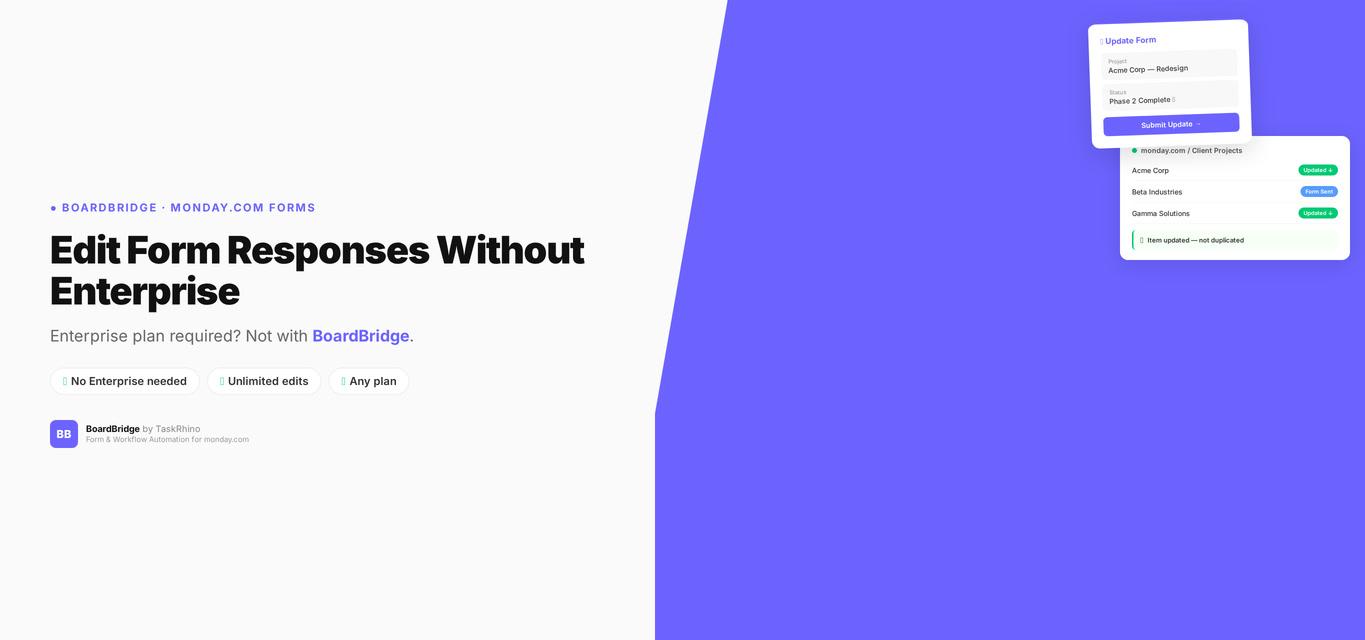
monday.com Edit Form Responses — Enterprise Only (And Why That Matters)
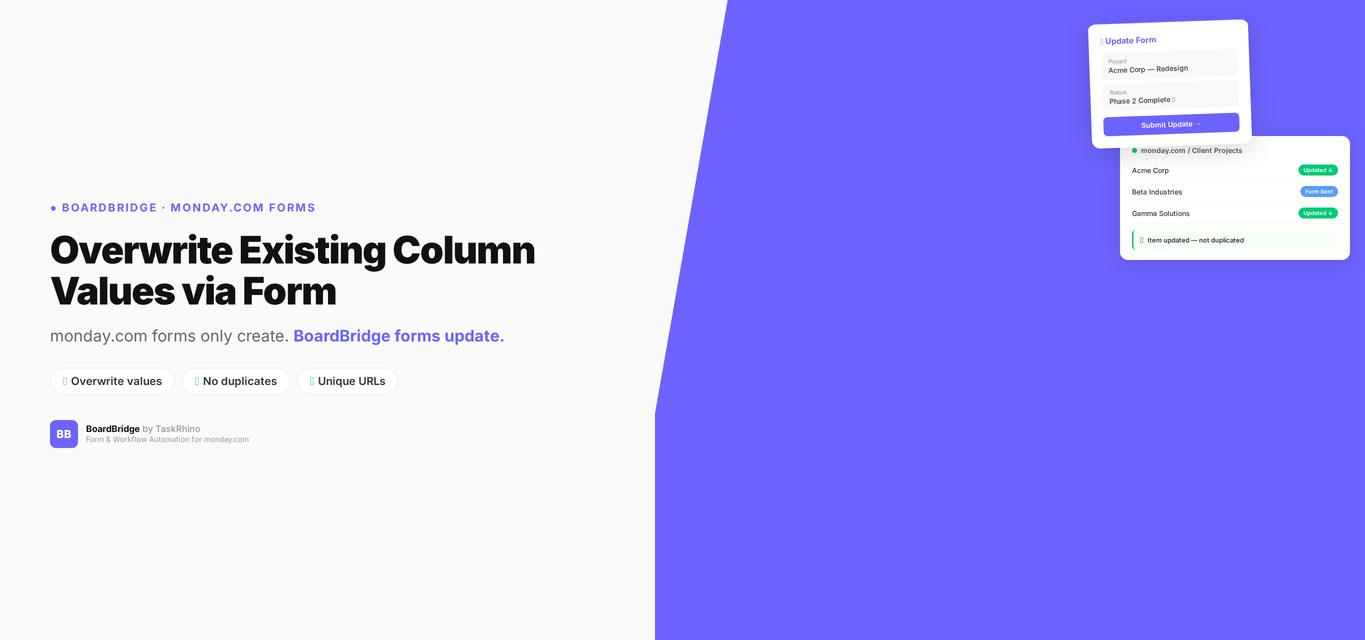
monday.com Form Overwrite Column Values: Per-Field Protect/Overwrite Toggle