

How to Self-Host Twenty CRM on AWS: Step-by-Step Guide
What if you could run a modern CRM platform with zero licensing fees, complete data ownership, and infrastructure you control entirely?
Self-hosting Twenty CRM on Amazon Web Services makes this possible.
Organizations that deploy Twenty CRM on AWS gain the flexibility of open-source software combined with the reliability and scalability of cloud infrastructure. With expert Twenty CRM services from TaskRhino, businesses can ensure a seamless deployment, optimized performance, and long-term platform stability without per-seat fees or vendors controlling their customer data.
This guide walks you through the complete process of deploying Twenty CRM on AWS, from initial infrastructure planning to production-ready deployment. You will learn exactly how to configure your server environment, deploy containers, set up secure access, and implement the monitoring and backup systems that keep your CRM running reliably.
Whether you are a startup seeking cost-efficient CRM infrastructure or an enterprise prioritizing data sovereignty, combining the right Twenty CRM services with a structured AWS deployment strategy will help you achieve a secure, scalable, and production-ready environment.
Why Self-Hosting Twenty CRM on AWS is Beneficial for Your Organization?
Organizations choose self-hosted CRM deployments for reasons that go beyond cost savings. Understanding these 4 benefits helps you determine whether self-hosting aligns with your operational requirements and strategic goals.
1. Full data ownership and control
When you self-host Twenty CRM on AWS, your customer data never leaves the infrastructure you control. This eliminates concerns about third-party data access, vendor data practices, or unexpected terms of service changes that could affect how you use your own information.
For industries with strict data handling requirements, this control is not optional. Healthcare organizations subject to HIPAA, financial services firms, and legal practices with client confidentiality obligations often cannot use SaaS platforms that store data on shared infrastructure. Self-hosting provides the isolation these requirements demand.
2. Compliance and regulatory alignment
AWS provides the compliance certifications that enterprise deployments require: SOC 2, HIPAA, GDPR, and others. Self-hosting on AWS lets you inherit these certifications while implementing security controls tailored to your specific requirements. You decide who accesses the system, how data is encrypted at rest and in transit, and where backups are stored geographically.
This combination of AWS compliance foundations with application-level control simplifies audit processes and regulatory reporting. Your security team documents controls they manage directly rather than relying on vendor attestations.
3. Customization without artificial limits
SaaS CRM platforms restrict customization to what their interfaces allow. Self-hosting Twenty CRM means you can modify source code, build custom integrations with internal systems, and implement features specific to your workflows. When the platform does not do exactly what you need, you have the access to make it work.
Organizations with unique business processes or specialized industry requirements find this flexibility essential. Rather than forcing workflows to match software limitations, you configure the software to match how your business actually operates.
4. Predictable, transparent costs
Cloud infrastructure costs scale with actual usage and remain predictable month to month. There are no per-seat licensing fees that multiply as your team grows, no premium tiers required for essential features, and no surprise price increases driven by vendor decisions.
A 50-user deployment on AWS might cost $100-200/month in infrastructure versus $8,250/month for comparable Salesforce licensing. Over three years, this difference compounds to hundreds of thousands of dollars in savings that fund other business priorities.
TaskRhino works with organizations that recognize these benefits but want to reduce the operational risk of managing deployments themselves. We ensure you get the advantages of self-hosting without becoming infrastructure experts yourselves. Here, but if you haven’t got to review Twenty crm and its features and limitations, you must learn about it first.
6 Step-by-Step Process to Self-Host Twenty CRM on AWS
This section breaks down the deployment into manageable steps. You do not need to be a DevOps expert to follow along, but having someone comfortable with basic server management will help.
1. Plan your AWS infrastructure
Before spinning up servers, determine how much computing power you need. The right infrastructure depends on your team size and how intensively you will use the CRM.
Choosing the right server size
Think of server sizing like choosing an office space. Too small and your team feels cramped; too large and you waste money on empty desks.
| Team Size | Monthly Cost | What You Get |
|---|---|---|
| Small (1-25 users) | $40-80/month | Enough power for daily CRM operations |
| Medium (25-100 users) | $100-150/month | Room for heavier usage and integrations |
| Large (100-500 users) | $200-400/month | Enterprise-grade performance |
Which AWS service should you use?
- Amazon Lightsail works best for getting started. It bundles everything you need into one predictable monthly price. No surprise charges, no complex configuration. Most small and medium teams start here.
- Amazon EC2 makes sense when you need more control or expect rapid growth. You can start small and scale up without starting over. Larger organizations typically choose this path.
- Managed database (Amazon RDS) adds reliability for business-critical deployments. AWS handles database backups and maintenance automatically. Worth the extra $50-150/month for peace of mind.
Network and security setup
Your CRM needs proper network boundaries to stay secure. This means:
- Isolating the database so only your application can access it
- Restricting admin access to your team’s IP addresses
- Opening web traffic so your team can access the CRM from anywhere
TaskRhino assesses your requirements and recommends infrastructure that balances performance, reliability, and cost. We help you avoid both overspending on resources you do not need and underprovisioning that creates performance problems.
Need Help Planning Your AWS Infrastructure?
TaskRhino’s experts assess your requirements and recommend infrastructure that balances performance, reliability, and cost.
2. Set up your server environment
Once your server is running, you need to prepare it for Twenty CRM. This involves installing the software that runs the CRM and locking down access so only authorized people can reach it.
Install the required software
Twenty CRM runs inside Docker containers, which package everything the application needs into a portable format. Your server needs Docker installed before Twenty CRM can run.
The installation process takes about 10 minutes and involves running a few commands on your server. AWS provides detailed guides for installing Docker on their server images, or your technical team can follow Docker’s official installation guide.
Lock down server access
Security configuration ensures only the right people and systems can access your CRM.
What needs to be configured:
| Access Type | Who Gets Access | Why It Matters |
|---|---|---|
| Web access (HTTPS) | Everyone on your team | How users access the CRM |
| Admin access (SSH) | IT team only | For maintenance and updates |
| Database access | Application only | Protects customer data |
The key principle: open only what needs to be open, restrict everything else.
Basic security measures
A few straightforward security practices protect your CRM from common threats:
- Use key-based authentication instead of passwords for server access
- Enable automatic security updates so vulnerabilities get patched quickly
- Block repeated failed login attempts to prevent brute-force attacks
- Run services with limited permissions so a compromise cannot spread
TaskRhino implements comprehensive security checklists during every deployment. We address the vulnerabilities that commonly affect self-hosted systems before they become problems. Get the best Twenty implementation services to host this CRM smoothly with the right expertise.
3. Deploy Twenty CRM using Docker Compose
With your server ready, it is time to install Twenty CRM itself. The Twenty team provides ready-made configuration files that handle most of the complexity.
Download and configure Twenty CRM
Twenty CRM provides official deployment files that you download to your server. These files tell Docker exactly how to run the CRM and its supporting services.
What gets installed:
| Component | What It Does |
|---|---|
| Application server | Runs the CRM interface your team uses |
| Background worker | Handles tasks like email sync and data updates |
| Database | Stores all your contacts, companies, and deals |
| Cache | Speeds up frequently accessed information |
Set your configuration
Before starting Twenty CRM, you configure a few essential settings:
- Your CRM’s web address (e.g., crm.yourcompany.com)
- Security keys for encrypting sensitive data
- Database passwords to protect your information
- Email settings if you want notification emails (optional)
Twenty’s documentation provides a template file with all available options. Most deployments only need to change 4-5 settings from the defaults.
Start the application
Once configured, starting Twenty CRM takes a single command. The system typically takes 2-3 minutes to fully initialize as it sets up the database and prepares the application.
After startup completes, you can verify everything is working by accessing a health check URL that confirms all services are running properly.
TaskRhino automates the deployment process with proper configuration for production use. We ensure services restart automatically if problems occur and that resource limits prevent any single component from affecting system stability.
4. Configure domains and SSL certificates
Your team needs a memorable web address to access the CRM, and that connection needs to be encrypted to protect sensitive customer data.
Point your domain to the server
First, configure your domain (like crm.yourcompany.com) to point to your AWS server. This is done through your domain registrar or DNS provider by adding a record that connects your chosen address to the server’s IP address.
What you need:
- A domain or subdomain for your CRM
- The IP address of your AWS server
- Access to your DNS settings (usually through your domain registrar)
The DNS change typically takes effect within a few minutes to a few hours, depending on your provider.
Set up secure HTTPS access
Modern browsers require HTTPS for sites that handle sensitive data. You will need an SSL certificate that encrypts traffic between your team’s browsers and the CRM server.
Let’s Encrypt provides free SSL certificates that work perfectly for this purpose. The setup process:
- Install certificate management software on your server
- Run a command that verifies you own the domain
- Certificates install automatically and renew themselves
The entire process takes about 15 minutes for someone familiar with the steps.
Configure the web server
A web server (typically Nginx) sits in front of Twenty CRM and handles secure connections. It receives encrypted requests from users, decrypts them, passes them to the CRM application, and encrypts the responses before sending them back.
This configuration ensures:
- All traffic is encrypted
- HTTP requests automatically redirect to HTTPS
- Large file uploads work properly
- Connections remain stable during longer operations
TaskRhino validates SSL and DNS setup before go-live. We verify that certificates are properly configured, test that renewal will work automatically, and ensure secure access from all locations.
5. Validate the deployment
Before inviting your team, test everything thoroughly. Finding problems now is much easier than fixing them after everyone depends on the system.
Basic access testing
Start with the fundamentals:
- Can you reach the CRM at your domain?
- Does the login page load securely (look for the padlock icon)?
- Can you create an admin account and log in?
- Does logging out and back in work correctly?
Test core CRM functions
Walk through the features your team will use daily:
| What to Test | Why It Matters |
|---|---|
| Create and edit contacts | Core daily activity |
| Add companies and link them to contacts | Relationship tracking |
| Create deals and move them through stages | Sales pipeline management |
| Search for records | Finding information quickly |
| Add notes and tasks | Activity tracking |
Spend 15-20 minutes using the CRM as your team would. This hands-on testing reveals issues that automated checks might miss.
Check performance and security
Before going live, verify:
- Pages load quickly when you navigate around the CRM
- Search returns results promptly even with test data
- HTTP redirects to HTTPS automatically (try accessing without the “s”)
- Direct database access is blocked from outside the server
TaskRhino runs comprehensive validation testing before any deployment goes live. We verify functionality, performance, and security so issues get caught during controlled testing rather than after your team starts using the system.
6. Implement backups and monitoring
Your CRM contains valuable customer data. Protecting that data requires automated backups and monitoring that alerts you to problems before they affect your team.
Set up automated backups
Backups should run automatically every day without anyone needing to remember. A good backup strategy includes:
- Daily database backups that capture all your CRM data: contacts, companies, deals, notes, and custom fields. These backups should be stored in at least two locations, one on the server and another in cloud storage like Amazon S3.
- Retention policy that keeps recent backups readily available (7-30 days) while archiving older backups for compliance or recovery needs.
- Regular restore testing to verify backups actually work. A backup you have never tested is just a hope, not a plan.
Monitor system health
Monitoring tells you when something goes wrong, ideally before your team notices. Key things to watch:
| What to Monitor | Why It Matters |
|---|---|
| Server resources (CPU, memory, disk) | Prevents slowdowns and crashes |
| Application availability | Confirms users can access the CRM |
| Database performance | Ensures searches and saves stay fast |
| Backup completion | Verifies data protection is working |
AWS provides built-in monitoring through CloudWatch, or you can use third-party services like Datadog for more comprehensive visibility.
Configure alerts
Set up notifications so the right people know when issues occur:
- Warning alerts for elevated resource usage (time to investigate)
- Critical alerts for outages or failures (time to act immediately)
- Daily summaries confirming backups completed successfully
TaskRhino configures monitoring and alerting based on your requirements. We establish clear thresholds and response procedures so your team knows exactly what to do when alerts fire.
Ready to Deploy Twenty CRM on AWS?
TaskRhino handles the complete deployment process: infrastructure design, security hardening, container orchestration, and monitoring setup. We deliver reliable CRM deployments without operational risk.
5 Common Mistakes to Avoid When Self-Hosting on AWS
Organizations that self-host CRM systems encounter predictable failure patterns. Understanding these mistakes helps you avoid them in your deployment.
1. Underestimating infrastructure requirements
Running Twenty CRM on undersized instances causes slow performance, application crashes, and frustrated users. The minimum 8GB RAM requirement exists for good reason: the application server, database, and background workers all compete for memory.
Signs of undersized infrastructure:
- Page loads taking 5+ seconds
- Background jobs (email sync, data updates) running slowly
- Application becoming unresponsive under normal usage
- Container restarts due to out-of-memory conditions
Start with recommended instance sizes and scale up based on actual usage patterns. The cost difference between a t3.large and t3.xlarge is roughly $30/month, trivial compared to the productivity loss from a slow CRM.
2. Skipping server hardening and security configurations
Leaving SSH open to all IP addresses, running containers as root, or using weak passwords exposes your CRM and all its customer data to attackers. Security is not optional for systems containing customer information.
Common security oversights:
- Default SSH port exposed to 0.0.0.0/0
- Password authentication enabled for SSH
- Running Docker as root user
- Using default or weak database passwords
- No firewall rules between application and database tiers
Implement security controls during initial deployment, not after an incident. The effort required during setup is far less than recovering from a breach.
3. Ignoring container orchestration best practices
Docker containers can fail for various reasons: application bugs, resource exhaustion, network issues. Without proper restart policies, health checks, and resource limits, a single container crash can take down your entire CRM.
Essential container configurations:
- Restart policies that automatically recover from failures
- Health checks that detect application-level problems
- Memory limits that prevent runaway processes
- Logging configuration that captures errors for troubleshooting
The default Docker Compose configuration provides basic settings. Production deployments benefit from additional hardening based on your reliability requirements.
4. Failing to test backups and disaster recovery
Backups that have never been restored are not backups. They are hopes. Organizations that skip backup testing discover their recovery process does not work precisely when they need it most.
Backup validation requirements:
- Monthly restoration tests to verify backup integrity
- Documented recovery procedures anyone on your team can execute
- Measured Recovery Time Objective (RTO) compared to business requirements
- Offsite backup storage (S3) in addition to local copies
The time to discover your backup process has problems is during a scheduled test, not during an actual emergency.
5. Overcomplicating initial deployment
Organizations sometimes try to implement every feature immediately: high availability, auto-scaling, blue-green deployments. This complexity increases the chance of configuration errors and makes troubleshooting harder.
Start with a straightforward single-instance deployment. Add complexity only when your scale requires it. A simple deployment that works reliably serves your business better than an elaborate architecture that never achieves stability.
TaskRhino ensures all these risks are mitigated through expert-led deployments and post-launch validation. Our implementation process addresses each failure pattern systematically.
How TaskRhino Can Help With AWS Self-Hosting
Self-hosting Twenty CRM on AWS offers significant benefits, but it requires expertise across multiple domains: cloud infrastructure, container orchestration, security, networking, and application configuration. Most organizations find that the cost of developing this expertise internally exceeds the cost of working with specialists.
1. Architecture design and instance recommendations
We assess your user count, data volume, growth projections, and integration requirements to design infrastructure that balances performance, reliability, and cost. Our recommendations come from 85 successful implementations, not theoretical best practices.
2. Secure and production-ready deployments
Our deployment process includes security hardening, proper container orchestration, and configuration validation. We implement the controls that prevent common failure patterns before they affect your business.
3. SSL, domains, and monitoring setup
We configure secure access, certificate management, and monitoring systems that alert you to issues before they cause outages. Our deployments include runbooks for common scenarios so your team can respond effectively.
4. Post-launch validation and testing
Before any deployment goes live, we run comprehensive tests covering functionality, performance, and security. This validation catches issues during controlled testing rather than after users depend on the system.
5. Ongoing support and optimization
CRM deployments are not one-time projects. We provide ongoing support to apply updates, optimize performance, and resolve issues. Our clients receive responsive assistance without premium support tiers that inflate costs.
Take Control of Your CRM Infrastructure
Self-hosting Twenty CRM on AWS delivers meaningful advantages: complete data ownership, predictable costs, unlimited customization, and freedom from vendor dependencies.
Organizations that follow the deployment process outlined in this guide achieve reliable CRM infrastructure that serves their business without the escalating fees and artificial constraints of traditional CRM platforms.
For organizations that want the benefits of self-hosting without the learning curve, TaskRhino provides the expertise that ensures successful deployments and migration from Salesforce to Twenty CRM seamlessly.
Whether you deploy independently or work with specialists, Twenty CRM on AWS offers a path to modern CRM capabilities without enterprise platform costs or vendor lock-in. The choice of how to deploy is yours. The benefits of self-hosting accrue regardless of which path you take.
Build a Secure, Scalable Twenty CRM on AWS
From architecture to optimization, TaskRhino delivers a production-ready environment that minimizes risk and accelerates time to value.
Frequently Asked Questions
How much does it cost to self-host Twenty CRM on AWS?
AWS infrastructure costs for Twenty CRM typically range from $50-200/month depending on instance size and configuration. A small deployment (under 25 users) runs approximately $50-80/month on Lightsail or small EC2 instances. Medium deployments (25-100 users) cost $100-150/month. Large deployments with dedicated database instances and high availability can reach $200-400/month. These costs compare favorably to SaaS CRM licensing that runs $25-165 per user monthly.
What technical skills do I need to self-host Twenty CRM?
Self-hosting requires familiarity with Linux server administration, Docker container management, basic networking concepts, and AWS services. Specifically, you should be comfortable with SSH access to servers, running commands from terminal, editing configuration files, and understanding security groups and firewall rules. Organizations without these skills in-house typically benefit from working with implementation partners who handle technical deployment while training internal staff on ongoing operations.
How long does it take to deploy Twenty CRM on AWS?
A straightforward deployment by an experienced administrator takes 4-8 hours including infrastructure provisioning, security configuration, application deployment, SSL setup, and basic validation. Organizations unfamiliar with the required technologies should budget 2-5 days including learning time and troubleshooting. TaskRhino implementations typically complete in 1-2 weeks including requirements gathering, deployment, testing, data migration, and training.
Can I migrate from Salesforce to self-hosted Twenty CRM?
Yes. Twenty CRM supports data migration from Salesforce including contacts, companies, opportunities, and custom fields. The migration process involves exporting data from Salesforce, mapping fields to Twenty CRM schema, and importing using Twenty’s API or bulk import tools. TaskRhino offers migration services that ensure zero data loss during transition and help you rationalize workflows rather than simply replicating Salesforce complexity.
What happens if my self-hosted deployment has problems?
Self-hosted deployments require either internal expertise or external support arrangements to resolve issues. Common problems include container failures, database performance issues, certificate expirations, and resource exhaustion. Organizations should establish monitoring and alerting before problems occur, maintain documented runbooks for common scenarios, and have either internal staff or support partners available to respond. TaskRhino provides managed support services for organizations that want expert assistance without building large internal teams.
Is self-hosted Twenty CRM secure enough for sensitive customer data?
Self-hosted Twenty CRM can meet stringent security requirements when properly configured. AWS infrastructure provides physical security, network isolation, and compliance certifications (SOC 2, HIPAA eligible, GDPR compliant). Your application-level security depends on proper configuration: encrypted connections, strong authentication, restricted network access, regular updates, and backup encryption. Many organizations find self-hosting more secure than SaaS alternatives because they control every aspect of security configuration rather than trusting vendor practices.

Want to Host, Customize, or Migrate to Twenty CRM
Editor's Choice
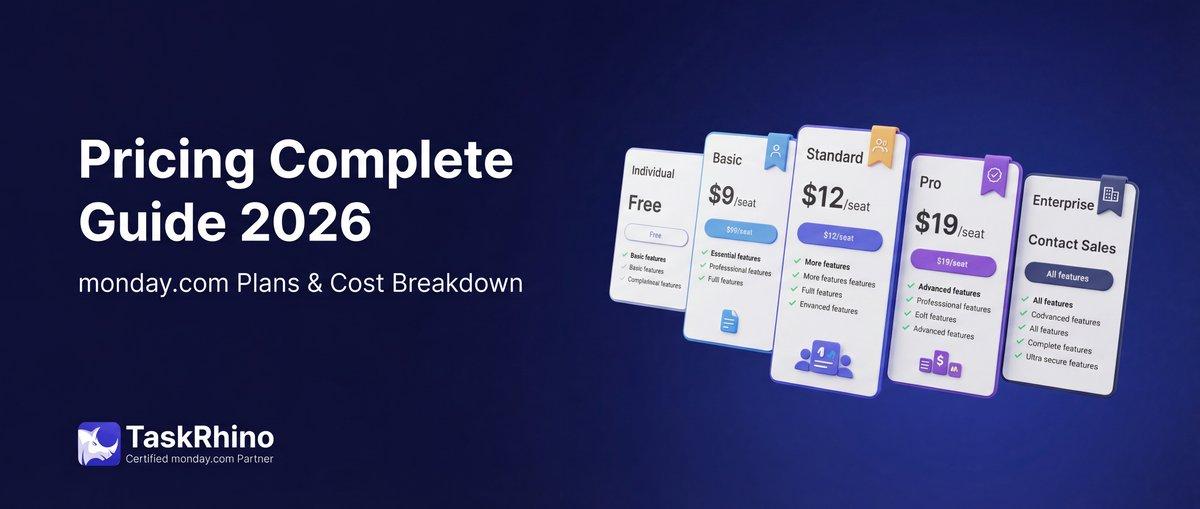
monday.com Pricing 2026: Complete Guide

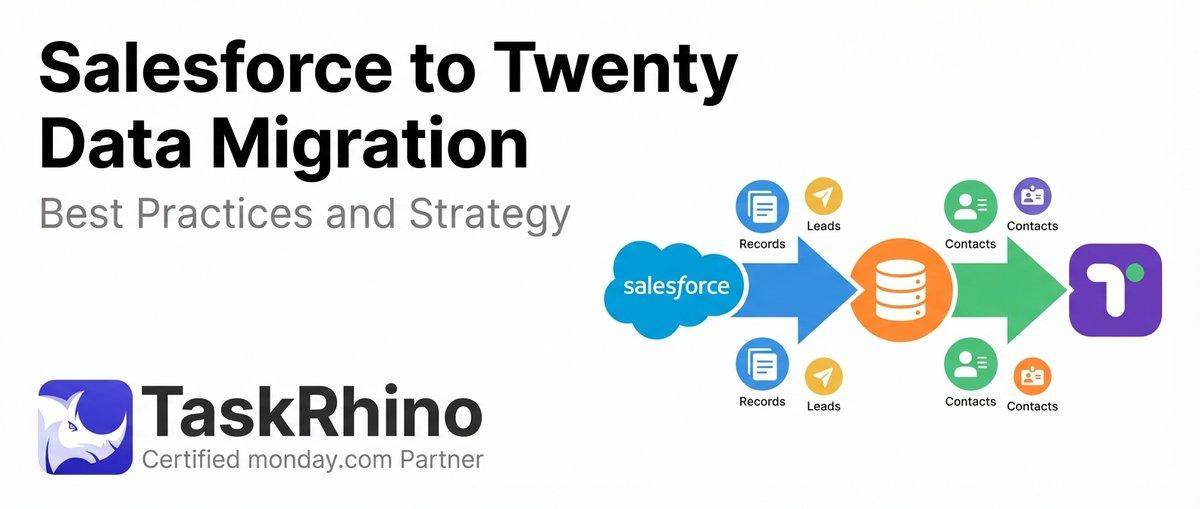
Salesforce to Twenty Data Migration: Best Practices and Strategy
Is Twenty CRM Right for Your Business? A Guide for Growing Teams