

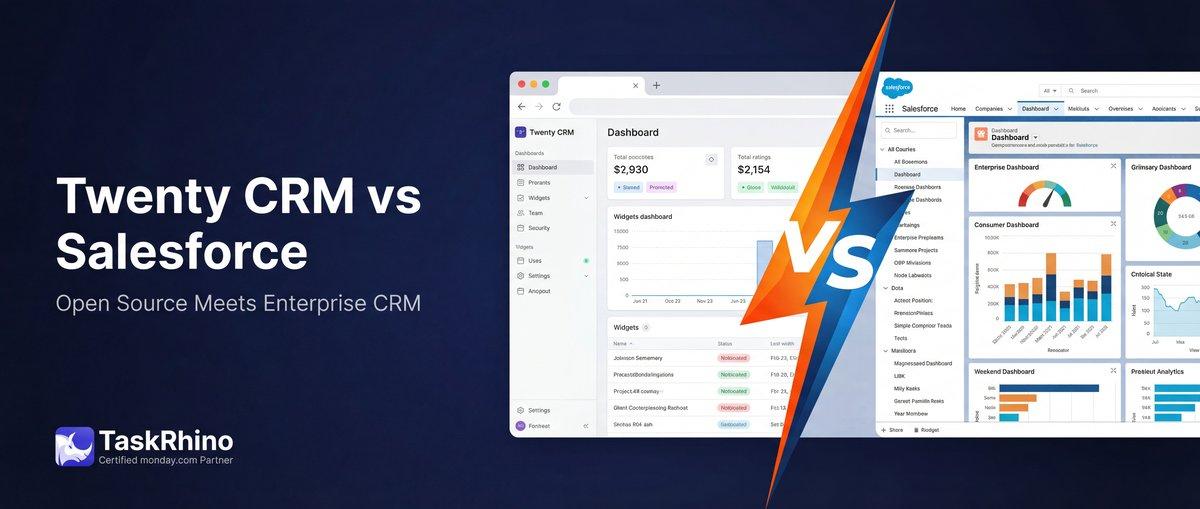
Twenty CRM vs Salesforce: Full Detailed Comparison
Open-source CRMs work when they connect to your existing tools. Twenty CRM delivers on that promise with four API types, real-time webhooks, and a developer ecosystem that treats custom integrations as first-class features — not afterthoughts.
This guide covers how Twenty’s integration architecture works, what you can build, and how to choose between REST, GraphQL, webhooks, and marketplace apps for your specific use case.
Table of Contents
- Twenty’s Integration Philosophy
- The Four API Types Explained
- API Architecture: Core vs. Metadata
- REST vs. GraphQL: When to Use Which
- Webhooks: Real-Time Event Notifications
- API Authentication and Security
- Batch Operations and Rate Limits
- Marketplace and Third-Party Extensions
- Common Integration Patterns
- Real-World Stories from TaskRhino
- Migration Considerations
- Frequently Asked Questions
Twenty’s Integration Philosophy
Twenty was built developer-first. That means integration capabilities weren’t added after launch — they’re foundational to how the platform works.
What Makes Twenty Different
| Aspect | Traditional CRMs | Twenty CRM |
|---|---|---|
| API Generation | Manual, version-locked | Auto-generated from your data model |
| Custom Objects | Limited or enterprise-only | Same API treatment as built-in objects |
| Endpoint Structure | Long IDs, complex paths | Human-readable names you define |
You’re not adapting to a rigid API schema. The API adapts to your business model.
Self-Hosted vs. Cloud Integration Differences
Both deployment models offer the same API capabilities with minor operational differences:
| Feature | Cloud | Self-Hosted |
|---|---|---|
| Base URL | https://api.twenty.com/ | https://your-domain/ |
| API Keys | Managed in cloud console | Managed in your instance |
| Rate Limits | Shared infrastructure | Configurable on your server |
| Webhook IPs | Fixed IP range | Your server’s IP |
Self-hosted instances give you full control over rate limits, logging, and firewall rules. Cloud instances handle scaling and uptime for you.
The Four API Types Explained
Twenty provides four distinct API surfaces. Each serves a specific purpose in your integration architecture.
Core API: Working with Data
The Core API manages your actual CRM records — the people, companies, opportunities, and custom objects you’ve created.
Access: /rest/ or /graphql/
What It Does:
- Create, read, update, delete records
- Query with filters and sorting
- Manage relationships between objects
- Execute batch operations
Use Cases:
- Sync contacts from your marketing platform
- Push deal data to business intelligence tools
- Import historical data from spreadsheets
- Build custom dashboards
Metadata API: Managing Your Schema
The Metadata API controls your workspace structure — the objects, fields, and relationships that define your data model.
Access: /rest/metadata/ or /metadata/
What It Does:
- Create or modify objects and fields
- Define relationships (one-to-many, many-to-many)
- Configure workspace settings
- Manage field types and validation rules
Use Cases:
- Automated workspace setup scripts
- Dynamic schema changes triggered by business events
- Multi-tenant applications with per-customer schemas
- Infrastructure-as-code for CRM configuration
REST vs. GraphQL for Each API
Both Core and Metadata APIs are available in REST and GraphQL formats:
| API Type | REST Operations | GraphQL Advantages |
|---|---|---|
| Core | CRUD, batch, upserts | Batch upserts, nested queries |
| Metadata | Schema management | Relationship queries in one call |
You can mix and match. Use REST for straightforward operations, GraphQL when you need complex, nested data retrieval.
API Documentation: Built for Your Data Model
Twenty generates API documentation specific to your workspace. If you create a custom object called “Projects” with fields for budget, deadline, and status, the API documentation reflects that immediately.
Access the Playground:
- Settings → APIs & Webhooks
- Create an API key
- Click REST API or GraphQL API
The interactive playground lets you test queries against your actual data model with autocomplete based on your custom objects and fields.
API Architecture: Core vs. Metadata
Understanding when to use Core vs. Metadata APIs prevents common integration mistakes.
Core API: Data Operations
Endpoint Pattern: “ /rest/companies /rest/people /rest/opportunities /rest/your-custom-object “
Example: Create a Company (REST) “json POST /rest/companies { "name": "Acme Corp", "domain": "acme.com", "employees": 150 } “
Example: Query Companies (GraphQL) “graphql query { companies(filter: { employees: { gte: 100 } }) { edges { node { id name domain employees } } } } “
Metadata API: Schema Operations
Endpoint Pattern: “ /rest/metadata/objects /rest/metadata/fields /metadata/objects “
Example: Create a Custom Object (REST) “json POST /rest/metadata/objects { "name": "projects", "labelSingular": "Project", "labelPlural": "Projects", "description": "Customer project tracking" } “
Example: Add a Field (GraphQL) “graphql mutation { createField( input: { objectId: "projects" name: "budget" type: CURRENCY label: "Project Budget" } ) { id name type } } “
When to Use Metadata API
| Scenario | Use Metadata API? |
|---|---|
| Creating records | No — use Core API |
| Adding a custom field | Yes |
| Querying existing data | No — use Core API |
| Building workspace templates | Yes |
| Migrating schema between environments | Yes |
| Daily operational tasks | No — use Core API |
Most integrations use Core API 90% of the time. Metadata API is for setup, configuration changes, and infrastructure automation.
REST vs. GraphQL: When to Use Which
Both formats access the same data. Your choice depends on operational needs, not feature availability.
REST API Strengths
Best for:
- Simple CRUD operations
- Systems that expect REST conventions
- Quick prototyping
- Rate limit optimization (fewer calls for single-object operations)
Example: Update a Person (REST) “json PATCH /rest/people/abc12345 { "phone": "+1-555-0199", "jobTitle": "VP of Sales" } “
GraphQL API Strengths
Best for:
- Fetching related data in one request
- Reducing over-fetching (request only the fields you need)
- Batch operations across multiple object types
- Complex filtering and nested queries
Example: Fetch Company with Related People (GraphQL) “graphql query { company(id: "xyz98765") { name domain people { edges { node { firstName lastName email jobTitle } } } } } “
This single GraphQL query replaces two REST calls (one for company, one for people).
Performance Comparison
| Operation | REST Calls | GraphQL Calls |
|---|---|---|
| Get company + people | 2 | 1 |
| Update 10 records | 10 | 1 (batch) |
| Get 3 fields from 1 record | 1 (returns all fields) | 1 (returns only requested fields) |
GraphQL reduces network overhead when fetching related data. REST is simpler for single-object operations.
Batch Operations
Both formats support batch operations with a 60-record limit per request:
REST Batch Create: “json POST /rest/companies/batch { "records": [ {"name": "Company A", "domain": "companya.com"}, {"name": "Company B", "domain": "companyb.com"} ] } “
GraphQL Batch Create: “graphql mutation { CreateCompanies( input: [ { name: "Company A", domain: "companya.com" } { name: "Company B", domain: "companyb.com" } ] ) { id name } } “
GraphQL-only feature: Batch Upsert (create or update in one call using plural object names like CreateCompanies instead of CreateCompany).
Ready to build your integration? Book a free consultation to map out your Twenty CRM setup →
See How BoardBridge Handles This Workflow
Book a free demo to see BoardBridge solve this exact problem — live, with your data.
Webhooks: Real-Time Event Notifications
Webhooks push data to your systems when events occur in Twenty — no polling required. Use them to keep external tools synchronized, trigger automations, or send alerts.
How Twenty Webhooks Work
When a record is created, updated, or deleted in Twenty, the platform sends an HTTP POST request to your specified URL with the event details.
Webhook Endpoint Setup:
- Settings → APIs & Webhooks → Webhooks
- Click + Create webhook
- Enter your publicly accessible URL
- Click Save
The webhook activates immediately.
Supported Events
| Event Type | Example Events |
|---|---|
| Created | person.created, company.created, opportunity.created |
| Updated | person.updated, company.updated, note.updated |
| Deleted | person.deleted, company.deleted, opportunity.deleted |
All event types are sent to your webhook URL. (Event filtering may be added in future releases.)
Webhook Payload Structure
Each webhook sends a JSON payload:
“json { "event": "person.created", "data": { "id": "abc12345", "firstName": "Alice", "lastName": "Doe", "email": "alice@example.com", "createdAt": "2025-02-10T15:30:45Z", "createdBy": "user_123" }, "timestamp": "2025-02-10T15:30:50Z" } “
| Field | Description |
|---|---|
| event | What happened (e.g., person.created) |
| data | Full record that was created/updated/deleted |
| timestamp | When the event occurred (UTC) |
Webhook Security: Signature Validation
Twenty signs each webhook request with HMAC SHA256. Validate signatures to ensure requests are authentic.
Headers:
X-Twenty-Webhook-Signature: HMAC SHA256 signatureX-Twenty-Webhook-Timestamp: Request timestamp
Validation Process (Node.js): “`javascript const crypto = require(“crypto”);
const timestamp = req.headers[“x-twenty-webhook-timestamp”]; const payload = JSON.stringify(req.body); const secret = “your-webhook-secret”;
const stringToSign = ${timestamp}:${payload}; const expectedSignature = crypto .createHmac(“sha256”, secret) .update(stringToSign) .digest(“hex”);
const isValid = expectedSignature === req.headers[“x-twenty-webhook-signature”]; “`
Always validate signatures before processing webhook data. This prevents replay attacks and unauthorized requests.
Webhooks vs. Workflow HTTP Requests
| Method | Direction | Use Case |
|---|---|---|
| Webhooks | OUT | Notify external systems of ANY record change |
| Workflow + HTTP | OUT | Send data with custom filters/transformations |
| Workflow Webhook Trigger | IN | Receive data into Twenty from external systems |
Webhooks are “fire and forget” — they notify your endpoint whenever something changes. Workflows let you add conditional logic before sending data out.
API Authentication and Security
Every API request requires authentication via an API key passed in the request header.
Creating an API Key
- Settings → APIs & Webhooks
- Click + Create key
- Configure:
- Name: Descriptive identifier (e.g., “Zapier Integration”)
- Expiration Date: When the key expires
- Click Save
- Copy the key immediately (shown only once)
Using API Keys
Authorization Header: “ Authorization: Bearer YOUR_API_KEY “
Include this header in every API request.
Role-Based API Key Permissions
For better security, assign specific roles to limit API key access:
- Settings → Roles
- Click the role to assign
- Open the Assignment tab
- Under API Keys, click + Assign to API key
- Select the API key
The key inherits that role’s permissions. This allows you to:
- Create read-only API keys for reporting tools
- Restrict write access to specific objects
- Limit access to sensitive fields
API Key Management
| Action | How To |
|---|---|
| Regenerate | Settings → APIs & Webhooks → Click key → Regenerate |
| Delete | Settings → APIs & Webhooks → Click key → Delete |
| View Usage | Currently unavailable (planned feature) |
Best practices:
- Rotate keys every 90 days
- Use separate keys for each integration
- Delete unused keys immediately
- Never commit keys to version control
Batch Operations and Rate Limits
Twenty enforces rate limits to ensure platform stability. Design your integrations to work within these constraints.
Rate Limits (2026)
| Limit Type | Value |
|---|---|
| Requests per minute | 100 calls |
| Batch size | 60 records per request |
| Concurrent requests | Not specified (use sequential for safety) |
These limits apply per API key. Self-hosted instances can adjust limits in configuration.
Batch Operation Strategies
Single-record loops (inefficient): “ Create Company 1 → 1 API call Create Company 2 → 1 API call Create Company 3 → 1 API call Total: 3 calls “
Batch operation (efficient): “ Create Companies [1, 2, 3] → 1 API call Total: 1 call “
Always batch when creating, updating, or deleting multiple records.
Handling Rate Limit Errors
When you exceed rate limits, Twenty returns: “json { "error": "Rate limit exceeded", "retryAfter": 32 } “
Response Strategy:
- Pause requests
- Wait for the duration specified in
retryAfter(seconds) - Resume with exponential backoff
Example Implementation: “javascript async function callAPIWithRetry(endpoint, data) { try { return await fetch(endpoint, { method: 'POST', body: JSON.stringify(data) }); } catch (error) { if (error.status === 429) { const retryAfter = error.retryAfter || 60; await sleep(retryAfter * 1000); return callAPIWithRetry(endpoint, data); } throw error; } } “
Optimizing for Rate Limits
| Technique | API Calls Saved |
|---|---|
| Batch operations | 10x-60x reduction |
| GraphQL for nested data | 50% fewer calls |
| Cache frequent reads | 30-70% reduction |
| Webhook-triggered updates (vs. polling) | 99% reduction |
Webhooks are the most efficient pattern. Instead of polling for changes every minute (1,440 API calls per day), you receive updates only when changes occur.
Marketplace and Third-Party Extensions
Twenty’s marketplace ecosystem is developer-driven. While the platform is relatively new compared to Salesforce or HubSpot, the open-source model accelerates extension development.
Native Integrations (2026)
Twenty connects to external platforms through:
| Integration Type | Examples | Setup Method |
|---|---|---|
| Email Sync | Gmail, Outlook | OAuth connection in Settings |
| Calendar | Google Calendar, Outlook Calendar | OAuth connection |
| Zapier | 8,000+ apps | Zapier Twenty connector |
| n8n | Self-hosted automation | n8n Twenty node |
| Pipedream | Serverless workflows | Pipedream Twenty app |
Zapier Integration
Zapier provides the fastest path to connecting Twenty with mainstream business tools.
Available Triggers:
- New Company Created
- New Person Created
- New Opportunity Created
- Record Updated (any object)
Available Actions:
- Create Company
- Create Person
- Update Record
- Search Records
Example Zap:
- Trigger: New form submission (Typeform)
- Action: Create Person in Twenty
- Action: Send Slack notification
This takes 5 minutes to set up with no code.
n8n Integration (Self-Hosted Automation)
n8n is an open-source automation platform ideal for self-hosted Twenty instances.
Why n8n + Twenty:
- Both are open-source and self-hostable
- n8n handles complex conditional logic Twenty workflows currently lack
- Full control over data flow (no third-party servers)
Example n8n Workflow:
- Webhook node: Receive POST from external system
- Twenty node: Search for existing company
- IF node: Check if company exists
- Twenty node (Branch A): Update existing company
- Twenty node (Branch B): Create new company
n8n fills the gap for advanced automation logic until Twenty’s native workflow engine matures.
Building Custom Marketplace Apps
Twenty’s marketplace is open to community-built extensions. The platform uses a standard app framework:
App Structure:
- Manifest file (defines permissions, objects, actions)
- Frontend components (React-based UI)
- Backend logic (serverless functions or hosted endpoints)
- OAuth or API key authentication
Documentation for building marketplace apps is available at docs.twenty.com/developers.
Need Help With Your monday.com Setup?
TaskRhino has implemented monday.com for 110+ teams. Get a free consultation.
Common Integration Patterns
These patterns solve real business problems we’ve encountered at TaskRhino.
Pattern 1: Lead Capture from Multiple Sources
Business Need: Consolidate leads from website forms, LinkedIn ads, and partner referrals into Twenty.
Architecture:
- Typeform → Zapier → Twenty (Create Person)
- LinkedIn Lead Gen → Zapier → Twenty (Create Person + Opportunity)
- Partner Portal → Direct API → Twenty (Create Company + Person)
Key Decision: Use Zapier for marketing tools (no code, easy to maintain). Use direct API integration for partner portal (tighter control, custom validation).
Pattern 2: Real-Time Slack Notifications
Business Need: Notify sales team in Slack when high-value opportunities are created or updated.
Architecture:
- Twenty Webhook → Your server endpoint
- Server logic:
- Parse webhook payload
- Filter for opportunities > $50k
- Format Slack message
- Post to Slack webhook URL
Why not Zapier? Webhooks don’t cost Zapier tasks. This pattern triggers 200+ times per month for active sales teams — using the API is more cost-effective.
Pattern 3: Bi-Directional Sync with Accounting Software
Business Need: Keep customer data synchronized between Twenty (CRM) and QuickBooks (accounting).
Architecture:
- Twenty → QuickBooks: Webhook triggers when Company is created/updated → n8n workflow checks if customer exists in QuickBooks → Create or update
- QuickBooks → Twenty: QuickBooks webhook triggers on customer change → n8n workflow updates Twenty via API
Challenge: Avoiding infinite loops. Use a lastSyncedAt timestamp field in both systems. Only sync if the record was modified after the last sync timestamp.
Pattern 4: Custom Dashboard with Live Data
Business Need: Build a public-facing dashboard showing real-time deal pipeline without exposing the CRM interface.
Architecture:
- Frontend: React app (hosted on Vercel)
- Backend: Twenty GraphQL API (read-only API key)
- Refresh: Poll API every 60 seconds or use Server-Sent Events with a webhook proxy
Query Example: “graphql query { opportunities(filter: { stage: { in: ["Qualified", "Proposal"] } }) { edges { node { name amount stage closeDate } } } } “
This pattern lets you share CRM insights with stakeholders without giving them Twenty access.
Real-World Stories from TaskRhino
Story 1: Healthcare Client Automates Patient Intake
Client: Mid-sized physical therapy clinic with 12 locations
Problem: Patient intake forms were paper-based. Front desk staff manually entered data into their CRM, leading to errors and 20+ hours of admin work per week.
Solution:
- Built a custom patient intake form (Typeform) with HIPAA-compliant hosting
- Connected form to Twenty via Zapier:
- New submission → Create Person in Twenty
- Map form fields to custom fields (insurance provider, referral source, injury type)
- Set up webhook to notify the assigned therapist via SMS when a new patient is added
Result:
- Admin time reduced from 20 hours/week to 3 hours/week
- Intake accuracy improved (no manual transcription errors)
- Therapists received patient info before the first appointment
Integration Cost: $0/month (Zapier Free plan, Twenty self-hosted, Twilio pay-as-you-go)
Need help automating your intake process? Let’s talk about your specific workflow →
Story 2: SaaS Startup Syncs Product Usage to CRM
Client: Early-stage SaaS company (project management tool)
Problem: Sales team had no visibility into which trial users were actively using the product. Outreach was random rather than data-driven.
Solution:
- Added product usage tracking to their app (tracks logins, project creation, team invites)
- Built a nightly sync job:
- Query product database for usage stats
- Use Twenty GraphQL API to update custom fields on Person records
- Fields:
lastLoginDate,projectsCreated,teamSize,usageScore
- Created a Twenty view filtered by
usageScore > 75for sales to prioritize outreach
Architecture:
- Cron job (runs at 2 AM daily)
- Node.js script queries product DB
- Batch update via GraphQL API (processes 500+ users in ~30 seconds)
Result:
- Sales team increased trial-to-paid conversion by 18% by focusing on engaged users
- Support team proactively reached out to low-usage accounts before churn
Key Insight: Custom fields in Twenty allowed them to track product-specific metrics without needing a separate tool like Intercom.
Story 3: Nonprofit Coordinates Volunteers Across Regions
Client: Habitat for Humanity affiliate covering 3 states
Problem: Volunteer coordination happened in spreadsheets. Regional managers couldn’t see availability, skills, or assignment history. Double-booking and no-shows were common.
Solution:
- Set up Twenty with custom objects:
- Volunteers (standard Person object with custom fields for skills, availability, region)
- Projects (custom object: build site, start date, crew size needed)
- Assignments (custom object: links Volunteers to Projects)
- Built a volunteer portal (web app):
- Volunteers log in, see available projects, sign up
- Sign-ups create Assignment records via API
- Set up webhooks:
- When Assignment is created → Send confirmation email to volunteer
- When Project is 3 days away → Send reminder emails to assigned volunteers
Result:
- No-show rate dropped from 22% to 8%
- Regional managers gained real-time visibility into crew staffing
- Admin time reduced by 15 hours/week
Integration Stack: Twenty API + custom Next.js portal + SendGrid for emails
Migration Considerations
Moving from another CRM to Twenty requires planning. Here’s what to consider.
Data Migration Path
| Current CRM | Export Format | Twenty Import Method |
|---|---|---|
| Salesforce | CSV via Data Loader | REST API batch import |
| HubSpot | CSV from export tool | GraphQL batch import |
| Pipedrive | CSV or JSON via API | REST API batch import |
| Spreadsheets | CSV or XLSX | REST API batch import (via script) |
Twenty doesn’t have a built-in import UI yet (as of 2026). You’ll need to write a script or use a tool like n8n to process your CSV and make batch API calls.
Schema Mapping
Before migrating data:
| Step | Action |
|---|---|
| 1. Audit Current Schema | List all objects, fields, and relationships in your current CRM |
| 2. Design Twenty Schema | Use Metadata API to create matching objects and fields |
| 3. Map Field Types | Text → Text, Number → Number, Picklist → Select, Date → Date |
| 4. Handle Relationships | One-to-many and many-to-many relationships need linking records |
Example Migration Script (Pseudocode): “`javascript // 1. Create Custom Object via Metadata API createObject({ name: “projects”, labelSingular: “Project” });
// 2. Create Custom Fields createField({ objectId: “projects”, name: “budget”, type: “CURRENCY” }); createField({ objectId: “projects”, name: “deadline”, type: “DATE” });
// 3. Import Data via Core API const projects = readCSV(“projects.csv”); const batches = chunkArray(projects, 60); // 60-record batches for (const batch of batches) { await createRecordsBatch(“projects”, batch); } “`
Integration Continuity During Migration
Don’t break existing integrations when migrating:
| Integration Type | Migration Strategy |
|---|---|
| Zapier/Make | Run both CRMs in parallel for 2 weeks; gradually switch Zaps |
| Custom APIs | Use feature flags to route traffic to new CRM |
| Webhooks | Set up new webhook endpoints; keep old ones active until verified |
| Email Sync | Re-authenticate email accounts in Twenty; archive old CRM |
Plan for a 2-4 week parallel run period where both systems are active. This gives you time to verify data accuracy and integration behavior before fully cutting over.
Stop Creating Duplicates
BoardBridge forms update existing items — no Enterprise plan, no workarounds, no duplicates.
Frequently Asked Questions
When should I use GraphQL vs REST APIs for syncing data between Twenty and my existing business systems?
Use GraphQL when dealing with complex, nested data structures or when you need to minimize payload size and reduce API calls—it’s ideal for sophisticated queries across related objects. REST is better for simpler, straightforward data synchronization tasks where you’re pulling or pushing flat data structures. Your choice depends on data complexity: if you’re syncing conference objects with nested attendee lists and custom fields, GraphQL’s query flexibility wins; if you’re doing basic lead imports, REST’s simplicity is sufficient.
How does Twenty’s self-hosted deployment affect webhook reliability and real-time sync compared to cloud instances?
Self-hosted instances give you direct control over rate limits, logging, and firewall rules, allowing you to optimize webhook delivery for your infrastructure, while cloud instances handle scaling and uptime automatically but with less granular control. The API capabilities are identical between both models, so the trade-off is operational control versus managed reliability—self-hosted requires more monitoring but offers customization for high-throughput webhook scenarios.
What’s the practical difference between using Twenty’s marketplace integrations versus building custom connectors through the API for legacy systems?
Marketplace integrations are pre-built, vendor-maintained connectors that work out-of-the-box but may not fit niche workflows, while custom API connectors require development effort but adapt to your specific business logic. Since Twenty’s open-source model means you’re not locked into vendor-controlled integrations, building custom connectors is viable if your legacy system isn’t in the marketplace—the API architecture is flexible enough to fill gaps that native connectors don’t cover.
How should I architect error handling and retry logic when building webhook integrations between Twenty and critical business systems?
The search results indicate that implementing error handling and retry logic is a critical step in the integration readiness checklist, though specific architectural patterns aren’t detailed. Based on webhook best practices, you should implement exponential backoff for failed webhook deliveries, store failed payloads for manual replay, and monitor webhook delivery rates to catch integration failures before they impact your data sync. TaskRhino consulting can help design fault-tolerant webhook architectures specific to your system dependencies.
Why would a technical team choose Twenty’s custom object model over Salesforce’s rigid schema for a specialized use case like conference management?
Twenty lets you create custom objects from scratch—like a conference object with nested attendee relationships—without adapting your business logic to Salesforce’s predefined schemas. This flexibility means you define the data model around your business needs rather than forcing your workflows into Salesforce’s standard objects, reducing the need for workarounds and custom fields that bloat your metadata.
What’s the total integration effort difference between Salesforce’s professional services model and Twenty’s developer-first approach for building a connected CRM?
Salesforce typically requires outsourcing integration work to certified partners and professional services, adding significant cost and vendor lock-in, while Twenty’s open-source, developer-first model lets you build integrations in-house or with independent developers. For teams with technical resources, Twenty’s approach eliminates the “Salesforce Ecosystem Trusted Partners” markup and gives you ownership of your integration code, though it requires upfront engineering investment rather than outsourced implementation.

Want to Host, Customize, or Migrate to Twenty CRM
Editor's Choice
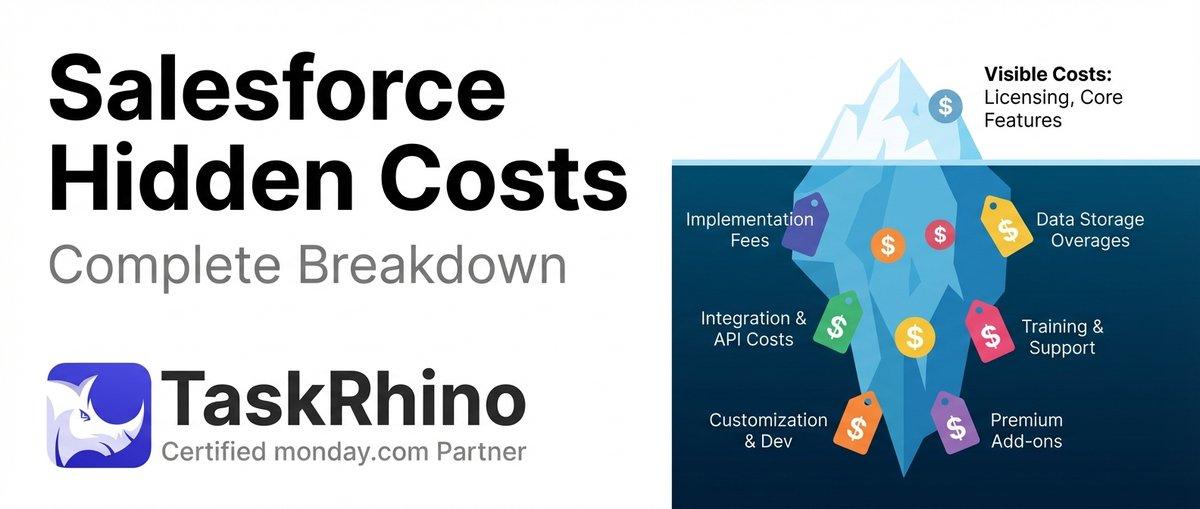
How to Calculate Hidden Costs of Salesforce Admin & Consulting

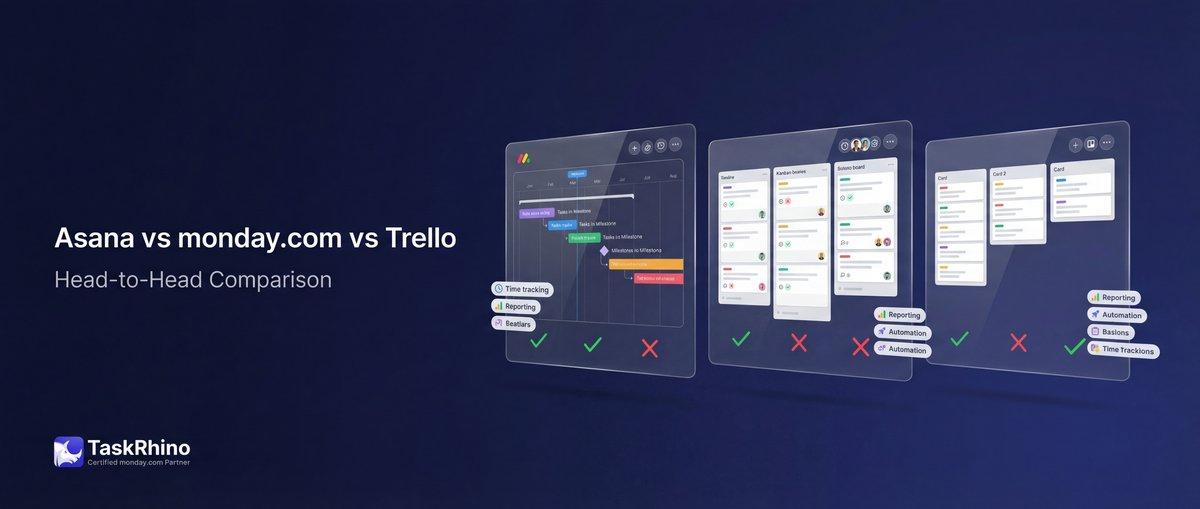
Asana vs monday.com vs Trello 2026: The Bicycle, The Sedan, and The SUV
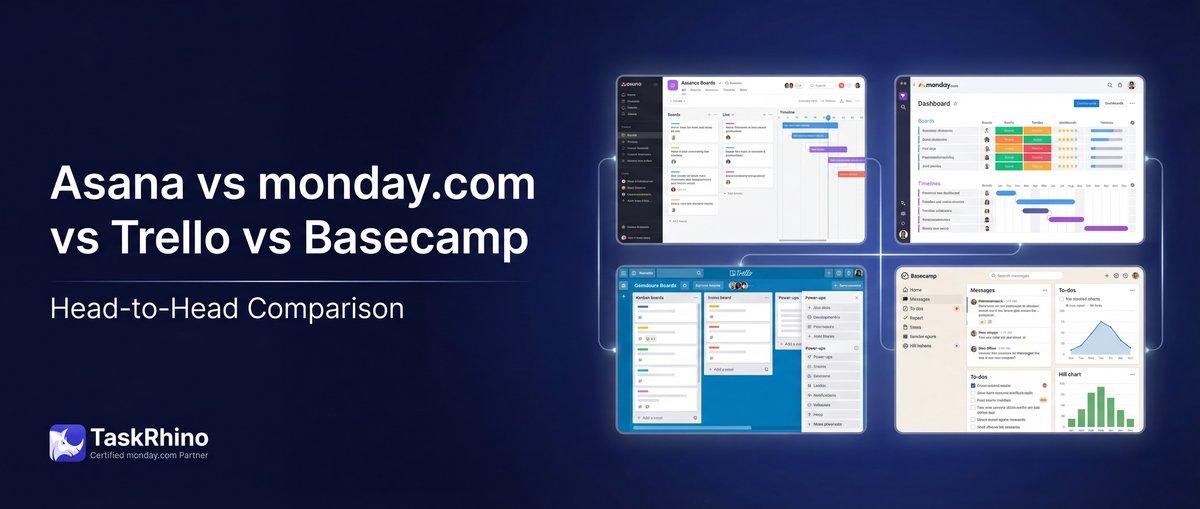
Asana vs Monday vs Trello vs Basecamp: Complete 2026 Comparison Guide