

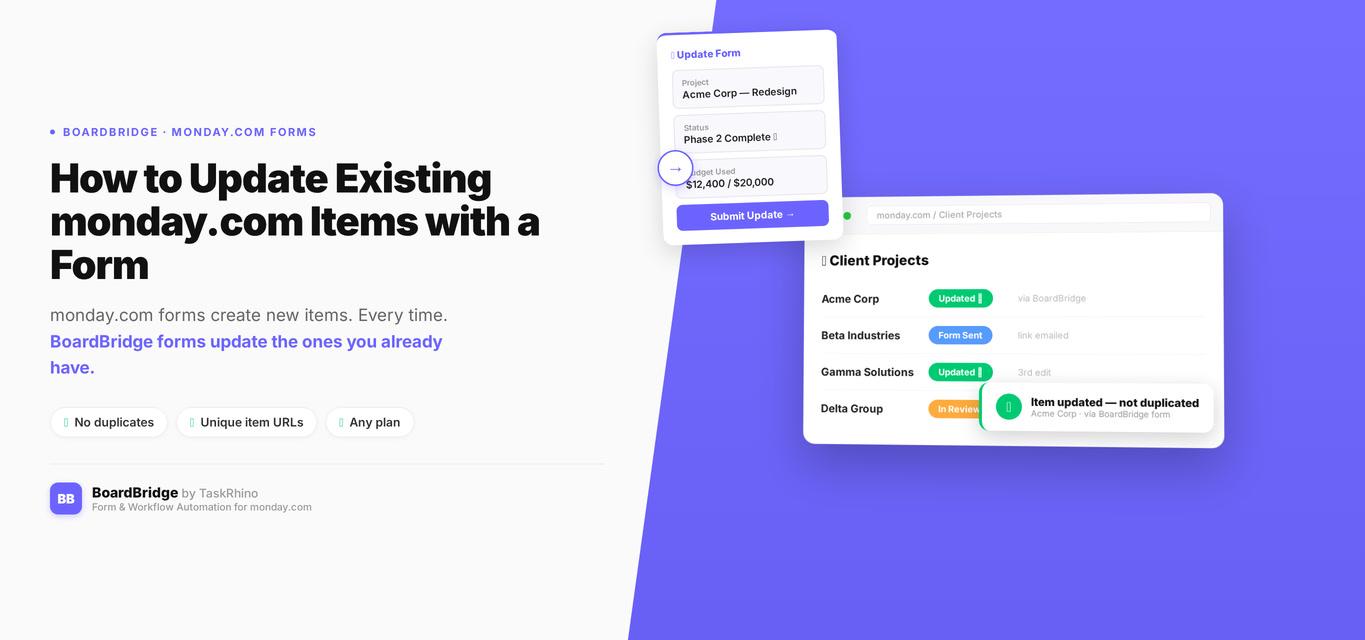
How to Update Existing monday.com Items with a Form
Content track: BoardBridge Product Word count target: ~2,000 words
You need to update existing items in monday.com using a form. But WorkForms only creates new items. Every form submission adds a duplicate row to your board instead of updating the item that already exists.
That’s the problem most teams hit when they try to collect data from clients, vendors, or contractors. The item already exists before the form is sent. You don’t want duplicates — you want the form to write directly to that existing item.
Need a solution that works today? Book a free BoardBridge demo to see how forms can update existing monday.com items without creating duplicates.
In This Post
- Why WorkForms Only Creates New Items
- What Happens Without a Real Solution
- The Workarounds — and Why They Fall Short
- How to Actually Update Existing Items with a Form
- Step-by-Step: Setting It Up with BoardBridge
- Use Cases Where This Matters
- FAQ
Why WorkForms Only Creates New Items
Forms Pain Point #1: monday.com’s architecture treats every form submission as a create operation. When someone fills out a WorkForm, the platform creates a brand new item in your board. There’s no native mechanism to say “take this form submission and write it to item #123456 instead.”
The monday.com community has been actively requesting form-to-item-update functionality since 2020. The main feature request thread — Use Forms to edit/update existing items and columns Source — has grown to over 165 replies and continues to receive new requests as of early 2026. As of early 2026, it’s still unresolved for most users.
The Edit Form Responses feature released in early 2025 partially addresses this — but only for Enterprise plan users Source, only for items that were originally created by that specific form, and with a hard cap of 10 edits per submission Source. If you’re on Standard or Pro, or if your item was created any other way (manually, by automation, via API), it won’t work.
“The original request was to give users a way to edit existing items using forms… what we got was a way for users to edit items CREATED with forms.” — daltonjazz (Sean), monday.com community, July 2025
That distinction matters. The community wanted a general-purpose update mechanism. What shipped was a narrow version that doesn’t cover the most common use case: sending a form link to a vendor, client, or team member to update their assigned item.
What Happens Without a Real Solution
Forms Pain Point #2: If you try to collect form data from external contacts without a proper update mechanism, here’s what actually happens.
Every submission creates a new item. Your board gets cluttered with duplicate rows. You have to manually find the original item, compare values, copy across what changed, and delete the duplicate. Multiply that by ten vendors, fifty events, or hundreds of client onboarding requests, and it becomes a real operational problem.
You lose data integrity. When the same data exists in multiple items, there’s no single source of truth. Statuses are out of sync. Automations fire on the wrong items. Team members don’t know which row to trust.
Manual processes accumulate around platform gaps. Teams often report spending significant time reconciling duplicate form submissions across their boards.
Stop Creating Duplicates
BoardBridge forms update existing items — no Enterprise plan, no workarounds, no duplicates.
The Workarounds — and Why They Fall Short
Before reaching for a third-party tool, most teams try one of these:
URL parameter pre-fill. monday.com lets you pre-fill form fields using URL parameters (e.g., ?field1=value1) Source. The problem: those values are visible in the browser address bar and URL history, which exposes potentially sensitive data. It also doesn’t actually update the existing item — you still get a new item created with pre-filled values.
Make.com or Zapier middleware. Build a Zap that intercepts the form submission and routes it to an update API call. This works, but it adds a third dependency, a monthly subscription, and a brittle point of failure. When the Zap breaks (and it will), someone has to debug it.
Google Forms + integration. Same problem as above, with the added friction of users filling out a form that has nothing to do with your monday.com workspace.
Enterprise “Edit Form Responses.” Only available on Enterprise Source. Only works on items originally created by that specific form. Caps at 10 edits Source. If any of those constraints apply to your situation, this feature doesn’t solve your problem.
None of these address the core need: a simple, reliable way to send someone a form link that updates a specific existing item on your board.
Learn more about monday.com WorkForms limitations and why teams outgrow them.
How to Actually Update Existing Items with a Form
BoardBridge — Form & Workflow Automation for monday.com was built specifically for this. The entire form engine works in the opposite direction from WorkForms.
Instead of creating new items on submission, BoardBridge assigns a unique form URL to each existing item on your board. When someone opens that URL, the form already knows which item it’s targeting. They fill out the fields, hit submit, and the columns on that specific item update — instantly, with no new items created.
Here’s how the mechanics work:
Each item gets its own form link. When you set up a form in BoardBridge and link it to a monday.com board, the system generates a unique URL for every item on that board. The URL includes the item ID, so the form knows exactly which row to write to.
The form pre-fills from existing data. When someone opens the form, BoardBridge reads the current column values from monday.com’s API and populates the fields automatically. If a vendor filled out their contact info last month, they see it pre-filled this time. They update what changed, leave the rest, and submit.
Submission writes to the original item, not a new one. Every field maps to a specific column on the existing item. The update goes directly to that item — no duplicates, no manual reconciliation.
No plan restriction. This works on any monday.com plan — Standard ($12/seat/mo) Source, Pro ($19/seat/mo) Source, or Enterprise. You don’t need an upgrade to access it.
monday.com forms create items. BoardBridge forms update them. That one architectural difference changes everything for workflows that involve external contacts or multi-step data collection.
Step-by-Step: Setting It Up with BoardBridge
Here’s how to set up a form that updates existing monday.com items:
Step 1: Connect your monday.com workspace to BoardBridge. From the BoardBridge admin panel, authorize the monday.com connection. This gives BoardBridge read/write access to your boards. If you need help with monday.com implementation, TaskRhino’s consulting team can assist with the setup.
Step 2: Create a new form and select your target board. In the form builder, choose the board where your items already exist. BoardBridge reads the board’s column structure automatically.
Step 3: Add your form fields and map each to a board column. Drag fields from the panel and assign each one to a column using the dropdown. BoardBridge supports 10 field types: text, long text, email, phone, number, date, dropdown, checkbox, file upload, and location. Each field maps to its corresponding column type.
Step 4: Configure optional settings.
- Overwrite protection: For any field where you want to preserve the first submitted value, toggle overwrite off. Later submissions won’t change that field.
- Status auto-update: Choose a status column to change automatically when the form is submitted (e.g., from “Pending” to “Form Filled”).
- Redirect URL: Send respondents to a Calendly link, a thank-you page, or whatever comes next in your workflow.
- Custom branding: Upload your logo and set a primary color. The form uses your branding, not monday.com’s.
Step 5: Send the form links. BoardBridge integrates with its own email automation system — you can trigger form link emails directly from a monday.com button click or a status change. Each email automatically includes the unique form URL for that specific item. No manual URL building, no copy-paste.
Pro tip: Combine the status auto-update with a monday.com notification automation. When the form is submitted (status changes to “Form Filled”), your team gets notified automatically. No chasing required.
Step 6: Watch your board update in real time. When the recipient submits the form, the columns on their specific item populate immediately. If you’ve set up conditional logic (available on any plan — not restricted to Enterprise like native monday.com conditional logic Source), fields the respondent didn’t see are excluded from the submission entirely — they won’t overwrite existing values.
For full setup documentation, see BoardBridge Docs.
See How BoardBridge Handles Form Updates
Book a free demo to see BoardBridge solve this exact problem — live, with your data.
How Do Form Tools for monday.com Compare?
If you’re evaluating alternatives to WorkForms, here’s how the major options stack up on the features that matter most:
| Feature | BoardBridge | SuperForm | Fillout | monday.com Native |
|---|---|---|---|---|
| Create New Items | ✅ Yes (any plan) | ✅ Yes | ✅ Yes | ✅ Yes (WorkForms) |
| Update Existing Items | ✅ Yes (unique URL per item) | ✅ Yes Source | ✅ Yes (via formula link) | ❌ No |
| Conditional Logic | ✅ Yes (AND/OR, any plan) | ✅ Yes Source | ✅ Yes | ⚠️ Enterprise only Source |
| Multi-Step Forms | ✅ Yes | ✅ Yes | ✅ Yes | ❌ No |
| Pre-fill from Data | ✅ Yes (any plan) | ✅ Yes | ✅ Yes | ✅ Yes Source |
| File Uploads | ✅ Yes | ✅ Yes | ✅ Yes | ✅ Yes |
| Custom Branding | ✅ Yes (any plan) | ✅ Yes Source | ⚠️ Paid plans only | ⚠️ Limited |
| Overwrite Protection | ✅ Yes (per-field toggle) | ❌ No | ❌ No | N/A |
| Status Auto-Update | ✅ Yes | ✅ Yes Source | ❌ No | ❌ No |
| Unlimited Resubmissions | ✅ Yes | ❌ No | ✅ Yes | ❌ No (10-edit cap) Source |
| Email Distribution | ✅ Built-in | ❌ No | ❌ No | ❌ No (manual link sharing) |
Pricing Comparison:
| BoardBridge | SuperForm | Fillout | monday.com Native | |
|---|---|---|---|---|
| Free Tier | No | No | ✅ Yes (1,000 submissions/mo) | ✅ Included |
| Paid Plans | Contact for pricing | Available via monday.com marketplace | Starter $15/Pro $40/Business $75 Source | — |
| Pricing Model | Per workspace | Per workspace | Per submission | Included in platform |
All three tools (BoardBridge, SuperForm, and Fillout) support updating existing monday.com items via forms — the #1 most-requested feature that WorkForms still doesn’t offer natively for most users.
For more comparisons, see Best monday.com Form Alternatives.
Use Cases Where This Matters
This pattern applies across a wide range of workflows:
Event management. You’ve created event items weeks in advance. As the event date approaches, you need vendors to fill in their logistics — catering counts, AV requirements, crew details. Each vendor gets a form link tied to their item. They fill it in. Your board updates. No new rows, no duplicates.
Client onboarding. When a new client signs, the item already exists in your CRM or onboarding board. You send them a form to collect intake information. The response writes to their item, not a new one. Status flips to “Intake Complete” automatically.
HR and employee records. Annual benefits enrollment, address updates, emergency contact changes — all flowing back to existing employee records instead of creating parallel rows your HR team has to reconcile manually.
Freelancer and contractor databases. You have a board of freelancers. Periodically you need them to update their availability, rates, or portfolio links. Send each one a unique link. They update their own row. You never touch the data manually.
Field service. Technicians complete work orders by filling out a form on their phone. Each form link targets the specific work order item. Status updates, notes, and sign-off data write to the right row without any back-office manual entry.
If your team sends forms to people who don’t have monday.com accounts, and those forms need to write to items that already exist — this is the architecture you need. Learn more about the Forms Engine and what it supports today.
Need Help With Your monday.com Setup?
TaskRhino has implemented monday.com for 110+ teams. Get a free consultation.
Frequently Asked Questions
Can monday.com WorkForms update existing items?
Not natively, for most users. The “Edit Form Responses” feature released in early 2025 allows editing for Enterprise plan users Source, but only for items that were originally created by that specific form, with a 10-edit cap per submission Source. Standard and Pro users cannot update existing items using WorkForms.
Do I need an Enterprise monday.com plan to update existing items with a form?
No — not with BoardBridge. BoardBridge works on any monday.com plan (Standard, Pro, or Enterprise) and provides unlimited re-submissions with no plan-based restrictions.
What’s the difference between WorkForms and BoardBridge forms?
WorkForms creates a new item every time someone submits a form. BoardBridge targets a specific existing item and updates its columns. They’re architecturally opposite: WorkForms is a data intake tool; BoardBridge is a data update tool.
Can external users (people without a monday.com account) fill out a BoardBridge form?
Yes. BoardBridge forms are public — no login required. You send the link to a vendor, client, or contractor, they click it and fill it out, and the monday.com item updates. They never need access to your workspace.
What if someone submits the form more than once?
BoardBridge supports unlimited re-submissions. If you want to protect specific fields from being overwritten on a second submission, turn on the per-field overwrite protection. Other fields continue to accept updates. There’s no 10-edit cap.
How do I send a form to update an existing item?
BoardBridge generates a unique URL for each item on your board. You can send these URLs manually or automate distribution using BoardBridge’s built-in email automation. Each form link is tied to one specific item, so when the recipient submits, only that item updates.
Can I use forms to update multiple boards at once?
Yes. BoardBridge supports multi-board form mapping where one form submission can update items across different boards simultaneously. This is useful for workflows where data needs to flow to multiple locations.
Is there a limit to how many times an item can be updated via form?
No. Unlike monday.com’s Enterprise Edit Form Responses feature (which caps at 10 edits Source), BoardBridge allows unlimited form submissions per item with no restrictions. If your team has hit this wall — forms that create duplicates, manual reconciliation, or a broken vendor data collection process — BoardBridge handles it out of the box. No code, no Zapier, no Enterprise upgrade required. Book a free demo to see it in action or explore the Forms Engine to understand what’s supported today. About the Author Rakesh Patel is the founder of TaskRhino, a certified monday.com consulting partner, and the builder of BoardBridge — Form & Workflow Automation for monday.com. With 110+ client implementations, he’s seen this exact problem across dozens of industries. Book a free consultation | Follow on LinkedIn

Editor's Choice
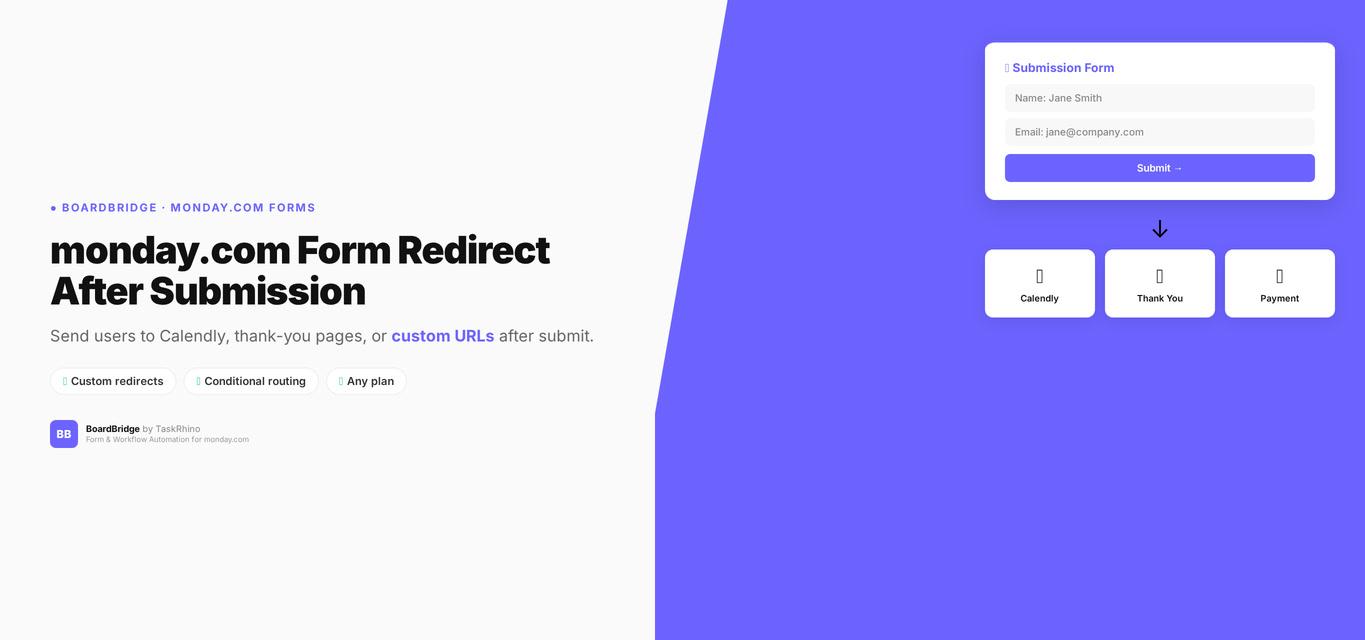
monday.com Form Redirect After Submission: How to Send Users to Calendly, Thank-You Pages, or Custom URLs

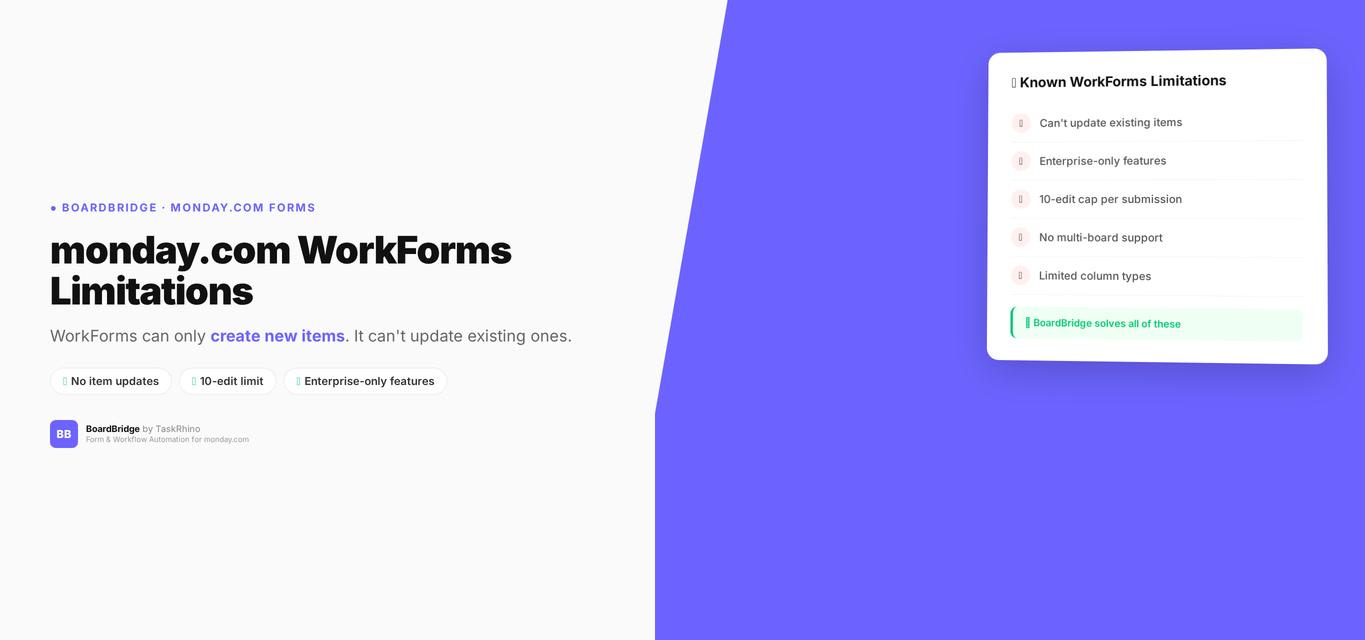
monday.com WorkForms Limitations: Why Your Forms Can’t Edit Existing Items