

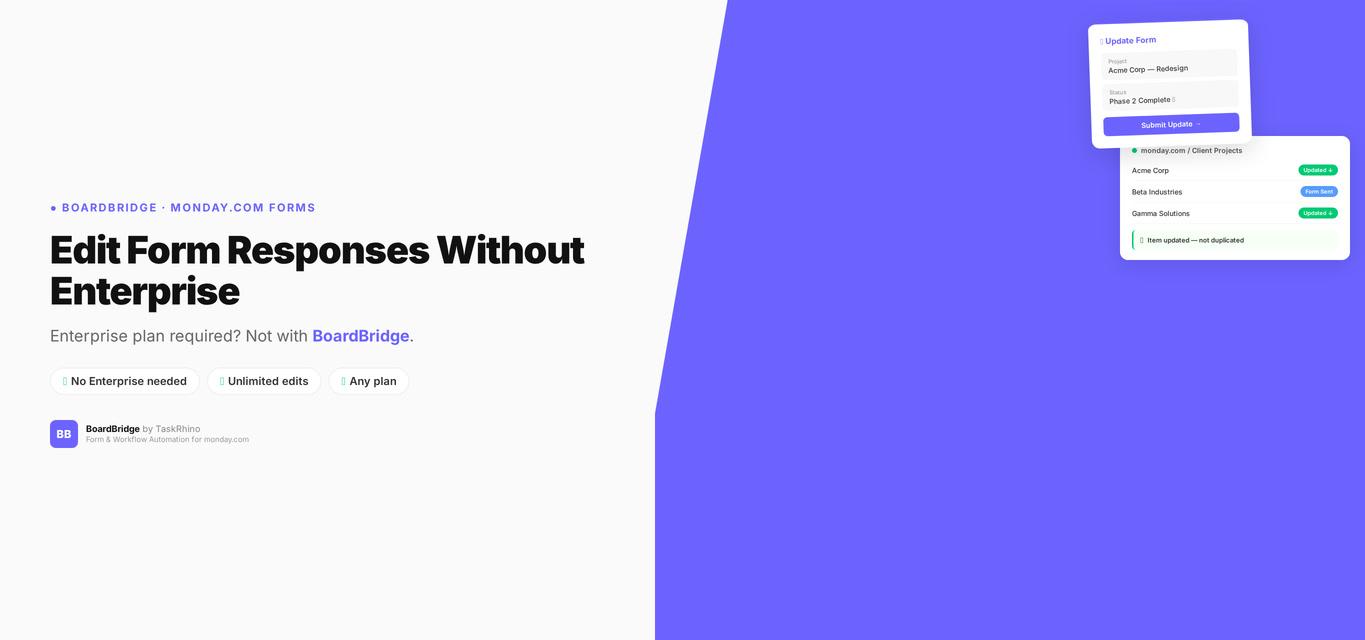
monday.com Edit Form Responses — Enterprise Only (And Why That Matters)
Forms Pain Point #34: Response editing requires Enterprise — Standard and Pro users can’t let people edit their submissions.
In January 2025, monday.com released “Edit Form Responses” — a feature users had been requesting for 6+ years Source. The promise: let people edit their form submissions after they hit submit.
The catch: Enterprise-only Source. If you’re on Standard or Pro, this feature doesn’t exist for you. And even if you’re on Enterprise, the feature is crippled by a 10-edit cap Source, excludes key field types, and only works on items the form itself created — not pre-existing board items.
This post covers what “Edit Form Responses” actually does, what it doesn’t do, why the Enterprise paywall matters, and what your alternatives are if you’re not on a high-tier plan.
Quick solution: BoardBridge — Form & Workflow Automation for monday.com — provides unlimited form edits on any monday.com plan. No Enterprise upgrade needed. No 10-edit cap. Book a free demo.
What “Edit Form Responses” Actually Is (and Isn’t)
When monday.com announced “Edit Form Responses” in January 2025, the community thought they finally got the ability to update existing monday.com items via forms — the #1 most-requested feature since 2020 Source.
They didn’t.
What “Edit Form Responses” Does:
✅ Lets users edit their own previous submissions (if the form creator enabled this before publishing the form) ✅ Only works on Enterprise plan Source ✅ Must be enabled before the form is published (can’t add it retroactively)
What “Edit Form Responses” Does NOT Do:
❌ Does not let forms update pre-existing board items (items created manually, via API, by automation, or from other forms) — see how to actually update existing items ❌ Does not work for Standard or Pro users (Enterprise-only) Source ❌ Caps at 10 edits per submission Source — after that, the response is permanently locked ❌ Cannot edit Signature or Connect Boards question types, even on Enterprise Source ❌ Cannot delete or replace uploaded files — only add new ones (files are append-only) ❌ Requires opt-in before publishing — existing published forms can’t gain this feature without being recreated
Real community reactions:
“it has been a year since this post. As an enterprise customer, I am still not seeing view or edit versions of the form capability. Has this been scrapped?” — xMarcus (MK), February 15, 2026
“the core request here was to be able to edit/update ‘existing’ items… all that has been released is the ability to edit your own new submissions” — Dickson.Cody (Cody Dickson), February 15, 2026
Forms Pain Point #8: “Edit Form Responses” only works on items the form itself created — not on pre-existing items, items created manually, via API, or by automation. See our complete guide to monday.com WorkForms limitations.
Forms Pain Point #12: Form response editing has a hard limit of 10 edits per submission Source. After that, it locks permanently.
The Enterprise Paywall: What It Costs
Monday.com doesn’t publish Enterprise pricing publicly. Based on community reports and pricing aggregator sites, Enterprise plans typically require significant investment compared to Standard ($12/seat/month) Source or Pro ($19/seat/month) Source. See our detailed breakdown of monday.com form features by plan.
For small teams or solo consultants, upgrading to Enterprise for one form feature is economically impractical.
Pro user frustration is loud and documented:
“When will this be released for Pro users??” — Daniel-WSU, January 11, 2026
“how this could be a solution for a non enterprise users? (we are pro users)” — hlopezvc, January 21, 2025
“I’d like to know if this feature will only be available for Enterprise plans” — Osodarck, January 22, 2025
monday.com staff response:
“we do plan to bring this to Pro users in the future” — amybronstein, February 2025 (no specific timeline)
As of February 2026, Edit Form Responses remains Enterprise-only. No roadmap for Standard or Pro.
Stop Creating Duplicates
BoardBridge forms update existing items — no Enterprise plan, no workarounds, no duplicates.
The 10-Edit Limit: Why It Breaks Real Workflows
Forms Pain Point #12 (revisited): Even Enterprise customers hit a hard cap: 10 edits per submission Source. After the 10th edit, the form response is permanently locked.
For workflows where a single submission evolves over weeks or months — client onboarding, vendor intake, project planning — 10 edits is nowhere near enough.
Real-World Example: Event Planning
A client submits an event intake form on Day 1 with 48 fields covering logistics, A/V, catering, travel, and accommodations.
Typical edit pattern over 60 days:
- Day 3: Update venue address (Edit #1)
- Day 7: Change A/V requirements (Edit #2)
- Day 12: Update catering headcount (Edit #3)
- Day 18: Add travel coordinator contact (Edit #4)
- Day 22: Update load-in time (Edit #5)
- Day 30: Revise stage setup notes (Edit #6)
- Day 35: Update accommodations (Edit #7)
- Day 42: Change event start time (Edit #8)
- Day 50: Final catering count (Edit #9)
- Day 55: Update parking instructions (Edit #10)
- Day 60: Client needs to update contact phone number → LOCKED
After 10 edits, the form response can never be changed again. The client is stuck. You’re stuck.
monday.com’s own solution: Create a new form. Which creates a new item. Which means you’re back to manually merging duplicates — exactly the problem “Edit Form Responses” was supposed to solve.
What You Can’t Edit (Even on Enterprise)
Forms Pain Point #11: Even with Enterprise “Edit Form Responses,” you cannot edit Signature or Connect Boards question types Source.
monday.com’s official documentation confirms:
- Signature fields: Permanently locked after submission
- Connect Boards fields: Cannot be edited at all
If your form includes contract signatures, NDA signatures, or linked board references (Connect Boards columns), those values are set in stone after the first submission — no edits allowed, even if you’re paying for Enterprise.
Forms Pain Point #13: Files can only be added, not deleted or replaced. monday.com’s file column API is append-only. If someone uploads the wrong contract PDF, they can upload a corrected version — but the wrong one stays attached too. No way to remove it.
The “Must Enable Before Publishing” Trap
Forms Pain Point #10: The “Change Responses” setting must be enabled before the form is published. You can’t add it retroactively to an existing published form.
If you publish a form without enabling response editing, and later realize your users need to edit their submissions, your only option is to:
- Recreate the form from scratch
- Re-publish it
- Resend it to everyone who already submitted
All previous submissions are permanently locked. There’s no “turn on editing for this existing form” button.
monday.com community member’s experience:
“you have to set this before you make the form public” — DavidSchenkler, April 23, 2025
This is a one-way door. Choose wrong when you first publish, and you’re stuck.
See How BoardBridge Handles Form Updates
Book a free demo to see BoardBridge solve this exact problem — live, with your data.
Competitor Comparison
| Feature | monday.com WorkForms (Enterprise) | SuperForm | Fillout | BoardBridge |
|---|---|---|---|---|
| Edit submitted responses | ✅ (Enterprise only) | ✅ | ✅ | ✅ |
| Edit cap | 10 edits | Unlimited | Unlimited | Unlimited |
| Edit pre-existing items | ❌ | ✅ Source | ✅ | ✅ |
| Signature fields editable | ❌ | ❌ | ✅ | ❌ (not supported yet) |
| File deletion/replacement | ❌ (append-only) | N/A | ✅ | ❌ (append-only) |
| Available on Standard/Pro | ❌ (Enterprise only) | ✅ | ✅ | ✅ |
| Must enable before publishing | ✅ | N/A | No | No |
SuperForm Source: Supports updating existing monday.com items. No edit cap. Works on any monday.com plan.
Fillout (free up to 1,000 submissions/mo) Source: Supports updating existing monday.com items. No edit cap. Works on any monday.com plan.
BoardBridge: Updates existing items via unique URLs. No edit cap. No plan restriction. Every form submission is an “edit” by design — unlimited.
How BoardBridge Handles Unlimited Edits on Any Plan
BoardBridge doesn’t have an “Edit Form Responses” feature because every form submission is an update by default.
How it works:
- Unique URL per item: Every monday.com item gets its own form link (e.g.,
https://forms.yourcompany.com/f/event-intake/12345) - Pre-fill on load: When someone opens the form, it fetches the current column values from monday.com and pre-fills all fields
- Edit what needs changing: The user updates only the fields that need correction
- Submit = Update: The form submission writes back to the same monday.com item — no duplicates, no new rows
- Repeat unlimited times: There is no edit cap. Users can resubmit the same form link 100 times. Every submission updates the item.
No plan restriction. Works identically on monday.com Standard, Pro, and Enterprise.
No enable-before-publishing trap. Every BoardBridge form is inherently editable — it’s the default behavior.
No 10-edit lockout. Submit once, submit 50 times — it always updates the item.
What’s still limited:
Signature fields: BoardBridge doesn’t currently support Signature column types (roadmap item for Q3 2026).
File deletion: Like monday.com and most competitors, file uploads are append-only. New files are added to the existing list; old files can’t be removed via form submission.
Connect Boards: Not supported yet (roadmap for Q4 2026).
For the 90% of workflows that use text, dropdowns, dates, numbers, emails, phone numbers, status columns, and checkboxes — unlimited edits work out of the box on any plan.
Real-World Example: Vendor Intake
A procurement team uses monday.com to manage a vendor roster (200+ vendors). Each vendor has an item on the Vendor Board.
Old workflow (WorkForms):
- Vendor fills out intake form → new item created
- Vendor realizes they got their contact email wrong
- Vendor fills out form again → second item created
- Procurement team manually merges or deletes duplicates
- Vendor needs to update insurance docs (quarterly)
- Vendor fills out form again → third, fourth, fifth items…
- Board becomes unusable
New workflow (BoardBridge):
- Vendor fills out intake form via unique link → existing vendor item updates
- Vendor realizes email was wrong
- Vendor resubmits the same form link → same item updates (Edit #1)
- Vendor updates insurance docs quarterly → same form link, same item updates (Edits #2, #3, #4…)
- One item per vendor, always current, zero duplicates
No edit cap. No plan restriction. No manual cleanup.
What Most Guides Don’t Tell You
“Edit Form Responses” is not the feature users have been asking for since 2020.
The community requests over 6+ years Source were requesting the ability to update existing monday.com items via forms — not “let users edit their own submissions.”
monday.com delivered a feature that’s adjacent to the request but misses the core use case.
Real user reaction:
“The original request was to give users a way to edit existing items using forms… what we got was a way for users to edit items CREATED with forms.” — daltonjazz (Sean), July 7, 2025
The Enterprise paywall is a deal-breaker for small teams.
For solo consultants, small agencies, and startups on Standard or Pro plans, being told “this basic form feature requires Enterprise” is essentially being told “this feature is not for you.”
Third-party form apps don’t have this restriction. Fillout offers unlimited edits on their free tier Source. BoardBridge offers unlimited edits on any monday.com plan. The Enterprise gate is a monday.com business decision, not a technical limitation.
Need Help With Your monday.com Setup?
TaskRhino has implemented monday.com for 110+ teams. Get a free consultation.
Frequently Asked Questions

Editor's Choice
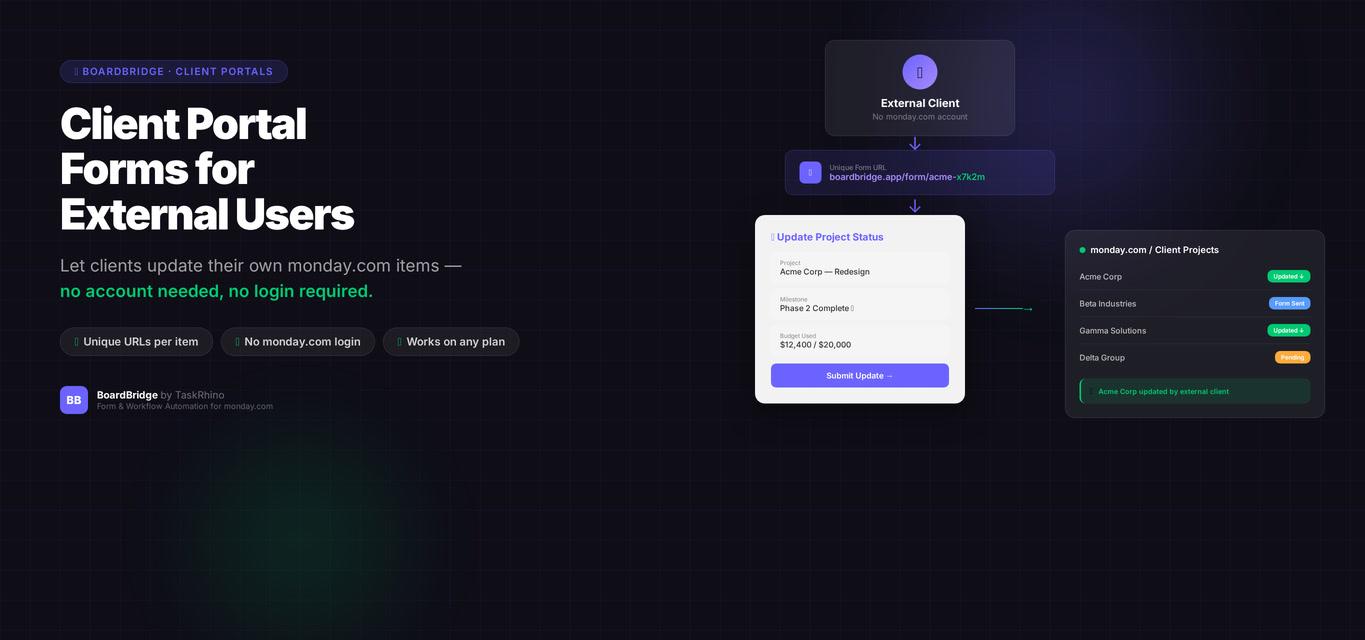
monday.com Client Portal Forms: The Feature That Doesn’t Exist (and Why That Matters)

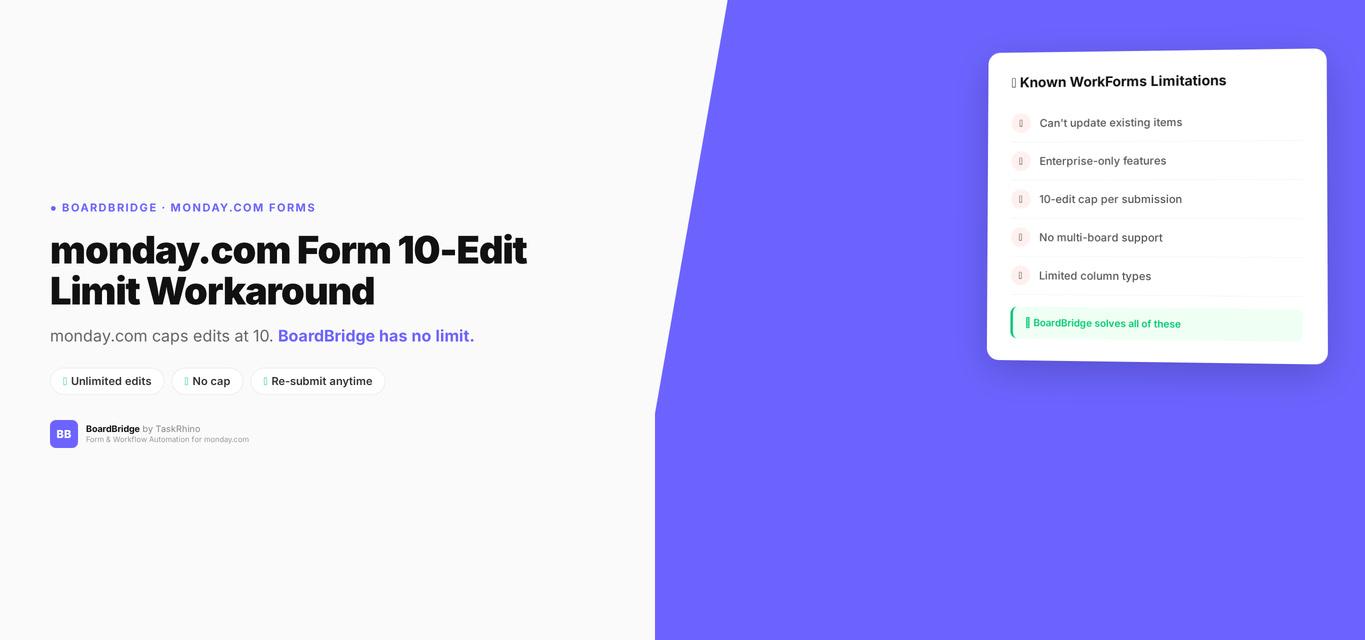
monday.com Form 10 Edit Limit Workaround: How to Get Unlimited Edits
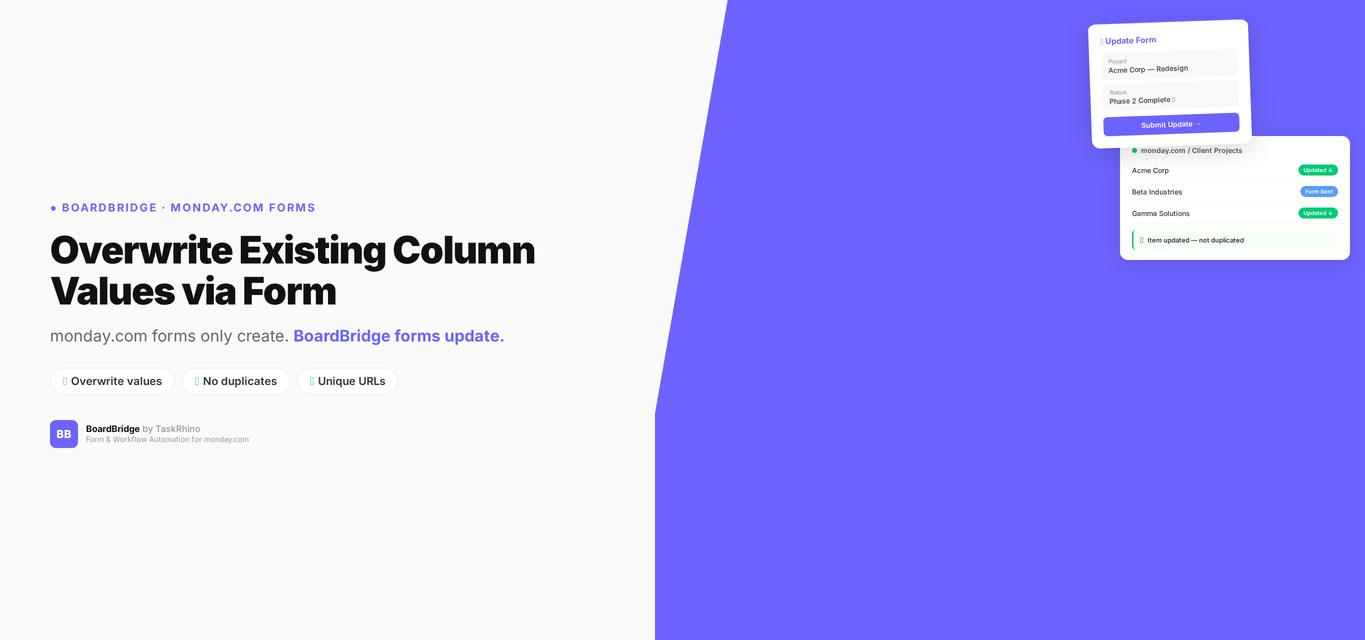
monday.com Form Overwrite Column Values: Per-Field Protect/Overwrite Toggle