

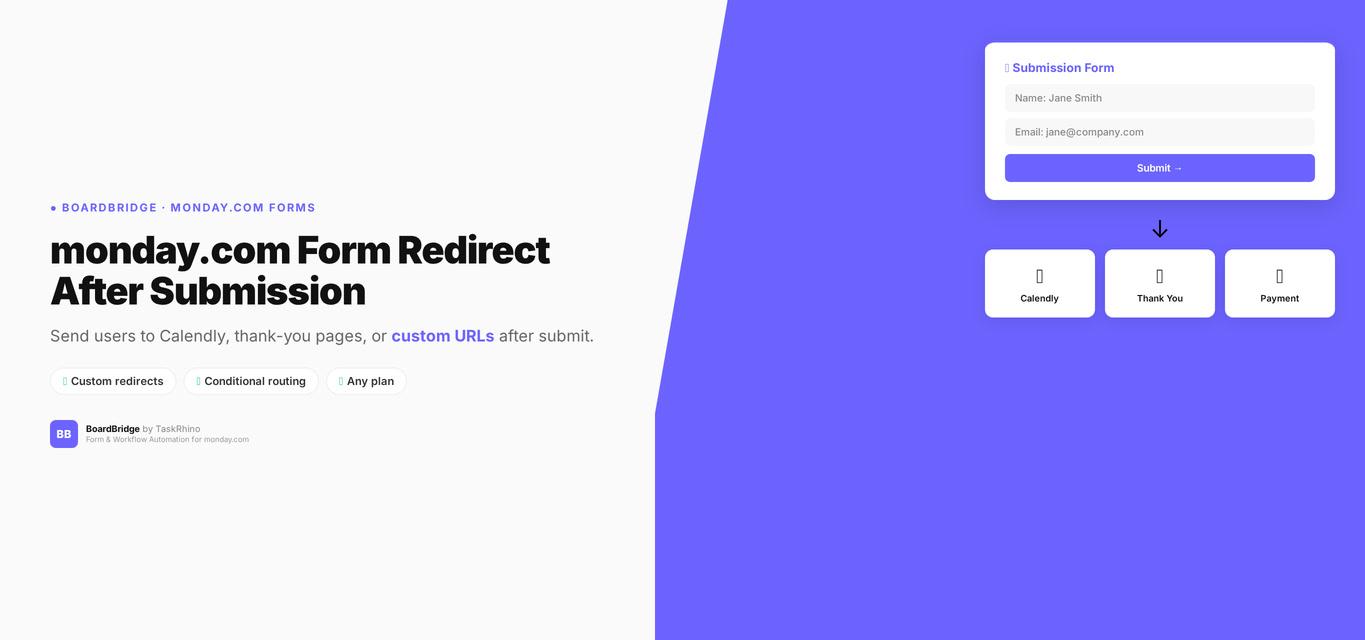
monday.com Form Redirect After Submission: How to Send Users to Calendly, Thank-You Pages, or Custom URLs
Forms Pain Point #6: Custom redirect URL after form submission
You’ve built a monday.com form. Someone fills it out, hits submit, and you want them to land on your Calendly booking page, a custom thank-you page, or a payment portal — not stuck on a generic success screen.
Good news: monday.com WorkForms DOES support custom redirect URLs Source. You can send form submitters to any web address after they submit.
The limitation isn’t whether monday.com supports redirects (it does) — it’s what kind of redirects you need. This post covers how monday.com’s redirect feature works, what it doesn’t do, and when you might need something more advanced.
Quick navigation:
- How monday.com WorkForms Redirects Actually Work
- How to Set Up a Redirect in WorkForms
- What WorkForms Redirects Can’t Do
- When You Need More Than Basic Redirects
- How BoardBridge Handles Redirects
How monday.com WorkForms Redirects Actually Work
Monday.com WorkForms includes a “Redirect URL” setting in form configuration Source. When enabled:
- User submits the form
- Success message appears briefly
- User is automatically redirected to your specified URL
According to monday.com’s official documentation:
“To do so, toggle on the ‘Redirect URL’ setting and input the URL of the webpage you would like to redirect the submitter to. Then click the ‘Set URL’ button.” — WorkForms settings and permissions
This works for:
- Redirecting to Calendly or other booking tools
- Sending users to a thank-you page on your website
- Directing to a payment portal
- Landing on a follow-up survey
- Any static URL you specify
How to Set Up a Redirect in WorkForms
Here’s the step-by-step process in monday.com WorkForms:
Step 1: Open your form’s Settings While editing your WorkForm, click the Settings button at the top of the form builder.
Step 2: Find the Redirect URL option In the General settings section, locate the “Redirect URL” toggle.
Step 3: Enable and configure
- Toggle the “Redirect URL” setting ON
- Enter the full URL you want to redirect to (e.g.,
https://calendly.com/yourcompany/consultation) - Click “Set URL” Source
Step 4: Test your form Use the form preview or submit a test response to confirm:
- The success message appears
- The redirect triggers after a brief delay
- You land on the correct destination URL
That’s it. No code, no third-party tools, no workarounds needed.
Stop Creating Duplicates
BoardBridge forms update existing items — no Enterprise plan, no workarounds, no duplicates.
What WorkForms Redirects Can’t Do
While monday.com supports basic redirects, there are limitations:
1. One Static URL Per Form
You can only set one redirect URL per form. Everyone who submits gets sent to the same destination, regardless of their answers.
What you can’t do:
- Redirect VIP clients to one page and regular clients to another
- Send “Enterprise” tier respondents to enterprise pricing and “Starter” respondents to starter pricing
- Route support requests to different help pages based on the issue category selected
Workaround: Create separate forms with different redirect URLs for each audience segment. But this means multiple form links to manage and distribute.
2. No Passing Form Data in the URL
monday.com redirects send users to the URL you specify — but they don’t pass along any form data as URL parameters.
What you can’t do:
- Redirect to
https://yoursite.com/thank-you?name=John&project=Website - Pre-fill fields on the destination page with data from the form submission
- Track which specific form submission led to a conversion using URL parameters
What this limits: Personalized thank-you pages, pre-filled follow-up forms, detailed conversion tracking beyond basic page visit analytics.
3. No Configurable Delay
The redirect happens after monday.com’s default success message displays. You can’t control:
- How long the success message shows before redirecting (instant vs. 2 seconds vs. 5 seconds)
- Whether to skip the success message entirely
- Custom messaging during the redirect
Impact: Limited control over user experience timing.
4. Redirect Works Only for Successful Submissions
If the form submission fails (network error, monday.com API issue, validation problem), no redirect occurs. The user sees an error message and stays on the form page.
What’s missing: Error-state redirects or retry logic that still guides users to a next step even if submission fails.
See How BoardBridge Handles Form Updates
Book a free demo to see BoardBridge solve this exact problem — live, with your data.
When You Need More Than Basic Redirects
monday.com’s redirect feature handles the most common use case: send everyone to the same URL after they submit. That covers:
✅ Client intake form → Calendly booking link ✅ Event registration → thank-you page ✅ Lead capture → resource download page ✅ Survey completion → company homepage
But you’ll need a more advanced solution if:
❌ Different form answers should trigger different redirects (conditional routing) ❌ You need to pass form data to the destination URL as parameters ❌ You want to control redirect timing (instant, 2 seconds, 5 seconds, skip) ❌ You need to update existing monday.com items instead of creating new ones
How BoardBridge Handles Redirects
BoardBridge — Form & Workflow Automation for monday.com — includes the same basic redirect functionality as WorkForms, with a key difference: every BoardBridge form updates existing monday.com items instead of creating new ones.
Current Redirect Features (Available Today)
✅ Custom redirect URL — Set any destination URL per form ✅ Configurable delay — Choose 0 seconds (instant), 2 seconds (default), or 5 seconds ✅ Form preview with redirect testing — Test the full submission flow before sending to users ✅ Redirect logging — Every submission logs whether the redirect fired and what URL was used
How it works:
- Configure your redirect URL in the BoardBridge form settings
- Set your preferred delay (default 2 seconds)
- When someone submits, they see “Submitted successfully!” for 2 seconds
- Then they’re automatically redirected to your specified URL
Roadmap Features (Coming 2026)
⏳ Conditional redirects (Q2 2026) — Different URLs based on form answers ⏳ URL parameter passing (Q3 2026) — Pass form data to destination URL as query parameters
For now, BoardBridge handles the core redirect use case — plus the critical feature WorkForms doesn’t offer: forms that update existing items instead of creating duplicates.
Redirect Comparison: WorkForms vs. Competitors
| Feature | monday.com WorkForms | BoardBridge | JotForm | Typeform | Fillout |
|---|---|---|---|---|---|
| Custom redirect URL | ✅ Yes | ✅ Yes | ✅ Yes | ✅ Yes | ✅ Yes |
| Conditional redirects | ❌ No | ⏳ Roadmap | ✅ Yes | ✅ Yes | ✅ Yes |
| Pass form data in URL | ❌ No | ⏳ Roadmap | ✅ Yes | ✅ Yes | ✅ Yes |
| Configurable delay | ❌ No | ✅ Yes | ✅ Yes | ✅ Yes | ✅ Yes |
| Update existing items | ❌ No | ✅ Yes | ❌ No | ❌ No | ✅ Yes |
Bottom line: If all you need is a simple redirect to one URL, monday.com WorkForms has you covered. If you need conditional logic, URL parameters, or (most importantly) the ability to update existing monday.com items with your forms, you’ll need a third-party tool.
Real-World Example: Event Registration → Calendly Booking
A client runs 40–80 events per year. Their workflow:
- Event confirmed → monday.com item created on Event Overview board
- Client receives email with event intake form (unique URL tied to their monday.com item via BoardBridge)
- Client fills out the form (48 questions covering event logistics, A/V needs, travel, catering)
- Form submits → monday.com item updates with all responses (no duplicate rows created)
- Redirect fires → client lands on Calendly to book their planning call
Why they couldn’t use WorkForms redirect: WorkForms creates a new item every time someone submits. For 80 events with multiple form submissions per event (show form, teebox form, production form), they’d have hundreds of duplicate rows to reconcile manually. The redirect feature didn’t matter if the core form behavior didn’t work.
With BoardBridge: Forms update the existing event item. Redirect sends clients straight to Calendly. Booking rate: ~85%. No duplicates, no manual cleanup, no friction.
Need Help With Your monday.com Setup?
TaskRhino has implemented monday.com for 110+ teams. Get a free consultation.
Frequently Asked Questions

Editor's Choice
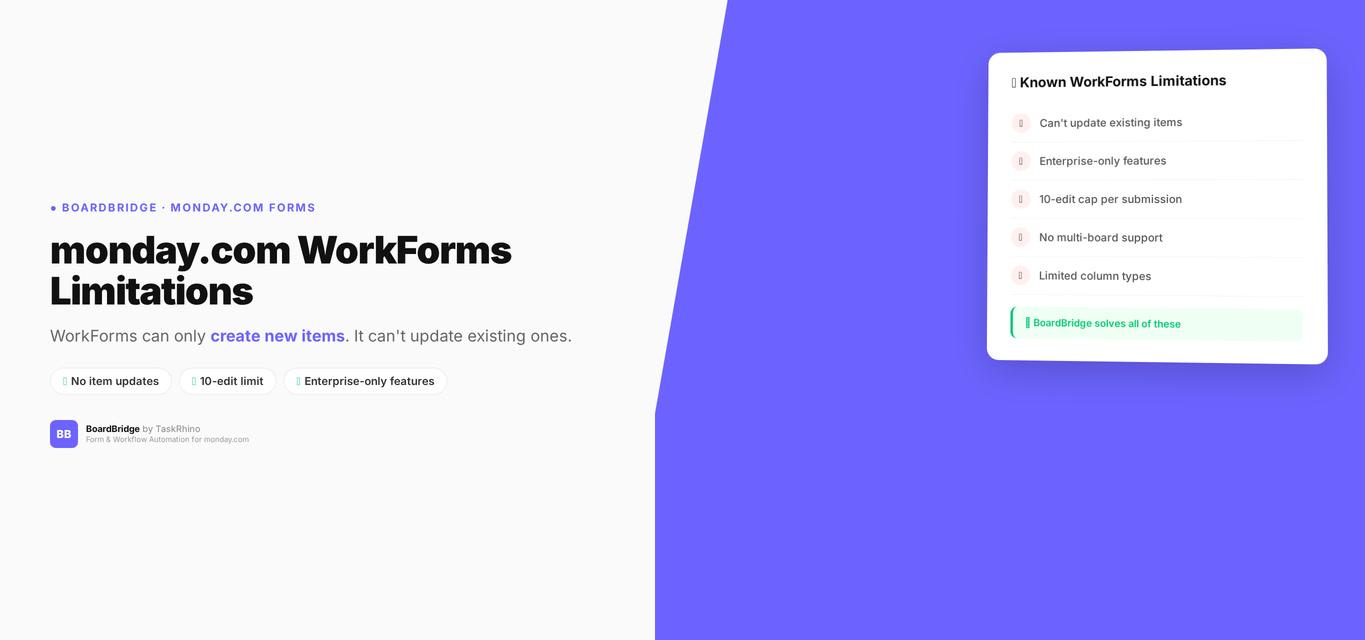
monday.com WorkForms Limitations: Why Your Forms Can’t Edit Existing Items

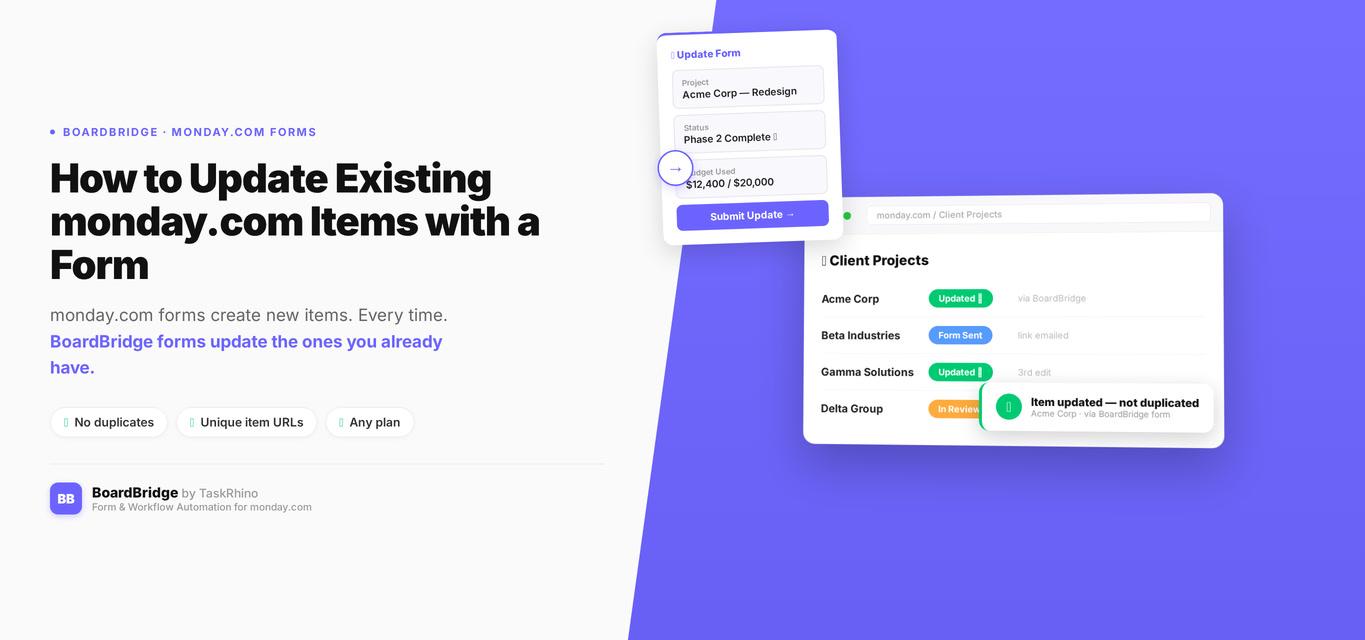
How to Update Existing monday.com Items with a Form