

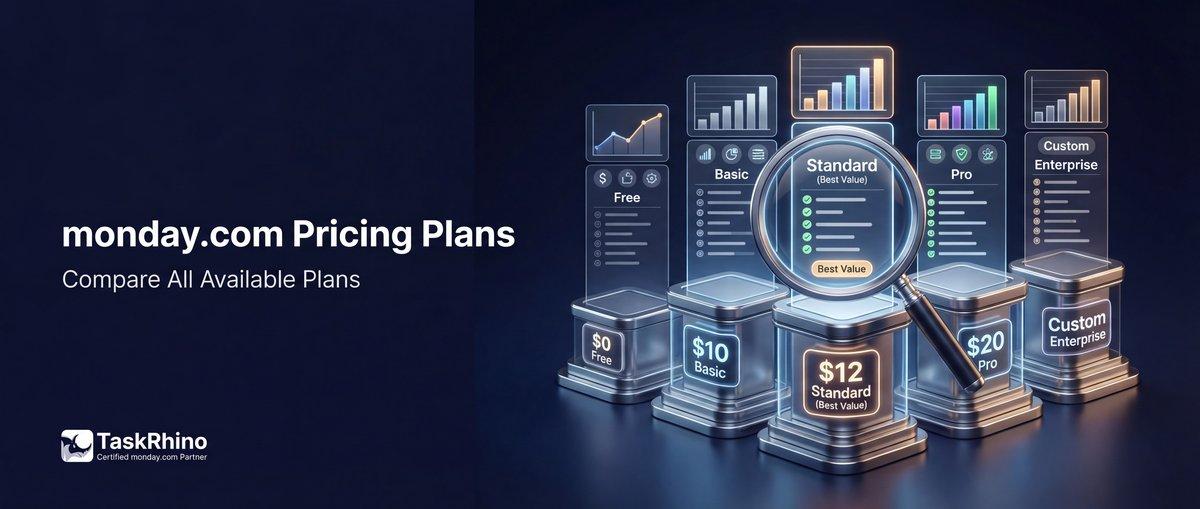
How Much Does monday.com Cost? A Complete Breakdown of Plans
monday.com has transformed from a simple task board into a complete Work OS — but understanding what you’ll actually pay isn’t as straightforward as looking at the pricing page. Whether you’re a 5-person startup or a 100-person operations team, the real cost depends on plan features, team size, billing cycle, and how many automations and integrations you’ll burn through each month.
This guide breaks down monday.com’s 2026 pricing across all five plans — Free, Basic, Standard, Pro, and Enterprise — with real cost examples, feature comparisons, and insights from implementing the platform for 110+ clients. If you’ve ever wondered whether Standard is worth the extra $3 per seat or why monday.com starts at 3 users minimum, you’re in the right place.
monday.com Pricing at a Glance (2026)
monday.com offers five pricing tiers with costs based on seat count and billing frequency. Annual billing saves 18% compared to monthly.
| Plan | Monthly Price (per seat) | Annual Price (per seat) | Best For |
|---|---|---|---|
| Free | $0 | $0 | Individuals, freelancers |
| Basic | $12 | $9 | Small teams, basic PM |
| Standard | $14 | $12 | Growing teams |
| Pro | $24 | $19 | Mid-size, complex workflows |
| Enterprise | Custom | Custom | Large orgs, compliance needs |
Key fact: All paid plans require a minimum of 3 seats. If you only need 2 users, you’ll still pay for 3.
Understanding monday.com’s Pricing Model
Before diving into feature comparisons, here’s what drives the cost:
1. Seat-based pricing: You pay per user with full access to boards. Viewers (read-only access) are unlimited and free on all paid plans.
2. Minimum 3 seats on paid plans: Even if you only have 2 people, you’re paying for 3. For a solo operation wanting Basic features, that’s $27/month ($9 × 3 seats billed annually).
3. Annual vs. monthly billing: Annual billing gives you 18% off. That’s the difference between $12/seat/month (Standard annual) and $14/seat/month (Standard monthly).
4. Usage-based limits: Automations and integrations have monthly action caps that vary by plan. Go over the limit and automations stop until the next billing cycle — or you upgrade.
5. 40-seat threshold: monday.com shows automatic pricing for up to 40 seats. Beyond that, you request a custom quote from sales.
Cost Examples by Team Size (2026)
Let’s cut through the confusion and show what you’ll actually pay at common team sizes.
Small Team (5 Users)
| Plan | Monthly Cost | Annual Cost (18% off) | Cost Per User (Annual) |
|---|---|---|---|
| Basic | $60 | $540 ($45/mo) | $108/year |
| Standard | $70 | $720 ($60/mo) | $144/year |
| Pro | $120 | $1,140 ($95/mo) | $228/year |
Real-world cost: A 5-person marketing team on the Standard plan (annual billing) pays $60/month or $720/year. That’s $12 per user per month when billed annually.
Mid-Size Team (15 Users)
| Plan | Monthly Cost | Annual Cost (18% off) | Cost Per User (Annual) |
|---|---|---|---|
| Basic | $180 | $1,620 ($135/mo) | $108/year |
| Standard | $210 | $2,160 ($180/mo) | $144/year |
| Pro | $360 | $3,420 ($285/mo) | $228/year |
Real-world cost: A 15-person operations team on Pro (annual billing) pays $285/month or $3,420/year. That includes 25K automation actions per month.
Larger Team (30 Users)
| Plan | Monthly Cost | Annual Cost (18% off) | Cost Per User (Annual) |
|---|---|---|---|
| Basic | $360 | $3,240 ($270/mo) | $108/year |
| Standard | $420 | $4,320 ($360/mo) | $144/year |
| Pro | $720 | $6,840 ($570/mo) | $228/year |
Real-world cost: A 30-person product team on Standard (annual billing) pays $360/month or $4,320/year. They get 250 automation actions per month — which may not be enough.
Growing Team (50 Users)
| Plan | Monthly Cost | Annual Cost (18% off) | Cost Per User (Annual) |
|---|---|---|---|
| Basic | Custom quote | $5,400 ($450/mo) | $108/year |
| Standard | Custom quote | $7,200 ($600/mo) | $144/year |
| Pro | Custom quote | $11,400 ($950/mo) | $228/year |
Real-world cost: A 50-person team on Standard (annual billing) pays around $600/month or $7,200/year. At this scale, automation and integration limits become the constraint, not just seat count.
Pro tip from 110+ implementations: Most teams underestimate automation usage. A 30-person team with email notifications, status change triggers, and integration syncs can hit 250 actions in a week. If that’s your situation, Standard won’t last — you’ll need Pro’s 25K actions/month.
Book a free 30-minute consultation with TaskRhino to map out your automation needs and get an accurate cost projection.
Free Plan: What You Get for $0
The Free plan is designed for individuals or very small teams testing monday.com. It’s genuinely free forever — no credit card required.
Free Plan Features
| Feature | What You Get | Limitations |
|---|---|---|
| Seats | Up to 2 users | Can’t add more without upgrading |
| Boards | Up to 3 boards | Includes 200+ templates |
| Docs | Up to 3 docs | Real-time collaboration |
| Column types | 8 types | Text, numbers, status, timeline, etc. |
| Mobile apps | iOS & Android | Full access on the go |
What’s Missing on Free
- No automations
- No integrations
- No dashboard creation
- No Gantt or calendar views
- No file storage beyond basics
- No guest access
- No priority support
Who it’s for: Freelancers, solopreneurs, or teams testing the platform before committing. If you’re managing more than personal tasks, you’ll outgrow it fast.
Real example: A wedding photographer used the Free plan to track 3 upcoming events with personal task boards. Once they added a second shooter and needed client access, they upgraded to Basic for $27/month (3 seats billed annually).
Basic Plan: $9/seat/month (Annual) or $12/month (Monthly)
Basic is monday.com’s entry-level paid plan. It adds core collaboration features but leaves out automations, integrations, and advanced views.
Basic Plan Features
| Feature | What You Get | Limits |
|---|---|---|
| Seats | 3 minimum, unlimited max | Pay per seat |
| Boards | Unlimited boards | Full access to templates |
| Items | Unlimited items | Track tasks, projects, clients |
| Storage | 5GB file storage | Shared across workspace |
| Viewers | Unlimited free viewers | Read-only access |
| Dashboards | 1 board per dashboard | Visualize one board’s data |
| Support | Prioritized support | Faster response times |
What’s Still Missing on Basic
- No automations: Every status change, notification, or recurring task is manual.
- No integrations: Can’t connect Slack, Google Drive, Zoom, or any third-party tool.
- No Gantt or timeline views: Project scheduling requires calendar workarounds.
- No guest access: Can’t invite external contractors or clients.
- No formula columns: Can’t calculate budgets, durations, or custom metrics.
Who it’s for: Small teams (3-10 people) managing straightforward projects where manual updates are tolerable. Think small creative agencies, retail store operations, or internal HR tracking.
Cost for 5 users (annual): $45/month or $540/year.
Real example: A 4-person retail store management team used Basic to track inventory orders, staff schedules, and vendor contacts. They didn’t need automations — just a shared board everyone could update. Annual cost: $432/year (4 seats × $9/month × 12 months).
See How BoardBridge Handles This Workflow
Book a free demo to see BoardBridge solve this exact problem — live, with your data.
Standard Plan: $12/seat/month (Annual) or $14/month (Monthly)
Standard is where monday.com becomes a real work management platform. You get automations, integrations, Gantt views, and guest access — the features that actually reduce manual work.
Standard Plan Features
| Feature | What You Get | Limits |
|---|---|---|
| Automations | 250 actions/month | Status changes, notifications |
| Integrations | 250 actions/month | Connect Slack, Gmail, etc. |
| Timeline & Gantt | Project scheduling views | Dependency tracking |
| Calendar view | Visual calendar | Schedule work visually |
| Guest access | External collaborators | Project-specific access |
| Dashboards | Combine 5 boards | Multi-board insights |
| AI Sidekick (lite) | Context-aware assistant | Free tier included |
What You Still Don’t Get on Standard
- No private boards: Everything is visible workspace-wide.
- No time tracking: Can’t log hours directly.
- No chart view: Limited data visualization.
- No formula columns: Can’t build calculated fields.
- 250 actions/month is tight: For active teams, that’s 8-10 actions per day. One form submission with 3 email notifications = 4 actions. You’ll hit the cap.
Who it’s for: Growing teams (10-25 people) who need automations, integrations, and Gantt charts. Most small-to-mid-size businesses land here.
Cost for 15 users (annual): $180/month or $2,160/year.
Cost for 30 users (annual): $360/month or $4,320/year.
Standard Plan: Automation Math
Let’s say you run a 20-person event management operation on Standard. Here’s how fast you burn through 250 actions/month:
| Automation | Actions per Trigger | Frequency | Monthly Actions |
|---|---|---|---|
| New client signup → email team | 3 | 15/month | 45 |
| Status change → update CRM | 1 | 40/month | 40 |
| Weekly task reminder emails | 2 | 80/month | 160 |
| Total monthly actions | 245 |
Result: You’re 5 actions away from the cap, and that’s with just 3 automations. Add Slack notifications, recurring item creation, or integration syncs, and you’re over. Standard won’t work for automation-heavy workflows.
Real example: A 12-person healthcare operations team started on Standard. They had 6 automations: patient intake form submissions, status change notifications, weekly report generation, and Slack alerts. Within 2 weeks, automations stopped. The culprit: email integrations counted as actions. Every email sent via automation consumed 1-2 actions. They hit 250 in 18 days and upgraded to Pro. Cost difference: $1,140/year (12 seats × ($19 – $12) × 12 months).
Pro Plan: $19/seat/month (Annual) or $24/month (Monthly)
Pro is where monday.com stops holding back. You get 25,000 automation actions per month (100x Standard’s limit), time tracking, formula columns, private boards, and chart views.
Pro Plan Features
| Feature | What You Get | Limits |
|---|---|---|
| Automations | 25K actions/month | 100x Standard’s limit |
| Integrations | 25K actions/month | Reliable third-party syncs |
| Private boards | Board-level permissions | Sensitive data isolation |
| Time tracking | Log hours per task | Built-in timesheet |
| Formula columns | Calculated fields | Budgets, durations, metrics |
| Chart view | Data visualization | Graphs, bar charts, pie charts |
| Dashboards | Combine 20 boards | Cross-team insights |
| AI Sidekick (lite) | Context-aware assistant | Free tier included |
What You Still Don’t Get on Pro
- No portfolio management: Can’t manage multiple projects as a unified portfolio.
- No resource management: Can’t balance workloads or plan capacity.
- No multi-level permissions: Board-level only, not column or group-level.
- No enterprise security features: No SSO, audit logs, or IP whitelisting.
- No 24/7 enterprise support: Standard support queue.
Who it’s for: Mid-to-large teams (25-100 people) running complex workflows with heavy automation usage. Think operations teams, agencies managing multiple clients, or product teams coordinating across departments.
Cost for 15 users (annual): $285/month or $3,420/year.
Cost for 30 users (annual): $570/month or $6,840/year.
Cost for 50 users (annual): $950/month or $11,400/year.
Pro Plan: When 25K Actions Isn’t Enough
Even 25K actions can disappear fast for heavy automation users. Here’s a real breakdown:
| Workflow | Actions per Event | Monthly Events | Monthly Actions |
|---|---|---|---|
| Client onboarding (8 steps) | 8 | 50 clients | 400 |
| Email notifications (4 recipients) | 4 | 200 tasks | 800 |
| CRM → project board sync | 6 | 40 deals | 240 |
| Daily status reports | 10 | 30 days | 300 |
| Slack integration messages | 3 | 500/month | 1,500 |
| Total monthly actions | 3,240 |
That’s 3,240 of your 25K — leaving plenty of room. But scale those numbers 3x (150 clients, 600 tasks, 120 deals), and you’re at 9,720 actions. Add recurring automations, form submissions, and cross-board updates, and 25K starts feeling tight.
Real example: A 45-person manufacturing operations team used Pro to manage production schedules, vendor orders, and quality control. They had 18 active automations handling status changes, email alerts, and board-to-board item movement. Their monthly action usage: 18,000-22,000. Pro worked — barely. When they added a second shift and expanded to 65 users, they contacted sales for Enterprise pricing. Enterprise offered 250K actions/month, which gave them the breathing room they needed.
Not sure which plan fits your automation load? TaskRhino offers free workflow audits to calculate your actual monthly action count before you commit.
Enterprise Plan: Custom Pricing for Large Organizations
Enterprise is monday.com’s top tier — everything in Pro, plus portfolio management, resource management, enterprise-grade security, 250K automation actions, and 24/7 support.
Enterprise Plan Features
| Feature | What You Get | Why It Matters |
|---|---|---|
| Automations | 250K actions/month | 10x Pro’s limit |
| Integrations | 250K actions/month | Heavy third-party usage |
| One AI bundle | All AI features | Sidekick Plus, AI credits |
| Portfolio management | Unified project view | Cross-initiative tracking |
| Resource management | Capacity planning | Balance workloads |
| Multi-level permissions | Board, group, column | Granular access control |
| Enterprise security | SSO, audit logs, IP allow | Compliance-ready |
| Advanced analytics | Custom reports | Slice data any way |
| Dashboards | Combine 50 boards | Enterprise-wide insights |
| 24/7 support | Priority queue | Immediate escalation |
Enterprise Features You Can’t Get Elsewhere
| Feature | Available On | Notes |
|---|---|---|
| Portfolio management | Enterprise only | Track multiple projects as one portfolio |
| Resource management | Enterprise only | Assign resources, balance capacity |
| SSO (SAML/SCIM) | Enterprise only | Single sign-on for security |
| Audit logs | Enterprise only | Track every user action |
| IP whitelisting | Enterprise only | Restrict access by IP |
| Custom onboarding | Enterprise only | Dedicated CSM |
| SLA guarantees | Enterprise only | 99.9% uptime commitment |
Who it’s for: Organizations with 100+ users, strict compliance requirements (HIPAA, SOC 2, GDPR), or enterprise-wide deployments across multiple departments.
Pricing: Custom quote. Expect $18-$28/seat/month depending on user count, contract length, and add-ons. Volume discounts apply above 250 seats.
Real example: A 200-person healthcare provider migrated from Asana to monday.com. They needed SSO, audit logs, HIPAA compliance, and resource management to track nurse schedules across 4 facilities. Enterprise was the only option. Sales quoted them $22/seat/month on a 2-year contract (200 seats × $22 × 12 months = $52,800/year). The portfolio management feature alone saved their PMO 15 hours per week — worth the premium.
Need Help With Your monday.com Setup?
TaskRhino has implemented monday.com for 110+ teams. Get a free consultation.
Feature Comparison Across All Plans
Here’s what you get (and don’t get) at each tier.
Core Features
| Feature | Free | Basic | Enterprise |
|---|---|---|---|
| Max users | 2 | Unlimited | Unlimited |
| Boards | 3 | Unlimited | Unlimited |
| Items | Unlimited | Unlimited | Unlimited |
| File storage | Minimal | 5GB | 1TB+ |
Collaboration & Views
| Feature | Free | Basic | Enterprise |
|---|---|---|---|
| Timeline/Gantt | ✗ | ✗ | ✓ |
| Calendar view | ✗ | ✗ | ✓ |
| Chart view | ✗ | ✗ | ✓ |
| Guest access | ✗ | ✗ | ✓ |
| Private boards | ✗ | ✗ | ✓ |
Automations & Integrations
| Feature | Free | Basic | Enterprise |
|---|---|---|---|
| Automations | ✗ | ✗ | 250K/mo |
| Integrations | ✗ | ✗ | 250K/mo |
| Formula columns | ✗ | ✗ | ✓ |
| Time tracking | ✗ | ✗ | ✓ |
Dashboards & Reporting
| Feature | Free | Basic | Enterprise |
|---|---|---|---|
| Dashboard boards | ✗ | 1 | 50 |
| Advanced analytics | ✗ | ✗ | ✓ |
| Portfolio mgmt | ✗ | ✗ | ✓ |
| Resource mgmt | ✗ | ✗ | ✓ |
Security & Admin
| Feature | Free | Basic | Enterprise |
|---|---|---|---|
| Multi-level permissions | ✗ | ✗ | Full |
| SSO/SAML | ✗ | ✗ | ✓ |
| Audit logs | ✗ | ✗ | ✓ |
| IP whitelisting | ✗ | ✗ | ✓ |
| Custom SLA | ✗ | ✗ | ✓ |
Support & AI
| Feature | Free | Basic | Enterprise |
|---|---|---|---|
| Priority support | ✗ | ✓ | 24/7 |
| AI Sidekick | ✗ | ✗ | Plus |
| AI credits | ✗ | Included | Unlimited |
| Custom onboarding | ✗ | ✗ | ✓ |
Hidden Costs and Considerations
monday.com’s pricing looks transparent — $9, $12, $19 per seat — but real-world costs include more than the base plan.
1. Minimum 3 Seats on All Paid Plans
Even if you’re a 2-person team, you pay for 3 seats. That’s $27/month minimum on Basic (annual) or $36/month (monthly). For a solo founder wanting paid features, you’re subsidizing an empty seat.
Workaround: Use the Free plan as long as possible, or invite a part-time contractor as the third seat to justify the cost.
2. Annual Billing Requirement for 18% Discount
The advertised $9/seat (Basic), $12/seat (Standard), and $19/seat (Pro) prices require annual payment upfront. If you pay monthly, costs jump to $12, $14, and $24 per seat respectively.
Real cost: A 10-person team on Standard pays $1,440/year (annual) or $1,680/year (monthly). That’s $240 more for the flexibility of canceling anytime.
3. Automation and Integration Action Limits
Standard gives you 250 actions/month. Pro gives 25K. But what counts as an action?
- Changing a status column = 1 action
- Sending an email notification = 1 action
- Creating an item via integration = 1 action
- Updating 5 columns at once = 5 actions
Hidden cost: Hit the limit, and automations stop until next billing cycle. The workaround? Upgrade mid-month (pro-rated) or reduce automation usage. Most teams don’t realize this until they’re locked out.
Real example: A 10-person agency on Standard had 4 automations: client onboarding (3 steps), task reminders (2 emails), status → Slack notification, and form submission → item creation. Monthly action usage: 290. They exceeded the cap by day 28. Solution: Disable the Slack integration for 3 days each month or upgrade to Pro. They upgraded — adding $840/year (10 seats × $7 difference × 12 months).
4. Guest Access is Limited on Standard
Standard allows guest access, but guests can only see specific boards — not the full workspace. If you have 15 external contractors across 8 client projects, you’ll create 15 guest accounts, each board-restricted. Managing permissions becomes a second job.
Pro tip: If guests need access to multiple boards or dashboards, they effectively need full seats. That’s not reflected in the base pricing.
5. File Storage Caps
| Plan | Storage Limit |
|---|---|
| Free | Minimal |
| Basic | 5GB |
| Standard | 20GB |
| Pro | 100GB |
| Enterprise | 1TB+ |
What that means: A 15-person design team on Standard with 20GB storage runs out fast if they’re uploading mockups, videos, or client files. Once you hit the cap, you either delete files or upgrade. There’s no “buy extra storage” option.
Real cost impact: Upgrade from Standard to Pro purely for storage = $105/month more for 15 seats ($7 difference × 15 seats).
6. monday.com CRM, Dev, and Service Cost Extra
The pricing above covers monday work management — the core product. monday.com also sells separate products:
- monday CRM — Customer relationship management (same pricing tiers)
- monday dev — Software development workflows (same pricing tiers)
- monday service — Customer service management (same pricing tiers)
Each product is priced separately. If you want both Work Management and CRM, you’re paying for two subscriptions.
Example: A 10-person sales ops team wants monday CRM (Standard) AND monday work management (Standard). Cost: $120/month × 2 products = $240/month or $2,880/year.
Confused about multi-product pricing? TaskRhino specializes in workspace architecture — we’ll map out which products you actually need and which you can skip.
Plan Upgrade Thresholds: When to Move Up
Knowing when to upgrade isn’t just about seat count — it’s about hitting functional limits.
Free → Basic
Upgrade when:
- You need more than 3 boards
- You have more than 2 users
- You want unlimited items
- You need file storage (5GB on Basic)
Cost impact: $27/month (3 seats annual) or $36/month (3 seats monthly).
Basic → Standard
Upgrade when:
- You’re spending >2 hours/week on manual status updates (automations pay for themselves)
- You need Gantt/timeline views for project scheduling
- You want integrations (Slack, Gmail, Zoom)
- External clients or contractors need guest access
Cost impact for 10 users: $30/month more (annual) or $20/month more (monthly).
Standard → Pro
Upgrade when:
- You hit the 250 automation actions/month limit (it stops automations)
- You need time tracking
- You want formula columns for budget/duration calculations
- You need private boards for HR, finance, or sensitive client work
- You’re managing complex workflows that require chart views
Cost impact for 20 users: $140/month more (annual) or $200/month more (monthly).
Pro → Enterprise
Upgrade when:
- You have 100+ users
- You need SSO for security/compliance
- You require audit logs (SOC 2, HIPAA, GDPR)
- You want portfolio management across multiple departments
- You need resource management for capacity planning
- 25K automation actions/month isn’t enough
Cost impact: Custom quote. Budget $18-$28/seat/month depending on user count and features.
Stop Creating Duplicates
BoardBridge forms update existing items — no Enterprise plan, no workarounds, no duplicates.
Frequently Asked Questions
Why does monday.com’s 3-seat minimum make the Basic plan actually cost $36/month instead of $12/month, and what’s the real math for small teams?
Monday.com requires a minimum of 3 seats on all paid plans, even if you only need 1-2 users. This means a solo founder or two-person team pays $36/month ($12/seat × 3 seats) for the Basic plan, not the advertised $12/month rate. For teams under 3 people, you’re either stuck on the Free plan (limited to 2 seats) or overpaying for unused licenses—there’s no in-between option.
How does the 18% monthly billing premium actually work, and should I lock into annual billing if I’m unsure about long-term commitment?
Monthly billing costs 18% more than annual pricing across all plans—for example, Basic jumps from $12/seat annually to $14/seat monthly. However, annual billing locks you in for 12 months with no refunds if you switch platforms or your needs change. If you’re uncertain about long-term adoption or want flexibility to test integrations and automations first, monthly billing’s extra cost ($6/month per seat on Basic) might be worth the commitment-free option.
The Basic plan doesn’t include automations or integrations—so what’s the actual minimum cost to get a functional workflow platform?
Basic ($12/seat annually, $36/month minimum) excludes automations, integrations, Timeline/Gantt views, and Calendar view—features that most teams need to replace manual work. You need to step up to **Standard ($14/seat, $42/month minimum)** to unlock integrations and automations. For teams relying on monday.com to connect with other tools (Slack, email, CRM, etc.), the real entry cost is $42/month minimum, not $36/month.
If I’m a 7-person team, why do I pay for 10 seats, and how does bucket pricing actually scale my costs?
Monday.com uses ‘bucket pricing’—you don’t pay per individual seat but must select seat blocks in multiples of 5 after the initial 3-seat minimum. A 7-person team must purchase the 10-seat tier, paying for 3 unused licenses. This means your actual per-person cost is higher than advertised; a 7-person team on Standard pays $12/seat × 10 = $120/month, not $84/month, which inflates your cost-per-user by 43%.
What changed in the February 2026 pricing update, and does it affect existing customers or only new signups?
Monday.com increased prices by 18% across all tiers starting February 10, 2026, for the monday service product specifically (their service management solution). Existing customers are grandfathered in at their current rate until their next renewal date on or after February 10, 2026, when the new pricing applies automatically. Features and usage limits didn’t change—only the cost—so the price hike reflects investment in AI-powered support and self-service capabilities.
Pro plan costs $30/seat annually with unlimited seats—so at what team size does Pro become cheaper per person than Standard, and is it worth the jump?
Pro is $30/seat annually (vs. Standard at $12/seat) with unlimited seats, while Standard requires 5-seat buckets. Pro only makes per-person financial sense at scale—a 15-person team on Standard pays $180/month (15 seats in 15-seat bucket), while Pro costs $450/month (15 × $30), so Standard remains cheaper. However, Pro’s value lies in advanced automation limits, higher file storage (100GB vs. 5GB), and 12-month activity logs—not cost savings. Choose Pro if your workflows require advanced automations and reporting, not to save money on seats.

Editor's Choice
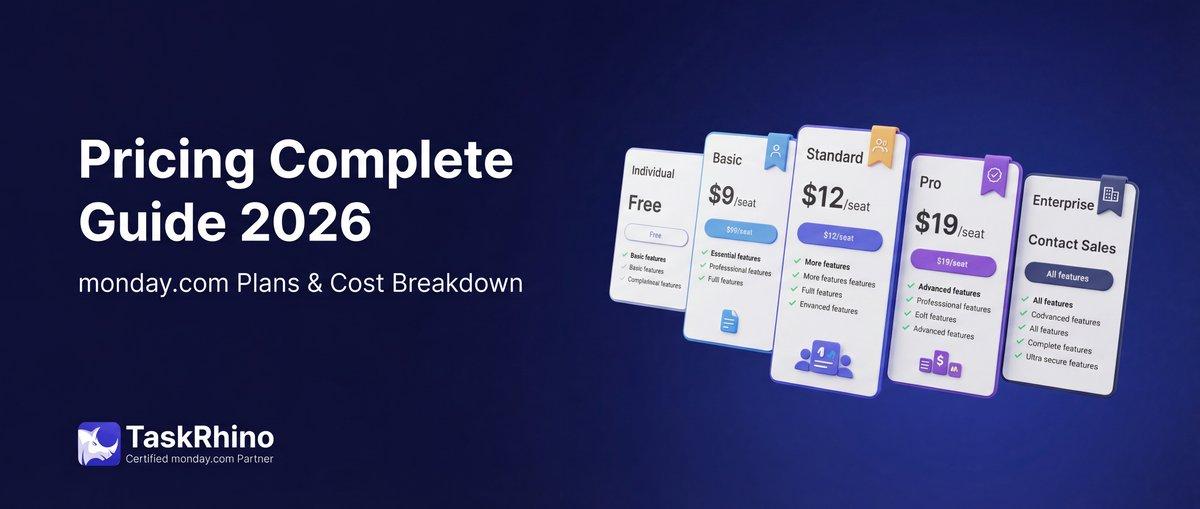
monday.com Pricing 2026: Complete Guide

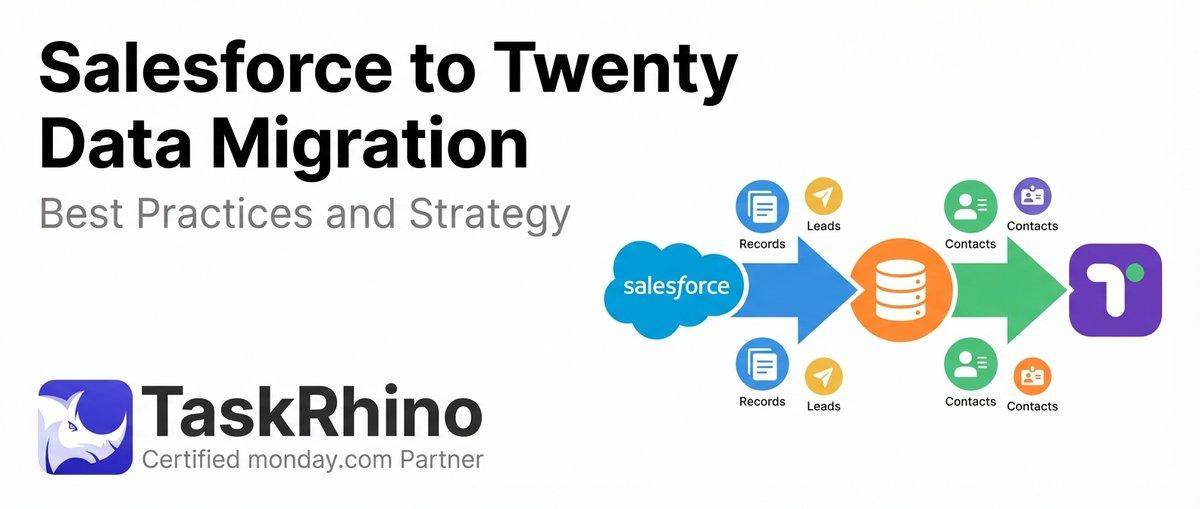
Salesforce to Twenty Data Migration: Best Practices and Strategy
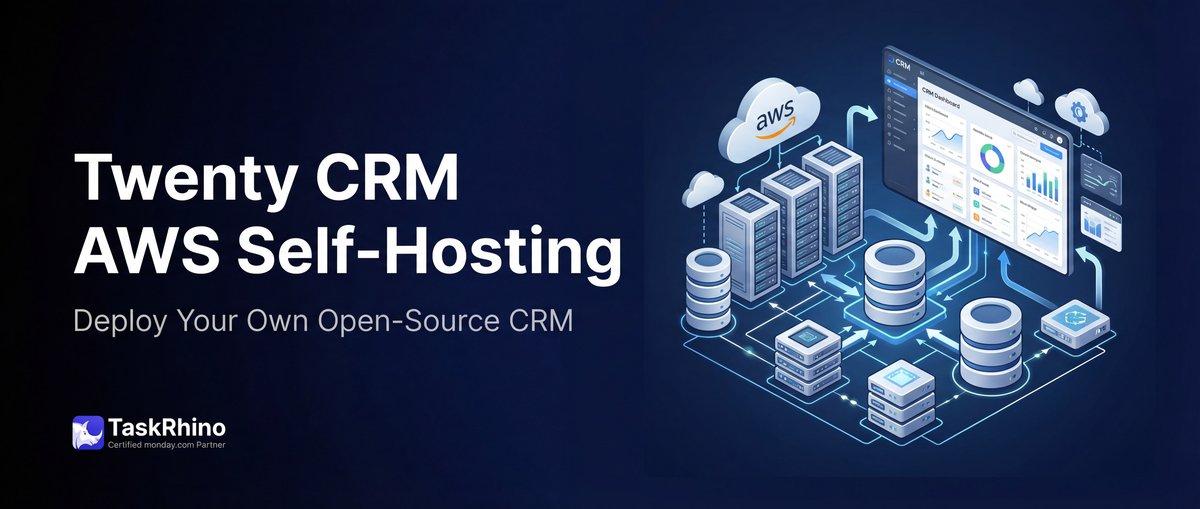
How to Self-Host Twenty CRM on AWS: Step-by-Step Guide