

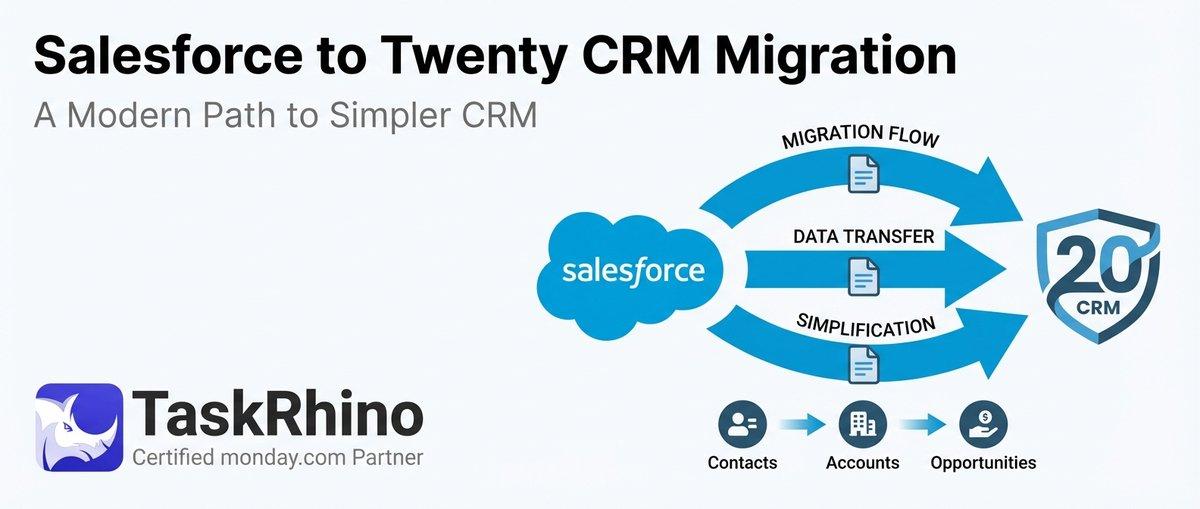
Salesforce to Twenty CRM Migration Guide: A Modern Path to Simpler, Open CRM
83% of CRM migration projects fail, exceed budgets, or cause business disruptions. The reason isn’t technical complexity—it’s poor planning, incomplete data mapping, and underestimating what “move your data” actually involves.
This guide walks you through the entire CRM migration process—from planning to execution to post-migration optimization. Based on real client migrations we’ve handled across healthcare, finance, legal, and manufacturing, you’ll learn how to migrate CRM data without losing records, breaking workflows, or frustrating your team.
What Is CRM Data Migration (And Why It’s More Than Moving Contacts)
CRM data migration is the systematic process of moving customer information, business workflows, customizations, and integrations from one CRM platform to another—or from legacy systems into a modern CRM like monday.com.
This isn’t drag-and-drop. You’re migrating:
- Contact records and account data — Names, emails, phone numbers, addresses, company information
- Sales pipeline data — Deals, opportunities, stages, forecasts, win/loss records
- Historical activity logs — Emails, calls, meetings, notes, support tickets
- Custom fields and data structures — Industry-specific fields, calculated columns, relationship mappings
- Automated workflows and business rules — Status triggers, notifications, task assignments
- User permissions and security settings — Role-based access, data visibility rules
- Analytics and historical reports — Dashboards, KPIs, trend data
Every field, every relationship, every automation needs to be accounted for. Miss one critical field mapping and you’ll spend weeks cleaning up duplicate records or recovering lost data.
Why Companies Migrate Their CRM Systems in 2026
| Migration Trigger | What’s Driving It | Common Scenarios |
|---|---|---|
| Platform Limitations | Outgrown current CRM capabilities | Can’t scale workflows, missing integrations, no API access |
| Poor User Adoption | Team refuses to use the current system | Clunky UI, mobile app unusable, too many clicks per task |
| Cost Reduction | License fees increased or per-user pricing is unsustainable | Enterprise plans tripled, hidden fees, forced upgrades |
| Integration Failures | Can’t connect with critical business tools | No native integrations, Zapier workarounds breaking constantly |
We worked with a 75-person legal firm that spent 18 months on a legacy CRM before migrating to monday.com. Their breaking point? They couldn’t customize intake forms without paying for a $15,000 developer engagement. Two months after migrating, they built the exact forms they needed—no code, no consultants.
The Hidden Costs of Failed CRM Migrations
Before diving into best practices, understand what’s at stake:
| Risk Category | Impact | Real Cost Example |
|---|---|---|
| Data Loss | Lost customer records, incomplete histories | Healthcare client lost 3 years of patient interaction logs—had to reconstruct manually |
| Downtime | Sales team can’t access pipeline during migration | Manufacturing client: 4-day migration window became 11 days, lost $240K in delayed quotes |
| Duplicate Records | Same contact appears 3-4 times with different data | Finance firm spent 6 weeks post-migration de-duplicating 12,000+ records |
| Broken Integrations | Email, calendar, accounting tools stop syncing | Retail client’s Shopify orders didn’t sync for 2 weeks—manual order entry nightmare |
The average cost of a failed CRM migration? $427,000 according to a 2025 study by Gartner—including lost productivity, consulting fees to fix errors, and delayed revenue.
Phase 1: Planning Your CRM Migration (4-6 Weeks)
Step 1: Define Clear Migration Objectives
Don’t start with “We need a new CRM.” Start with specific, measurable goals:
| Vague Goal | Specific, Measurable Goal |
|---|---|
| “Better reporting” | “Reduce monthly reporting time from 12 hours to 2 hours with automated dashboards” |
| “Improve data quality” | “Achieve 95%+ data completeness across all contact records within 90 days post-migration” |
| “Faster sales cycles” | “Cut average deal close time from 45 days to 30 days through automated follow-ups” |
We helped a B2B SaaS company migrate from Salesforce to monday.com with one clear objective: enable sales reps to update deals from mobile without 8 clicks per field change. That single goal shaped every decision—from field structure to mobile app testing priorities.
Need help defining migration objectives for your team? Book a free 30-minute consultation.
Step 2: Assemble Your Migration Team
| Role | Responsibility | Time Commitment |
|---|---|---|
| Project Manager | Owns timeline, coordinates across departments, escalates blockers | 20-30 hrs/week during migration |
| Data Quality Lead | Audits existing data, defines cleaning rules, validates post-migration accuracy | 15-20 hrs/week |
| CRM Administrator | Configures new system, maps fields, sets up automations and permissions | 25-35 hrs/week |
| Department Champions | Represent sales, marketing, support teams—validate workflows match real usage | 5-10 hrs/week |
For migrations involving 10,000+ records or complex customizations, bring in external CRM migration specialists. We’ve seen in-house teams underestimate effort by 3-4x—what they budgeted as an 8-week project becomes 6 months.
Step 3: Build a Migration Timeline
Here’s a realistic timeline based on organization size and complexity:
| Company Size | Record Count | Typical Timeline | Key Factors |
|---|---|---|---|
| Small (1-25 users) | Under 5,000 records | 6-10 weeks | Simpler workflows, fewer integrations |
| Mid-Market (25-100 users) | 5,000-50,000 records | 12-18 weeks | Multiple departments, custom objects, 3-5 integrations |
| Enterprise (100+ users) | 50,000+ records | 20-32 weeks | Complex approval chains, legacy system integrations, compliance requirements |
A healthcare provider with 40 staff and 15,000 patient records took 14 weeks from kickoff to go-live. They had HIPAA compliance requirements, custom EMR integration, and a phased rollout across 3 locations. Rushing that timeline would have risked patient data exposure.
Step 4: Document Your Current CRM State
Before you migrate anything, capture exactly what you have:
CRM Inventory Checklist:
- Total user count (active vs. inactive)
- Total record count by object type (contacts, companies, deals, tickets)
- List of all custom fields with usage data (how often is this field populated?)
- Active automations and workflows (what triggers, what actions)
- Integration list (what tools connect to your CRM and how)
- Report and dashboard inventory (which ones are actively used)
- User permission matrix (who has access to what)
We had a client who discovered during their audit that 40% of their custom fields hadn’t been updated in 2+ years. Rather than migrate dead data, they archived it—saved 3 weeks of migration time.
Phase 2: Data Assessment and Cleaning (4-8 Weeks)
Step 5: Conduct a Comprehensive Data Audit
Your migration is only as good as the data you’re moving. Here’s what to measure:
| Data Quality Metric | How to Measure | Target Threshold |
|---|---|---|
| Completeness | % of required fields populated | 90%+ before migration |
| Accuracy | % of records with valid email/phone formats | 95%+ |
| Duplication Rate | # of duplicate records vs. total records | Under 5% |
| Recency | % of records updated in last 12 months | 60%+ (varies by industry) |
In a manufacturing client’s CRM, we found:
- 28% of contact records missing email addresses
- 4,200 duplicate company records (same company, 3-4 entries with slight name variations)
- 19% of phone numbers in non-standard formats
- 1,100+ records with “test@test.com” email addresses from old demos
They spent 6 weeks cleaning before migration. Result? Zero post-migration data quality issues.
Step 6: Data Cleansing Best Practices
De-duplication Process:
- Exact match detection — Identify records with identical emails or phone numbers
- Fuzzy matching — Catch variations like “John Smith” vs. “J. Smith” at “Acme Corp” vs. “ACME Corporation”
- Manual review of high-value duplicates — Don’t auto-merge enterprise accounts without human verification
- Merge strategy — Keep most complete record, append notes from duplicates, preserve activity history
Data Standardization Rules:
| Field Type | Standardization Rule | Example |
|---|---|---|
| Phone Numbers | (555) 123-4567 format | Convert “555.123.4567” and “5551234567” to standard format |
| Addresses | USPS standardized | “123 Main St.” → “123 Main Street” |
| Company Names | Remove Inc./LLC/Ltd variations | “Acme Corporation Inc.” → “Acme Corporation” |
| Dates | ISO 8601 (YYYY-MM-DD) | “03/15/2024” → “2024-03-15” |
Data Enrichment:
Use third-party data enrichment services to fill gaps:
- Missing email addresses (verified, not scraped)
- Job titles and LinkedIn profiles
- Company revenue, employee count, industry classification
- Social media handles
One financial services client enriched 6,000 contact records before migration—added 2,400 missing emails and 4,100 LinkedIn URLs. Their post-migration outreach response rates jumped 34% because they finally had complete contact data.
Step 7: Map Data Fields Between Systems
Field mapping is where most migrations break. You’re translating one CRM’s data structure into another’s—and they rarely match perfectly.
Field Mapping Categories:
| Mapping Type | Description | Example |
|---|---|---|
| Direct 1:1 Mapping | Field exists in both systems with same format | “First Name” → “First Name” |
| Transformation Mapping | Format or data type changes | Free text “Industry” → Dropdown “Industry Category” |
| Split Mapping | One source field becomes multiple target fields | “Full Name” → “First Name” + “Last Name” |
| Merge Mapping | Multiple source fields combine into one target | “Street Address” + “City” + “State” → “Full Address” |
Common Field Mapping Challenges:
Challenge 1: Picklist Value Mismatches
Old CRM has “Lead Status” values: New, Contacted, Qualified, Lost New CRM needs: New, Attempting Contact, Connected, Qualified, Disqualified
Create a mapping table:
| Old Value | New Value | Logic |
|---|---|---|
| New | New | Direct map |
| Contacted | Attempting Contact | Not yet connected |
| Qualified | Qualified | Direct map |
| Lost | Disqualified | Direct map |
Challenge 2: Custom Objects That Don’t Exist in New CRM
You had a “Projects” custom object in Salesforce. monday.com doesn’t have custom objects—it has boards.
Solution: Map “Projects” object to a monday.com board. Map “Project” fields to board columns. Maintain relationships via linked columns.
Challenge 3: Multi-Select Picklists
Old CRM allowed selecting multiple values in one field (“Services Interested In: Consulting, Training, Support”) New CRM only supports single-select
Options:
- Create separate yes/no columns for each service
- Concatenate into a text field (loses filtering ability)
- Create related items for each selected service
We mapped this for a consulting firm—they had 23 service types. We created a separate “Services” board with each service as an item, then used board relationships to link contacts to multiple services. Better long-term flexibility than cramming into one field.
See How BoardBridge Handles This Workflow
Book a free demo to see BoardBridge solve this exact problem — live, with your data.
Phase 3: System Configuration and Preparation (4-6 Weeks)
Step 8: Configure Your New CRM Environment
Before migrating data, build the structure to receive it:
New CRM Setup Checklist:
| Configuration Area | Key Tasks | Validation Check |
|---|---|---|
| User Setup | Create user accounts, assign licenses, set roles and permissions | All users can log in and see appropriate data |
| Board/Object Structure | Create boards for contacts, companies, deals, projects | Matches old CRM object hierarchy |
| Field/Column Configuration | Build all custom fields with correct data types | Field list matches mapping document |
| Automations and Workflows | Recreate critical automations, adapt others to new platform capabilities | Test automations fire on expected triggers |
Pro Tip: Don’t try to recreate your old CRM exactly. This is your chance to fix broken workflows.
A legal services client had 47 deal stages in their old CRM—accumulated over 8 years of “just add one more stage.” During migration planning, we interviewed their team. Turned out they only used 9 stages consistently. We built the new CRM with those 9, documented which old stages mapped to which new ones. Result: cleaner pipeline, faster deal movement.
Step 9: Choose Your Migration Tool
| Tool Type | Best For | Pros | Cons |
|---|---|---|---|
| Native CRM Import Tools | Simple migrations, small datasets | Free, built-in, no third-party access | Limited field mapping, no transformation logic |
| ETL Platforms | Complex mappings, large datasets, multiple integrations | Advanced mapping, data validation, rollback capability | Steep learning curve, expensive |
| API-Based Custom Scripts | Highly customized CRMs, unique data structures | Complete control, handles edge cases | Requires development resources, time-intensive |
| Specialist Migration Services | Mission-critical migrations, tight deadlines, lack of in-house expertise | Expertise, accountability, insurance | Higher cost, requires vendor onboarding |
For monday.com migrations, we typically use a combination:
- CSV imports for initial bulk data (contacts, companies)
- API scripts for complex relationships (deal-to-contact mappings, board-to-board connections)
- Manual migration for highly customized workflows
A healthcare provider with 18,000 patient records used a phased approach: bulk CSV import for patient demographics, API sync for appointment histories, manual recreation of 12 custom intake workflows. Total migration time: 9 days with zero patient data loss.
Phase 4: Migration Execution (1-2 Weeks)
Step 10: Run a Test Migration First
Never migrate production data on your first attempt. Run test migrations until you’re confident.
Test Migration Process:
| Test Round | What to Migrate | What to Validate | Pass Criteria |
|---|---|---|---|
| Round 1: Sample Data | 100-200 records across all object types | Field mapping accuracy, data format correctness | 95%+ records migrate without errors |
| Round 2: Subset Migration | 10-20% of full dataset | Relationship integrity, automation triggers, user access | All relationships intact, automations fire correctly |
| Round 3: Full Dry Run | Complete dataset in staging environment | Performance under load, search functionality, report accuracy | System performs within acceptable speed, all reports run |
Between test rounds, document every issue:
- What failed?
- What data triggered the failure?
- How did we fix it?
- How do we prevent this in the production migration?
One financial services firm ran 4 test migrations before going live. Each round uncovered edge cases: non-standard date formats, circular relationship references, picklist values exceeding character limits. By the production migration, they had documented fixes for 23 potential failure scenarios. Actual production migration? Zero critical errors.
Step 11: Plan for Minimal Downtime
Even with perfect planning, there’s usually a cutover window where the old CRM is read-only or offline while data migrates.
Downtime Mitigation Strategies:
| Strategy | How It Works | Best For |
|---|---|---|
| Off-Hours Migration | Migrate Friday night → Monday morning | Small-to-mid datasets, teams with clear off-hours |
| Phased Department Migration | Migrate sales week 1, support week 2, marketing week 3 | Large organizations, independent department workflows |
| Parallel Running | Both CRMs active, sync critical data bidirectionally for 2-4 weeks | Mission-critical operations, zero-downtime requirements |
A 120-person real estate firm used phased migration:
- Week 1: Migrated property listings and contact database (read-only weekend migration)
- Week 2: Migrated active deals for East Coast team
- Week 3: Migrated West Coast team deals
- Week 4: Migrated marketing campaigns and historical closed deals
Each phase had a 48-hour rollback window. If critical issues emerged, they could revert that department to the old CRM while fixing problems. Total company-wide downtime? 6 hours over 4 weekends.
Step 12: Execute Production Migration
Migration Day Checklist:
6 Hours Before Migration:
- [ ] Final backup of source CRM data
- [ ] Freeze source CRM (set to read-only or restrict new record creation)
- [ ] Notify all users of migration window and expected completion time
- [ ] Confirm all migration scripts and tools are ready
- [ ] Validate target CRM environment is prepared
During Migration:
- [ ] Monitor migration progress in real-time
- [ ] Track error rates and pause if threshold exceeded (>5% failure rate)
- [ ] Document any unexpected errors
- [ ] Run spot-checks on migrated data every 15-20% of completion
Immediately Post-Migration:
- [ ] Validate record counts match source system
- [ ] Test critical workflows (deal creation, contact updates, automated emails)
- [ ] Verify user permissions and data visibility
- [ ] Check integration connections (email, calendar, third-party tools)
- [ ] Run system performance tests under realistic load
Go/No-Go Decision Criteria:
| Metric | Go-Live Threshold | Rollback Trigger |
|---|---|---|
| Data Completeness | 98%+ of records migrated | Missing more than 2% of records |
| Critical Field Accuracy | 99%+ for contact emails, deal values, account names | Errors in revenue data or primary contact info |
| Automation Functionality | All critical automations firing | Key workflows broken (notifications, task assignments) |
| User Access | 100% of users can log in and access their data | More than 5% of users locked out |
A manufacturing client hit a rollback trigger during their migration: 11% of deal records lost their associated contact relationships. Rather than go live with broken data, they rolled back, fixed the relationship mapping script, and re-ran migration the following weekend. The 7-day delay was frustrating, but far better than launching with incomplete pipeline data.
Need Help With Your monday.com Setup?
TaskRhino has implemented monday.com for 110+ teams. Get a free consultation.
Phase 5: Post-Migration Validation and Optimization (2-4 Weeks)
Step 13: Comprehensive Data Validation
Don’t assume the migration worked. Validate systematically.
Post-Migration Validation Checklist:
| Validation Type | What to Check | Sample Size | Pass Criteria |
|---|---|---|---|
| Record Count Verification | Total records in new CRM match source CRM | 100% of records | Exact match or documented exceptions |
| Field-Level Accuracy | Random sample field-by-field comparison | 5-10% of records | 99%+ accuracy |
| Relationship Integrity | Contact-to-company, deal-to-contact links | 10% of relationships | 95%+ intact |
| Historical Data | Activity logs, email histories, notes | 100 random records | Complete history visible |
We built a validation script for a legal client that:
- Exported 500 random records from old CRM
- Pulled the same 500 records from new CRM (matched by unique ID)
- Compared 32 fields per record
- Flagged any mismatches for manual review
Out of 16,000 fields checked (500 records × 32 fields), they found 47 discrepancies—mostly date format variations that didn’t affect usability. Validation took 6 hours. Without it, those 47 errors could have cascaded into bigger problems over months.
Step 14: User Acceptance Testing
Get real users actually working in the new CRM before declaring victory.
UAT Test Scenarios:
| User Role | Test Scenario | Success Criteria |
|---|---|---|
| Sales Rep | Create new deal, add contact, log activity, move deal to next stage | All actions work, data saves correctly, automations trigger |
| Support Agent | Open ticket, assign to self, update status, add internal note | Ticket visible to team, status change triggers notification |
| Manager | Run pipeline report, filter by rep, export to Excel | Report generates in under 10 seconds, data accurate |
Run UAT for 3-5 days with 20-30% of your user base. Track:
- What tasks work smoothly?
- Where do users get stuck?
- What’s slower than the old system?
- What’s confusing or counterintuitive?
A B2B services company discovered during UAT that their sales reps couldn’t find the “add note” button—it was buried in a submenu. They moved it to the main deal view before go-live. Small fix, huge impact on adoption.
Step 15: Monitor System Performance
| Performance Metric | Target | How to Measure |
|---|---|---|
| Page Load Time | Under 3 seconds for common views | Use browser dev tools, measure dashboard and list views |
| Search Results | Under 2 seconds for keyword search | Search for common terms, time results |
| Report Generation | Under 15 seconds for standard reports | Run top 5 most-used reports |
| Automation Latency | Trigger-to-action under 5 minutes | Create test record, measure time to automation execution |
If performance is slower than expected:
- Review data indexing (are key fields indexed for search?)
- Check automation logic (are workflows running inefficiently?)
- Evaluate integrations (is a third-party sync causing bottlenecks?)
- Consider data archiving (move old records out of active system)
Phase 6: Training and Change Management (2-4 Weeks)
Step 16: Deliver Role-Based Training
Training Format by User Type:
| User Type | Training Format | Duration | Key Focus |
|---|---|---|---|
| Power Users/Admins | Live workshop + sandbox access | 4-6 hours | System configuration, advanced features, troubleshooting |
| Regular Users | Live demo + recorded videos + quick-start guide | 1-2 hours | Daily tasks, mobile app, common workflows |
| Executives/Managers | Dashboard walkthrough + report training | 45-60 min | Reading reports, filtering data, exporting for presentations |
We worked with a healthcare provider that created 3-minute video tutorials for each common task:
- “How to add a new patient”
- “How to update appointment status”
- “How to log a phone call”
- “How to send an intake form”
Total video library: 18 videos. Average watch time per user during onboarding: 22 minutes. They uploaded these to their internal wiki so new hires could reference them months later.
Step 17: Establish Support Channels
Support Structure for First 30 Days Post-Migration:
| Support Channel | Availability | Purpose |
|---|---|---|
| Dedicated Slack/Teams Channel | 24/7 (responses within 2 hours during business hours) | Quick questions, bug reports, feature requests |
| Daily Drop-In Office Hours | 30 min/day for first 2 weeks | Live screen-sharing help, workflow troubleshooting |
| Escalation Path | Email/phone for critical issues | System down, data loss, security concerns |
Track support requests by category:
- How-to questions (indicates training gaps)
- Bug reports (indicates migration or configuration issues)
- Feature requests (indicates workflow mismatches)
If 40% of support tickets are “How do I…?” questions about the same feature, you need better training documentation for that feature.
Common CRM Migration Mistakes (And How to Avoid Them)
| Mistake | Why It Happens | How to Avoid It |
|---|---|---|
| Migrating Dirty Data | “We’ll clean it up after migration” | Always clean before migration. Dirty data is harder to fix once spread across new system. |
| Underestimating Timeline | In-house team hasn’t done this before | Add 30-50% buffer to initial estimates. Consult migration specialists for realistic timeline. |
| Skipping Test Migrations | Pressure to go live quickly | Require at least 2 full test migrations before production. Non-negotiable. |
| Poor Communication | IT handles migration, users find out day-of | Communicate timeline 4 weeks before migration. Weekly updates. Document every change. |
| Ignoring Integrations | Focus only on CRM data, forget connected systems | Map every integration before migration. Test integration functionality before go-live. |
| No Rollback Plan | Assume migration will work perfectly | Always have rollback plan. Keep old CRM accessible (read-only) for 30-60 days post-migration. |
Real Client Migration Stories
Story 1: Healthcare Provider — 15,000 Patient Records, Zero Downtime
The Challenge: A victim services agency serving 2,500+ clients annually was using Bonterra (formerly Athena Software). After an acquisition, platform stability declined. They needed to migrate to monday.com without disrupting case management or losing compliance documentation.
The Approach:
- Week 1-2: Audited 15,000 patient records, identified 2,100 duplicates
- Week 3-4: Cleaned data, standardized case categories, validated against government reporting requirements
- Week 5-6: Configured monday.com boards for intake, active cases, closed cases
- Week 7: Test migration in staging environment
- Week 8: Production migration over weekend, validated Monday morning
The Result: Zero patient records lost. All 6.5 years of case history intact. Staff reported monday.com’s mobile app made field visits 40% more efficient. Government reporting that used to take 8 hours per quarter now takes 45 minutes with automated dashboards.
Story 2: Legal Firm — 12,000 Client Records, Complex Relationship Mapping
The Challenge: 75-person law firm with 12,000 client records across corporate law, family law, and estate planning. Their old CRM didn’t distinguish between individual clients and corporate clients—everything was a generic “account.” They needed client-to-matter relationships (one client, multiple legal matters).
The Approach:
- Created separate monday.com boards: “Individual Clients,” “Corporate Clients,” “Legal Matters”
- Mapped old “account” records to appropriate client board based on account type field
- Used board relationships to link clients to their legal matters
- Migrated 8 years of billing history and court date tracking
The Result: Partners can now see all matters for a client in one view. Automated conflict-of-interest checks before accepting new clients (searches existing client relationships). Billing integration with QuickBooks cut monthly invoicing time from 12 hours to 3 hours.
Story 3: Manufacturing Company — 8,000 Vendor Records, Multi-System Integration
The Challenge: Manufacturing company with 8,000 vendor and supplier records in an aging custom-built CRM. They needed to migrate to monday.com while maintaining integrations with their ERP (inventory management) and accounting system (payment tracking).
The Approach:
- Mapped vendor categories, payment terms, quality ratings from old system
- Built monday.com board with columns for vendor certifications, lead times, pricing tiers
- Set up integrations: monday.com ↔ ERP (API sync for purchase orders), monday.com ↔ QuickBooks (payment status updates)
- Phased migration: 2,000 active vendors first, then 6,000 historical vendors
The Result: Procurement team cut vendor selection time from 2 days to 4 hours (better filtering and search). Automated purchase order creation based on inventory triggers. 98% reduction in duplicate vendor entries (old system had same supplier listed under 4 different variations).
CRM Migration Checklist: Complete Timeline
| Phase | Duration | Key Milestones |
|---|---|---|
| Planning | 4-6 weeks | Objectives defined, team assembled, timeline approved, budget allocated |
| Data Assessment | 3-4 weeks | Audit complete, data quality measured, mapping document created |
| Data Cleansing | 4-8 weeks | Duplicates removed, formats standardized, missing data enriched |
| System Configuration | 4-6 weeks | New CRM configured, fields built, automations created, integrations tested |
| Migration Execution | 1-2 weeks | Test migrations complete, production migration executed, validation passed |
| Training & Support | 2-4 weeks | Users trained, support channels established, UAT completed |
| Post-Migration Optimization | 4+ weeks | Performance monitored, workflows refined, reports built, adoption tracked |
Total Timeline: 22-30 weeks for most mid-market companies (25-100 users, 5,000-50,000 records)
Tools and Resources for CRM Migration
| Resource Type | Specific Tools | When to Use |
|---|---|---|
| Data Cleaning Tools | OpenRefine, Clearout (email verification), NeverBounce | Before migration—clean and validate data |
| ETL Platforms | Trujay, Informatica, Talend | Complex mappings, large datasets (50,000+ records) |
| Migration Services | TaskRhino (monday.com specialist), SyncMatters, Fruition Services | Expert-led migrations, tight deadlines, lack of in-house resources |
| API Documentation | monday.com API docs, Salesforce API, HubSpot API | Custom migration scripts, unique data structures |
Stop Creating Duplicates
BoardBridge forms update existing items — no Enterprise plan, no workarounds, no duplicates.
Frequently Asked Questions
What is the correct sequence for importing Salesforce objects into Twenty CRM to preserve relationship integrity during migration?
Import in this order: users and teams first, then accounts/companies, contacts (linked to accounts), opportunities/deals (referencing accounts, contacts, and owners), activities and notes, custom objects based on dependencies, and finally attachments/files. This sequencing prevents orphan records, such as contacts without parent accounts or opportunities losing context, which is critical in Twenty CRM’s relational structure. TaskRhino Consulting recommends this checklist for all Salesforce to Twenty migrations to ensure data accuracy above 99% post-import.
How do you handle picklist value mismatches and required field conflicts when mapping Salesforce data to Twenty CRM?
Explicitly map differing picklist values, like Salesforce ‘Prospecting’ to Twenty ‘New’, and identify required fields in Twenty that are optional in Salesforce to assign defaults or clean data beforehand. Data type conversions (text-to-number, dates, currencies) must also be validated to avoid import failures. For complex mappings, TaskRhino provides data mapping templates tailored to Twenty CRM’s schema.
What measurable success criteria should be set for a Salesforce to Twenty CRM migration project?
Target less than 1% error rate on migrated records in week one, 80% daily active users by day 30, core workflows functional by week two, 95% reporting parity by week three, and stable integrations ongoing. These KPIs, based on TaskRhino’s client migrations in healthcare and finance, guide post-migration optimization in Twenty CRM. Validate against these in a sandbox pilot before production cutover.
How can external IDs and validation rules in Salesforce impact data migration to Twenty CRM, and how to mitigate?
Use external IDs as glue for maintaining relationships between accounts, contacts, and opportunities during upserts into Twenty CRM. Temporarily disable Salesforce validation rules or triggers that block loads, then re-enable and test post-migration to ensure Twenty’s rules align. TaskRhino Consulting advises documenting all custom field mappings to retire unused ones during the switch to Twenty’s simpler structure.
What strategies minimize downtime when migrating from Salesforce to Twenty CRM?
Employ parallel running to sync key data bi-directionally during transition, phased migrations by department or region, and off-hours execution like weekends. Test in Twenty CRM sandbox with pilot data subsets to identify issues without production impact. TaskRhino’s zero-downtime approach has succeeded in manufacturing clients by sequencing imports and validating incrementally.
Should all custom fields and objects from Salesforce be migrated to Twenty CRM, and how to decide?
Audit custom fields for usage frequency and relevance; migrate only those essential for workflows, reporting, and compliance, archiving or retiring the rest to keep Twenty CRM lean. Document mappings in spreadsheets for reusability, focusing on core objects like accounts, contacts, and deals first. TaskRhino Consulting helps evaluate and recreate only high-value custom objects in Twenty’s open architecture.

Want to Host, Customize, or Migrate to Twenty CRM
Editor's Choice
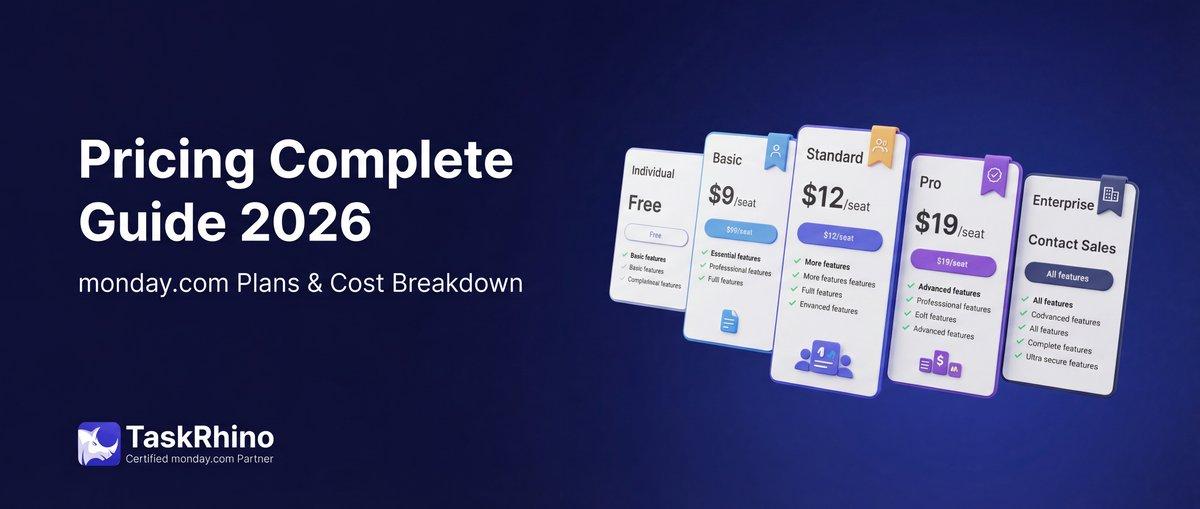
monday.com Pricing 2026: Complete Guide

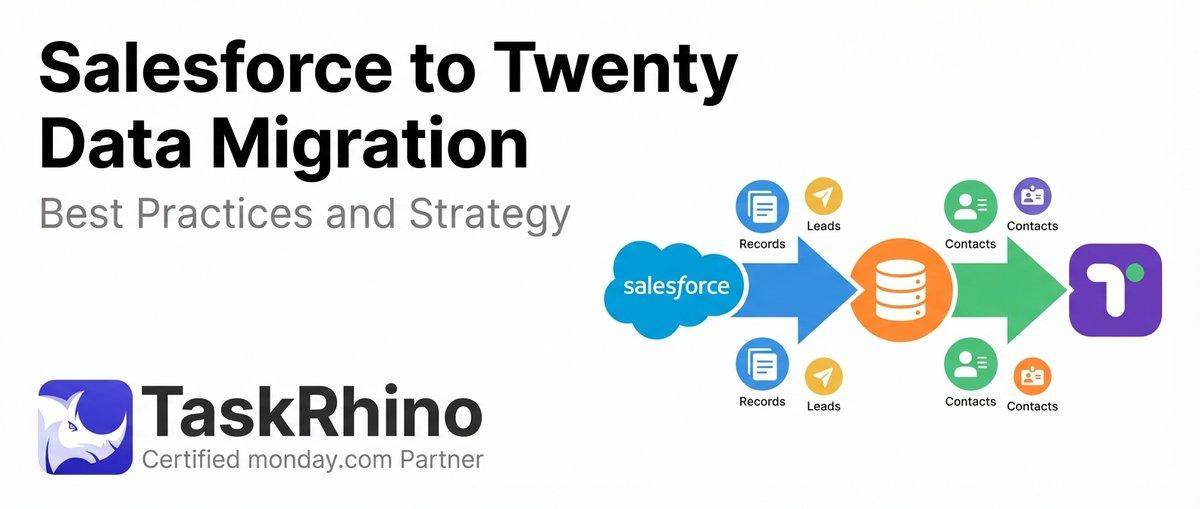
Salesforce to Twenty Data Migration: Best Practices and Strategy
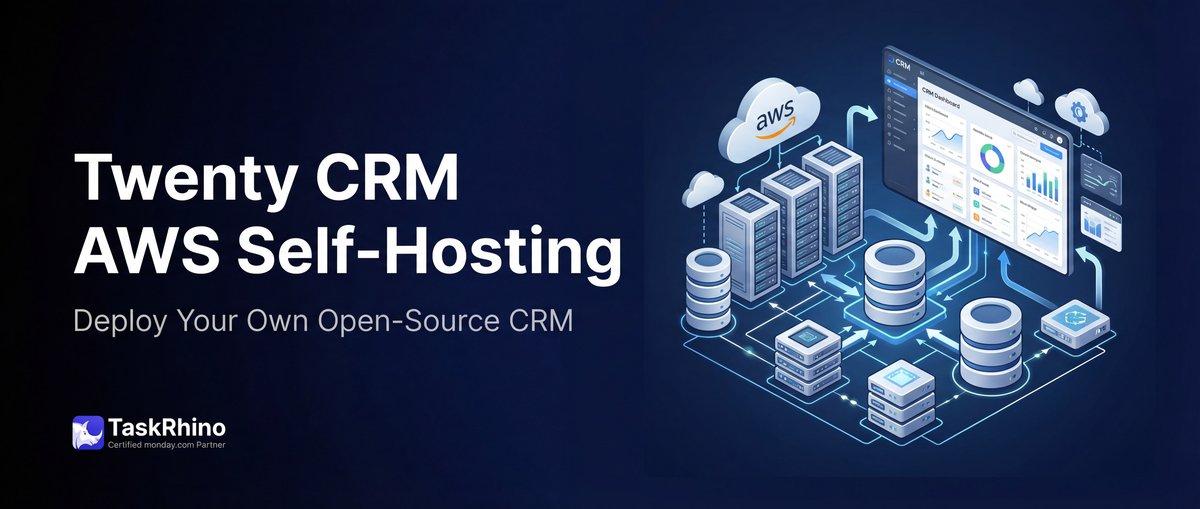
How to Self-Host Twenty CRM on AWS: Step-by-Step Guide