10 Best Salesforce Alternatives for Growing SMBs (2026 Rankings)

The CRM industry stands at an inflection point. While Salesforce continues to dominate with a 20.7% share of the CRM market in 2024 according to IDC (as reported by Salesforce), a quiet revolution is reshaping how businesses think about customer relationship management.
Its enterprise-focused structure often makes it expensive and overly complex for growing SMBs. Many smaller teams end up paying for advanced capabilities they rarely use, while struggling with implementation and maintenance overhead.
Several modern platforms have emerged with flexible pricing, intuitive interfaces, and automation features tailored to scaling businesses. This list compares them using each vendor's published pricing and documentation, with pros and cons drawn from user reviews.
This guide highlights the 10 best Salesforce alternatives for growing SMBs, comparing their strengths, ideal use cases, and latest market rankings to help you choose a CRM that aligns with your growth, budget, and operational needs. For the wider picture, start with our Salesforce alternatives guide.
Why Companies Are Rethinking Salesforce: 4 Critical Factors
The decision to evaluate Salesforce alternatives rarely comes from dissatisfaction with the product itself. Salesforce is genuinely powerful software. The friction typically emerges from misalignment between what Salesforce offers and what a particular business actually needs.
Factor 1: The true cost extends far beyond licensing
Salesforce's published pricing tells only part of the story. The Starter Suite begins at $25 per user monthly, but most organizations quickly discover they need Enterprise-level features, now sold to new buyers as the Core edition at $195 per user or higher. A 30-person sales team at that price faces $70,200 in annual licensing alone.
But licensing is just the beginning. Implementation projects routinely require specialized consultants charging $150-300 per hour. Data migration, custom development, and integration work can add $50,000-$200,000 to first-year costs. Ongoing administration often demands a dedicated full-time employee—or expensive managed services contracts. Our breakdown of what Salesforce costs beyond the subscription covers each line item.
Factor 2: Complexity creates adoption barriers
Salesforce's depth becomes a liability when teams struggle to use it effectively. New Salesforce users often need weeks of training before they are comfortable with it. Complex organizations often maintain multi-month onboarding programs.
This complexity has real consequences. Sales reps who find CRM burdensome simply stop using it—or enter minimal data to satisfy requirements. The result is incomplete records, unreliable forecasts, and expensive software that fails to deliver its promised value.
Simpler and open source Salesforce alternatives often achieve higher adoption rates precisely because they demand less from users. A CRM that gets used consistently beats a powerful CRM that collects dust.
Factor 3: Vendor dependency creates strategic risk
Building your customer data infrastructure on any single platform creates dependency. With Salesforce, this dependency extends to their pricing decisions, product roadmap, and policy changes—none of which you control.
Companies regularly report surprise price increases at renewal time. Feature changes can disrupt established workflows. And leaving Salesforce after years of customization becomes increasingly difficult—a dynamic that strengthens Salesforce's negotiating position.
Factor 4: Overkill wastes resources
Salesforce offers hundreds of features spanning sales, service, marketing, commerce, analytics, and platform development. Many businesses use only a fraction of the available functionality while paying for all of it.
For organizations with straightforward sales processes like track leads, manage opportunities, close deals, Salesforce's complexity represents pure overhead. Simpler tools accomplish these core tasks with less friction and lower cost.
The question isn't whether Salesforce is good software. It's whether Salesforce is the right software for your specific situation. For a software business, our guide to Salesforce alternatives for SaaS companies narrows the list.
Quick Comparison: 10 Leading Salesforce Alternatives to Choose From
Before examining each platform in detail, this overview highlights key differentiators to help narrow your evaluation.
| Platform | Ideal Use Case | Entry Price (USD) | Free Option | Standout Strength |
|---|---|---|---|---|
 Twenty Twenty |
Developer-first teams | Free self-hosted; Cloud $9/user/mo | Yes | Open-source flexibility |
 HubSpot HubSpot |
Marketing-sales alignment | $7-$20/seat/mo | Yes (2 users) | Unified inbound platform |
 Zoho CRM Zoho CRM |
Budget-conscious SMBs | $14/user/mo | Yes (3 users) | Integrated Zoho app suite |
 Pipedrive Pipedrive |
Sales-first organizations | $14/seat/mo | No | Visual deal management |
 Microsoft Dynamics 365 Microsoft Dynamics 365 |
Microsoft-centric enterprises | $65/user/mo | No | Office 365 integration |
 Freshsales Freshsales |
AI at accessible prices | $9/user/mo | Yes | Freddy AI assistant |
 monday.com CRM monday.com CRM |
Collaborative teams | $12/seat/mo (3-seat minimum) | No (14-day trial) | Work platform flexibility |
 Zendesk Sell Zendesk Sell |
Existing Zendesk users only | Retiring Aug 31, 2027 | No | Support ticket visibility |
 Creatio Creatio |
Process automation focus | $40/user/mo | No | No-code workflow builder |
 Insightly Insightly |
Project-based businesses | $29/user/mo | No | CRM + project management |
Each platform excels in specific scenarios. The detailed reviews below will help match your requirements to the right solution.
Entry prices are USD per user per month as listed on each vendor's pricing page, on annual billing where the vendor offers it. Vendor pages can show local currency to Canadian visitors: monday CRM, for example, shows Basic, Standard and Pro from CAD 18, 23 and 39 per seat per month on its yearly view.
Try Twenty CRM For Free - Open Source And Self-Hosted
TaskRhino can help you understand every feature about this CRM and implement and migrate from Salesforce effortlessly.
Book a Free ConsultationFree 30-minute call · No obligation
In-Depth Analysis: 10 Best Salesforce Alternatives for Businesses
1. Twenty – The modern open-source challenger
Twenty represents a fundamentally different approach to CRM: a modern, open-source platform built from scratch by developers who learned from the mistakes of legacy systems. If you've used tools like Notion, Linear, or Figma, Twenty's interface will feel immediately familiar—clean, fast, and thoughtfully designed.
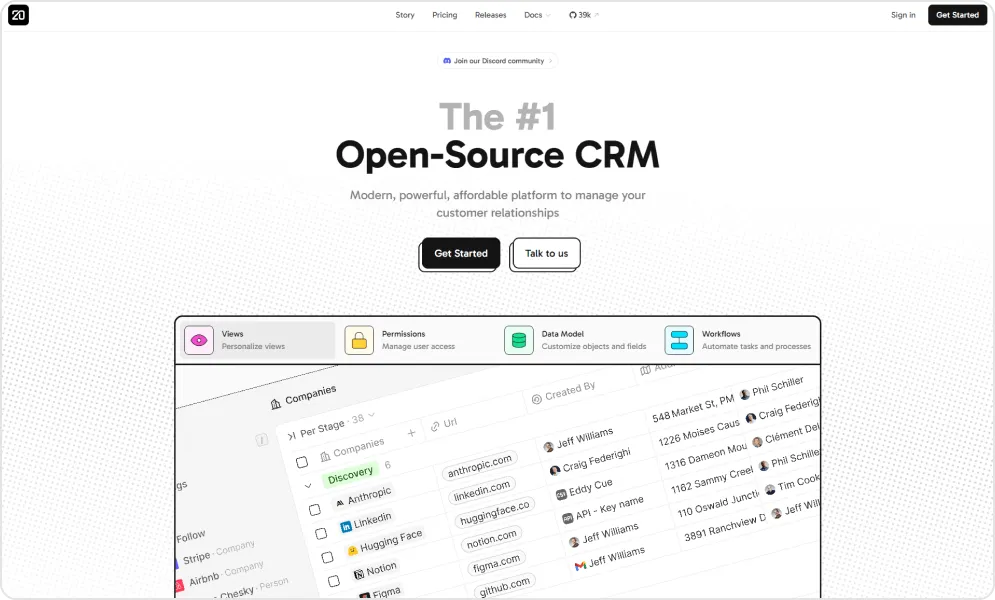
The platform emerged from frustration with existing CRMs that felt either bloated and expensive (Salesforce) or dated and limiting (older open-source options). Twenty's founders set out to craft a cohesive experience inspired by new UX patterns, with hundreds of developers now contributing to the project through its active GitHub community with over 59,900 stars (October 2026).
What distinguishes Twenty is complete ownership.
The AGPL-licensed codebase means you own the software rather than renting it. Self-hosted deployments give full control over your customer data and are critical for organizations with data sovereignty requirements or those tired of vendor lock-in dynamics.
With support from TaskRhino, businesses can simplify Twenty CRM implementation through expert setup, infrastructure configuration, integration rebuilding, data migration, and workflow customization, ensuring the platform is optimized, secure, and aligned with operational requirements from day one.
Pros and cons of using Twenty CRM

- Modern, distraction-free design makes it easy to organize and track items without feeling overwhelmed.
- Fully open source, giving users complete control over their data and the option to self-host, avoiding reliance on vendor pricing or roadmap decisions.
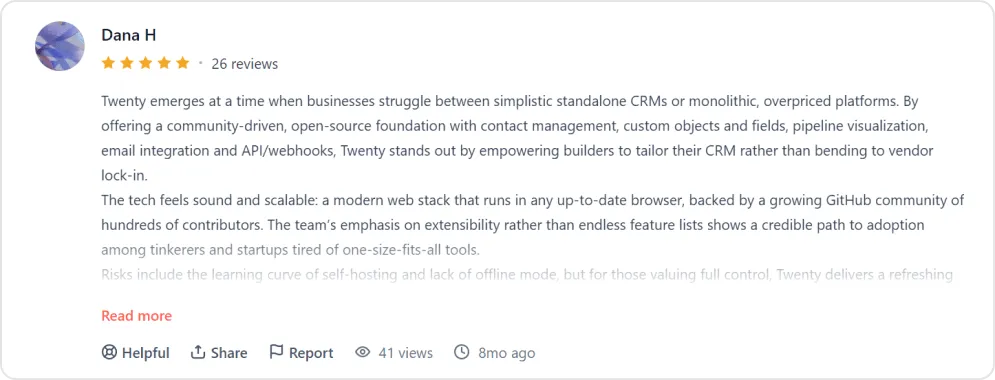
- Supports custom objects, custom fields, API/webhooks, and pipeline visualization, allowing teams to tailor the CRM to their workflow rather than adapt to rigid templates.
- Strikes a balance many paid CRMs miss — lightweight enough to avoid overwhelm but feature-rich enough to replace complex tools like HubSpot.
- The core team provides frequent updates and keeps users informed about upcoming features, building confidence in the product’s trajectory.
- Backed by hundreds of GitHub contributors, ensuring the platform evolves based on real user needs.

- Lacks some expected CRM features, which may be a dealbreaker for teams needing a full-featured solution immediately.
- Response times can stretch to days instead of hours, frustrating paying customers who need timely support.
- Self-hosting requires technical expertise, making it less accessible for non-technical teams or solo users.
- Requires a constant internet connection, limiting usability for field teams or users with unreliable connectivity.
Pricing of Twenty
| Option | Cost (USD) |
|---|---|
| Self-Hosted | Free (you pay only for hosting) |
| Cloud Pro | $9/user/month (billed yearly) |
| Cloud Organization | $39/user/month (billed yearly) |
| Enterprise | From $50,000/year |
Get the complete review of Twenty CRM, learn about its features and limitations. Find out whether this is the product you want and match your business workflows and operations. To see how it compares head to head, read Twenty CRM vs Salesforce.
User perspective
Ready to Experience Modern CRM Without the Enterprise Price Tag?
Twenty CRM delivers the flexibility of open-source with the polish of modern SaaS. TaskRhino specializes in helping businesses migrate from Salesforce to Twenty, handling data migration, custom configuration, and integration setup so your team can focus on selling.
Schedule Your CRM MigrationFree 30-minute call · No obligation
2. HubSpot CRM - Best for entry-level businesses
HubSpot emerged from the inbound marketing movement and evolved into a comprehensive customer platform. Its fundamental philosophy differs from Salesforce: rather than building separate clouds that require integration, HubSpot engineered marketing, sales, and service functions to share a single database from day one.
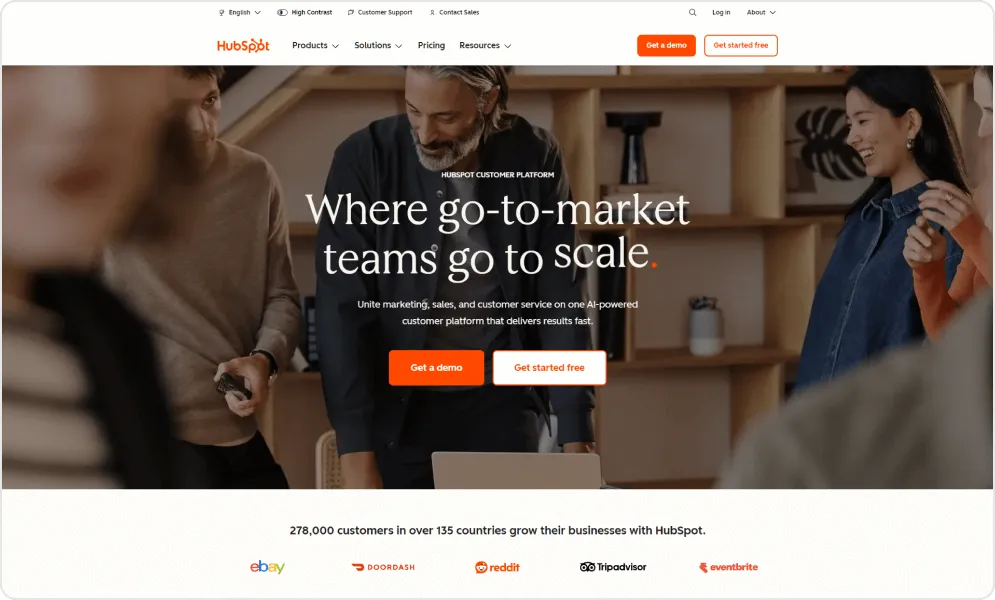
This architectural decision creates tangible benefits.
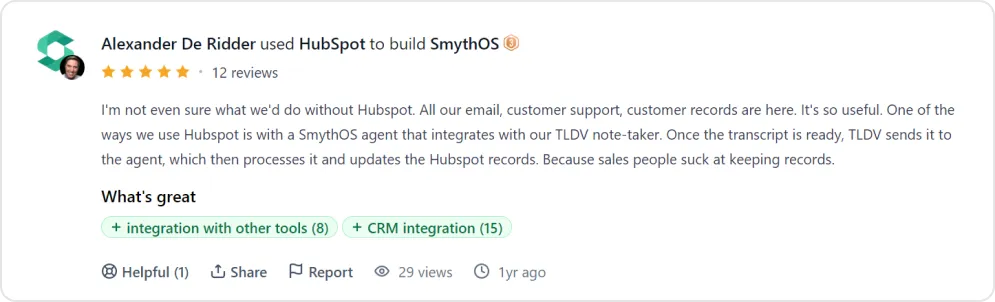
When a prospect downloads a whitepaper, opens marketing emails, visits pricing pages, and eventually requests a demo, sales representatives see the complete journey without data synchronization headaches. Attribution reporting connects revenue to specific campaigns automatically. No middleware, no mapping exercises, no misaligned records.
Pros and cons of using HubSpot
- Marketing and sales teams work from unified data, eliminating silos and keeping everyone aligned.
- Intuitive interface reduces training time and makes it easy for new users to get started.
- A large app marketplace connects with most existing business tools.
- Free tier provides core CRM functionality without any upfront investment.
- Strong educational resources and active community support help users learn and troubleshoot independently.
- Highly customizable, allowing businesses to adapt the platform to their specific sales processes and workflows.
- Combines CRM, marketing, and sales into an all-in-one solution, reducing the need for multiple disconnected tools.
- Customization is less extensive than platforms like Salesforce, limiting advanced or niche use cases.
- Marketing Hub pricing increases as contact lists grow, making costs less predictable at scale.
- Many enterprise features are locked behind premium tiers, pushing smaller teams toward costly upgrades.
- Complex business requirements may exceed the platform’s native capabilities without workarounds or third-party tools.
- Support quality and response times vary by subscription level, leaving lower-tier users underserved.
- Setting up marketing automation workflows can be time-consuming and complex for non-technical teams.
- Significant price jumps between plans make scaling affordably challenging.
- Integration fees on top of subscriptions increase the overall cost of ownership.
Pricing of HubSpot
| Tier | Monthly Cost (USD) |
|---|---|
| Free | $0 (up to 2 users) |
| Starter | $7-$20/seat, depending on billing term |
| Professional | $90-$100/seat, plus a one-time $1,500 onboarding fee |
| Enterprise | $150/seat, plus a one-time $3,500 onboarding fee |
User perspective
3. Zoho CRM – Enterprise capabilities at SMB prices
Zoho built its reputation by delivering surprising sophistication at aggressive price points. The company operates profitably without venture funding, enabling patient product development unconstrained by investor pressure for rapid growth.
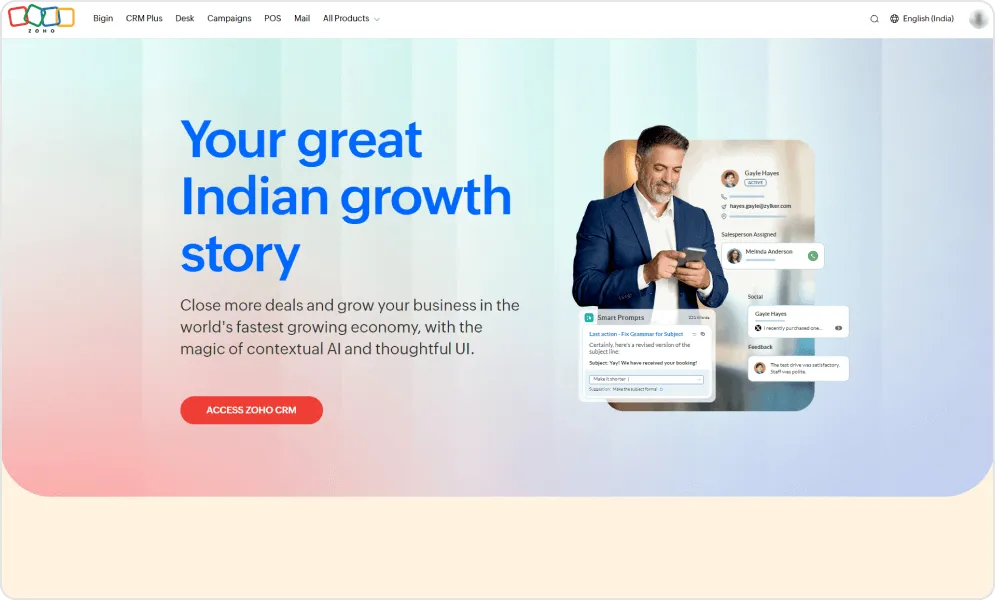
The CRM anchors a broader ecosystem of integrated applications spanning email, accounting, project management, HR, and more. Organizations can consolidate multiple software subscriptions into a single Zoho relationship, simplifying vendor management and often reducing total technology spend.
Pros and cons of using Zoho CRM
- Deep customization — modules, workflows, fields, and automations can be tailored without heavy development work.
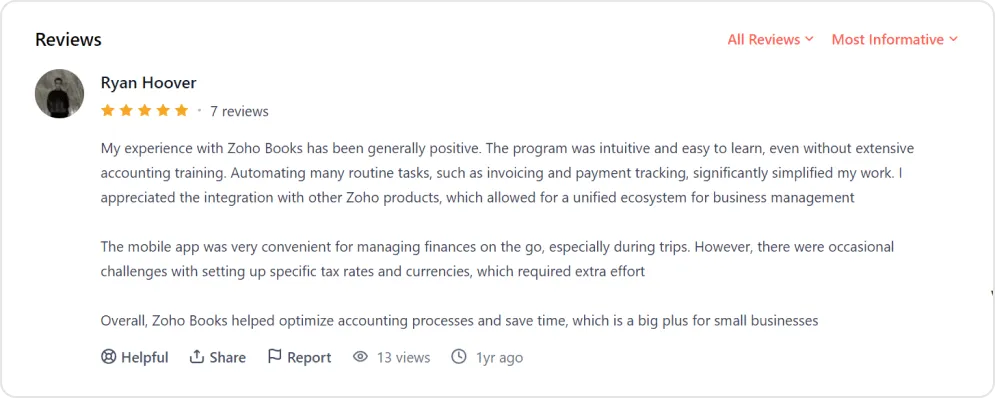
- Smooth integration with other Zoho products like Zoho Mail, Zoho Books, and Zoho Sheets, creating a connected ecosystem.
- Affordable and reliable, ideal for small to mid-sized businesses seeking enterprise-level features without the high cost.
- Automation reduces manual work and ensures timely follow-ups, improving productivity and consistency across sales pipelines.
- Reporting and analytics provide actionable insights into sales and customer data for informed decision-making.
- A centralized communication hub keeps all client threads organized in one place.
- Supports third-party integrations and data syncing from tools like ZoomInfo for versatile tech stack compatibility.
- Modernized UI/UX and AI features like Zia offer deal predictions, optimal email timing, and smart prompts.
- Mobile app enables on-the-go lead management, while features like Teamspace allow account managers to work within customized modules.
- Initial setup and configuration can be complex and time-consuming, sometimes taking days or weeks to organize properly.
- Interfaces can feel cluttered and overwhelming, with basic features often buried in menus.
- Advanced customizations and integrations often require technical knowledge or developer help, adding friction for non-technical teams.
- Many features are over-engineered for simple use cases, with most users utilizing only a fraction.
- Customer support can be slow and inconsistent, especially for integration-related issues.
- Proprietary scripting language for customization creates a learning barrier compared to common languages like JavaScript or Python.
- Some modules don’t integrate seamlessly, causing confusion between overlapping features (e.g., CRM forms vs. Zoho Forms).
- Onboarding can be difficult, with users sometimes needing multiple trainers before going live.
- Report generation can be confusing for specific metrics, such as lead stage turnaround times.
Pricing of Zoho CRM
| Tier | Monthly Cost (USD) |
|---|---|
| Free Edition | $0 (max 3 users) |
| Standard | $14/user billed yearly ($20 monthly) |
| Professional | $23/user billed yearly ($35 monthly) |
| Enterprise | $40/user billed yearly ($50 monthly) |
| Ultimate | $52/user billed yearly ($65 monthly) |
User perspective
4. Pipedrive – Sales pipeline visualization done right
Pipedrive originated when a group of experienced sales professionals grew frustrated with CRMs built by people who had never carried a quota. They designed software around how salespeople actually think: visually, deal-by-deal, always focused on the next action required to move opportunities forward.
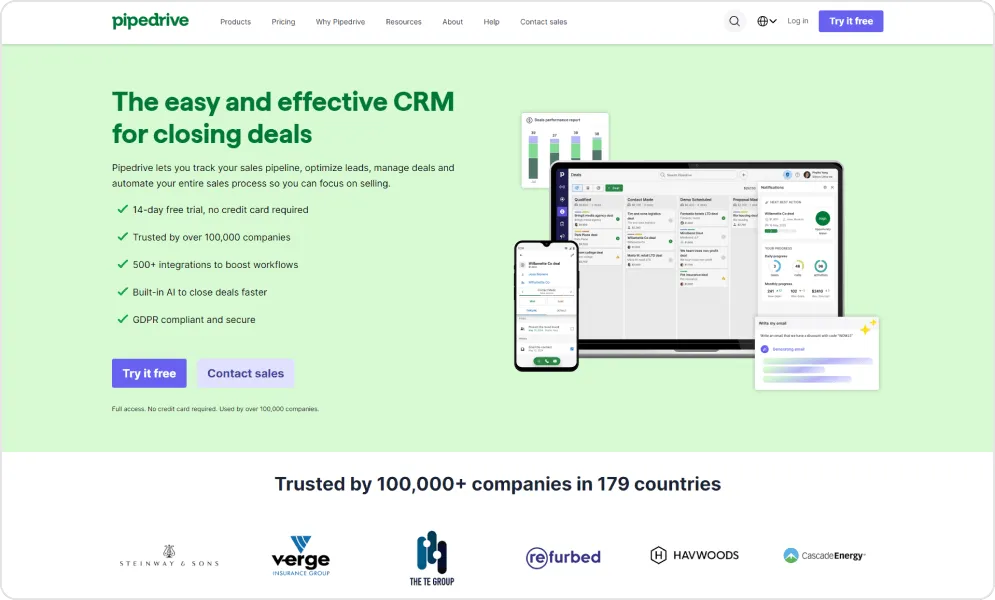
Each deal sits in a stage representing its current status. Moving deals forward requires completing activities. Stale deals become visually apparent as they age. The interface constantly answers the question every salesperson asks: "What should I work on next?"
This focus comes with intentional limitations. Pipedrive doesn't try to be a marketing automation platform, customer service system, or business intelligence suite. It does sales pipeline management exceptionally well and integrates with specialized tools for everything else.
Pros and cons of using Pipedrive
- Minimal learning curve with intuitive design, supported by tutorials and resources for fast onboarding and easy daily use.
- Highly customizable visual sales pipeline for efficient deal tracking and accurate forecasting, suitable for both new and experienced users.
- Seamless team collaboration with shared access, centralized activities, and clear project tracking for smooth handovers and cross-team work.
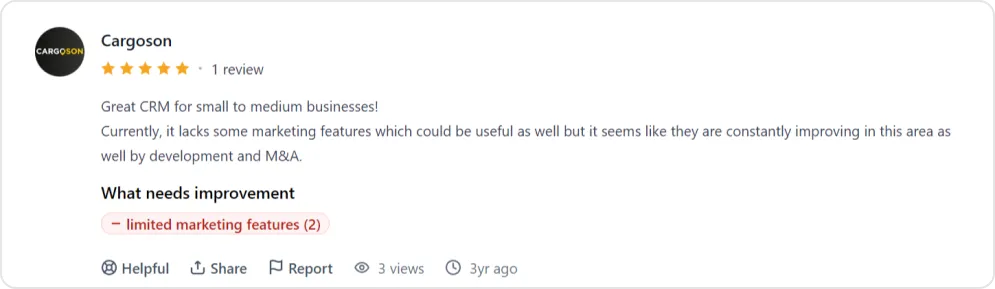
- Advanced reporting is limited, lacking customization, automation, and detailed analytics needed for complex data review compared to Salesforce or HubSpot.
- Search and filter functions can be unintuitive, often requiring extra steps and confusing setup to get desired results.
Pricing of Pipedrive
| Tier | Monthly Cost (USD, annual) |
|---|---|
| Lite | $14/seat |
| Growth, Premium, Ultimate | See Pipedrive's pricing page |
User perspective
5. Microsoft Dynamics 365 – The enterprise Microsoft play
Microsoft Dynamics 365 represents the most credible enterprise alternative to Salesforce, particularly for organizations already committed to Microsoft's ecosystem. When your company runs on Outlook, Teams, SharePoint, and Excel, Dynamics offers integration depth that third-party CRMs cannot match.
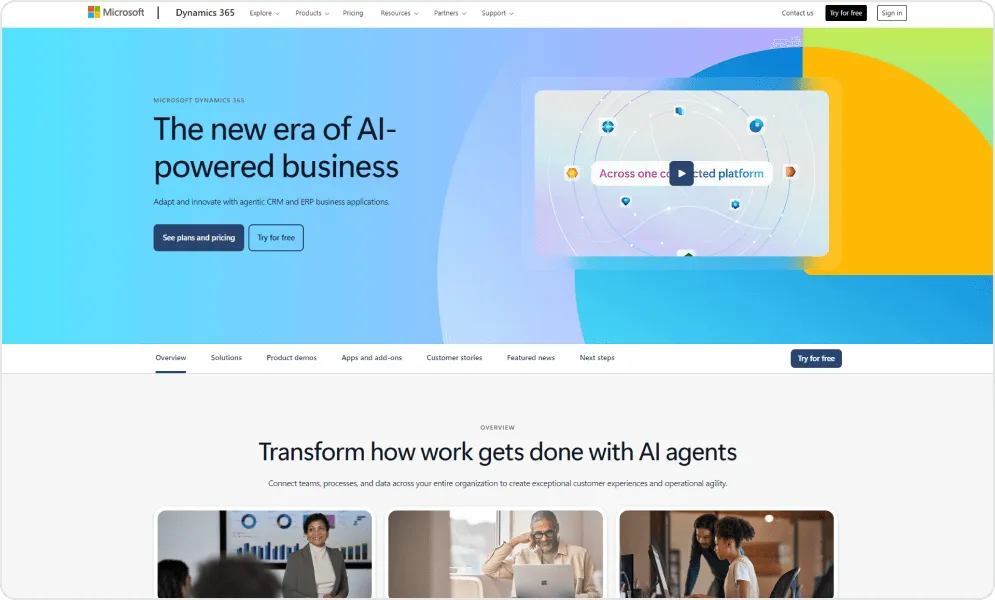
The platform leverages Microsoft's substantial AI investments through Copilot capabilities. Sales representatives can request deal summaries, draft email responses, prepare for meetings, and analyze relationship health using natural language. These AI features ship embedded in the product rather than requiring expensive add-ons—a notable contrast to Salesforce's approach.
Dynamics connects naturally to the broader Microsoft cloud. Customer records appear within Outlook. Pipeline data feeds Power BI dashboards. Team conversations link to opportunity records. Document collaboration happens through SharePoint without leaving the CRM context. For Microsoft-centric organizations, this integration eliminates friction that competitors can only approximate.
Pros and cons of using Dynamics 365
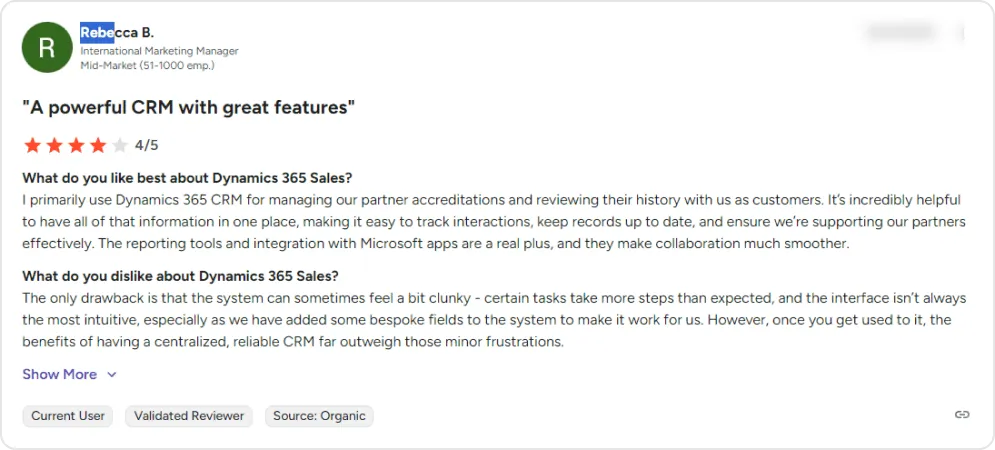
- Employee and resource management tools boost productivity, streamline HR tasks, and unify business operations.
- Integrated collaboration features enable real-time communication, document sharing, and cross-department coordination within a single platform.
- Comprehensive activity tracking centralizes customer, inventory, sales, and project data, reducing manual processes and keeping information accessible.
- Strong integration with Microsoft 365 apps, ensuring smooth workflow for businesses already in the Microsoft ecosystem.
- Robust security and compliance features, suitable for enterprises handling sensitive data.
- Scalable architecture that can grow with larger teams and complex operations.
- Extensive support for automation through Power Automate and built-in workflows.
- Complex and expensive pricing structure, challenging for small businesses or startups.
- Recurring bugs and system errors disrupt workflows and require troubleshooting.
- Frequent slowdowns and lag, especially during multitasking or processing large volumes of data.
- Steep learning curve for new users unfamiliar with Microsoft’s ecosystem.
- Customization can be complex, often requiring technical expertise or consulting support.
- Mobile experience can feel limited compared to the desktop version.
- Updates may introduce compatibility issues with existing customizations.
Pricing of Dynamics 365
| Tier | Monthly Cost (USD) |
|---|---|
| Sales Professional | $65/user, paid yearly |
| Sales Enterprise | $105/user, paid yearly |
| Sales Premium | $150/user, paid yearly |
Copilot is included in Sales Enterprise and Sales Premium, and each Premium licence includes 1,000 Copilot Credits.
User perspective
6. Freshsales – AI-powered CRM without premium pricing
Freshsales emerged from Freshworks' broader mission to deliver enterprise-grade software at prices accessible to growing businesses. The platform bets heavily on AI as a differentiator, embedding their Freddy AI assistant throughout the product rather than reserving it for premium tiers.
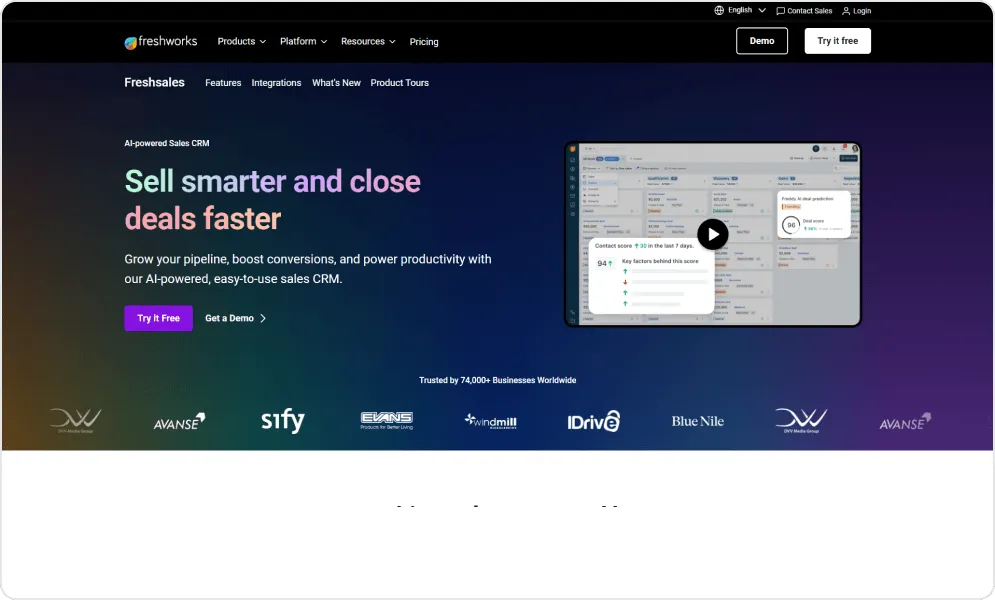
Freddy analyzes your sales data to surface actionable insights. It scores leads based on engagement patterns and demographic fit. It identifies deals at risk before they stall. It suggests optimal times to reach out to prospects. It can even draft contextual email responses that sales reps customize and send.
Pros and cons of using Freshsales
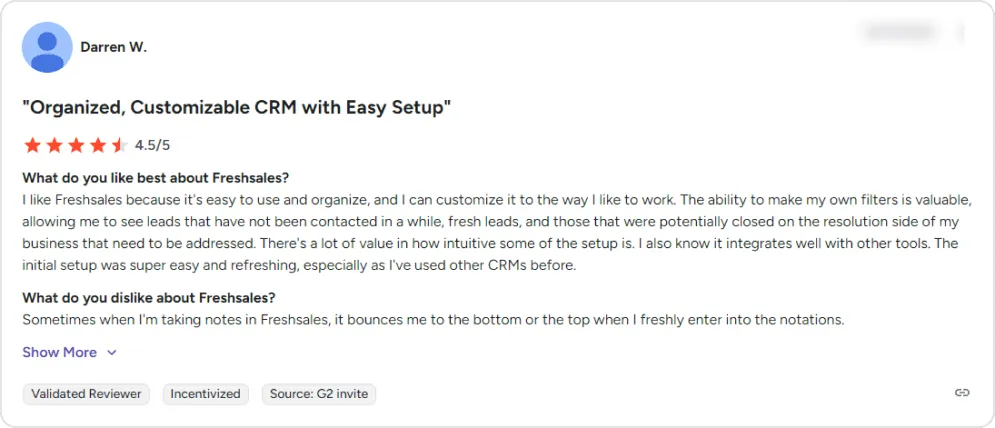
- Intuitive and simple interface with straightforward setup and minimal learning curve, making it accessible for users of all technical backgrounds.
- Cost-effective solution offering features like sequences, bulk email, lead scoring, and pipeline tracking at a competitive price.
- Easy-to-create and automate email campaigns with bulk messaging, segmentation, personalization, and behaviour-based follow-ups.
- Automation features such as follow-up reminders and task assignments reduce manual work and help ensure no lead is missed.
- Email engagement tracking allows teams to monitor opens, clicks, and follow-ups for better outreach prioritization.
- Highly customizable with support for custom filters, fields, and views to match preferred workflows.
- Personalized and responsive support team that assists with technical workflows and problem resolution.
- Smooth integrations with email, calendar, and other tools to keep customer interactions and meetings organized in one place.
- Reporting and email metrics are basic, lacking calculated fields, advanced filtering, and detailed analytics offered by some free competitors.
- Frequent software bugs and glitches can disrupt daily operations and require extended support interactions to resolve.
- System performance can slow down when loading reports, switching modules, or handling large data volumes.
- Account and billing processes can be challenging, with reports of disputes, refund difficulties, and complex subscription changes or cancellations.
- Advanced automation and reporting features can be difficult for new users due to limited guided onboarding resources.
- Lead integration from social media and ad platforms is not seamless, lacking automatic lead capture from advertising channels.
- Mobile app performance may feel less smooth for on-the-go usage.
- Implementing UTM source tracking for lead categorization can be more complex than expected.
Pricing of Freshsales
| Tier | Monthly Cost (USD) |
|---|---|
| Free | $0 |
| Growth | $9/user |
| Pro | $39/user |
| Enterprise | $59/user |
Prices are billed annually; the pricing page shows a 20% saving over monthly billing. A free plan is listed, and the trial gives 21 days of the full CRM.
User perspective
7. monday.com – CRM reimagined as visual workspaces
monday.com built its reputation as a work operating system—flexible boards that teams customize for any workflow imaginable. Their CRM product applies this philosophy to sales: rather than forcing your process into predetermined structures, monday.com provides building blocks you arrange however makes sense.
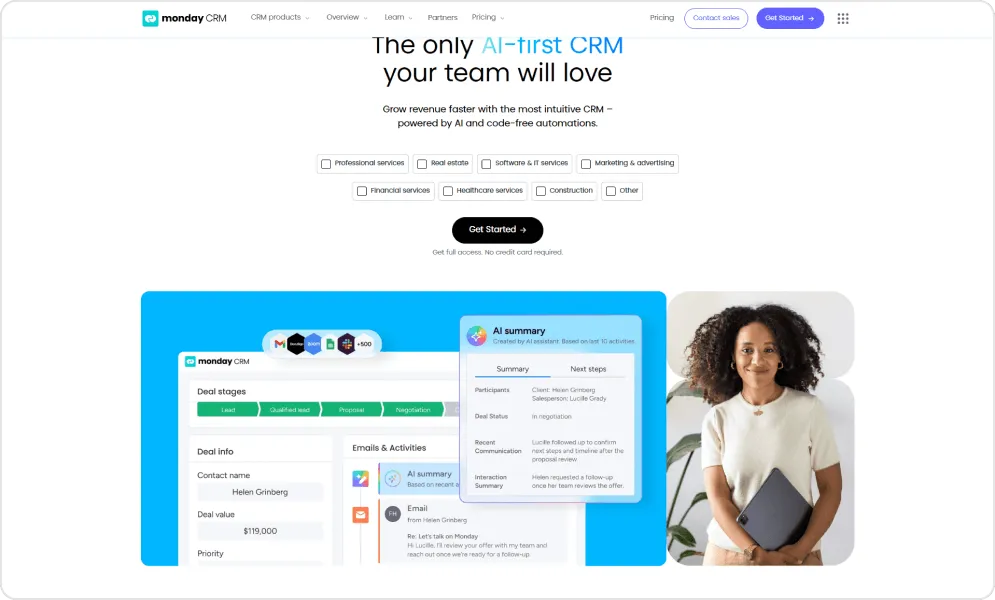
This flexibility creates a distinctly different CRM experience. Sales pipelines become visual boards where deals move across customizable stages. Each deal record can include whatever fields matter to your process. Views toggle between Kanban boards, timelines, calendars, and traditional tables. Teams already comfortable with monday.com's work management find the CRM immediately familiar.
The platform includes AI capabilities that handle routine work. Sales agents can qualify leads automatically based on criteria you define. An AI notetaker joins calls and generates summaries with suggested follow-up actions. Automation rules handle updates, notifications, and data entry without manual intervention.
Pros and cons of using monday.com
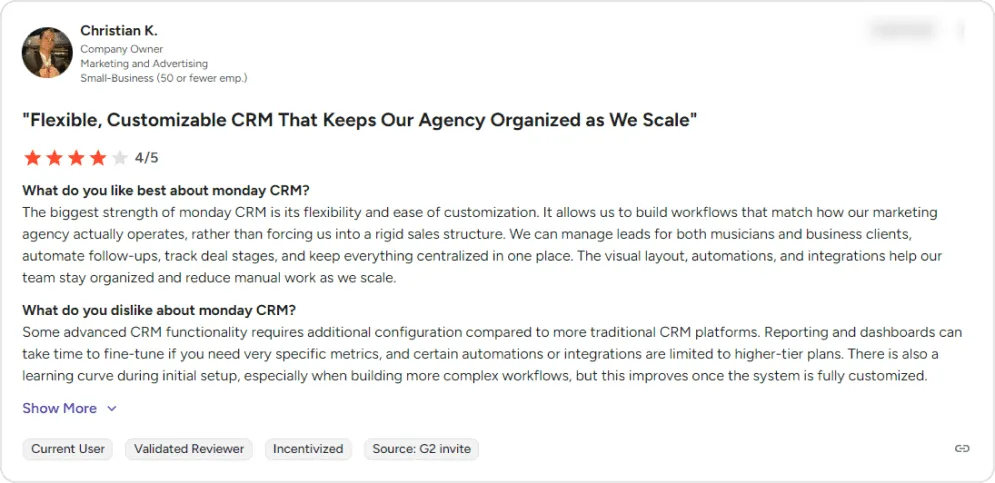
- Intuitive and accessible platform enabling quick onboarding, efficient collaboration, and smooth workflow management, supported by helpful customer service.
- Extensive customization options allow users to create workflows, boards, and fields that align with real business processes.
- Strong project organization tools help manage timelines, tasks, and cross-department collaboration with clear accountability.
- Automation and workflow features handle follow-ups, task assignments, and data collection automatically, reducing manual work.
- Visual layout makes it easy to track deal stages, leads, and pipeline progress at a glance for users of all experience levels.
- Email and activity tracking automatically links communications to clients and leads, keeping interactions centralized and organized.
- Simple contact import process and ready-to-use templates help teams get started quickly.
- Pricing can be costly for small teams since every user requires a paid seat, with no lower-cost options for limited-access users.
- Reporting and dashboards need time to customize for specific metrics, with limitations in formulas and cross-board data functionality.
- Some automations and integrations are restricted to higher-tier plans, requiring upgrades for advanced capabilities.
- Complex workflow setup has a learning curve, with limited detailed tutorials for advanced features.
- Quotes and invoices do not automatically pull product data from deals, leading to manual re-entry.
- Insufficient access controls allow users to delete contacts, creating potential data security risks.
- Email template management is inefficient, lacking a centralized system for easy access and editing.
Pricing of monday.com
| Tier | Monthly Cost (USD, billed yearly) |
|---|---|
| Basic | $12/seat |
| Standard | $17/seat |
| Pro | $28/seat |
| Ultimate | Custom |
Plans start at 3 seats, and there is no free plan (a 14-day trial instead). Ultimate is monday CRM's new name for its Enterprise tier.
User perspective
8. Zendesk Sell – Connecting sales conversations to service reality
Retiring: Zendesk announced on September 9, 2025 that Zendesk Sell and its mobile app retire on August 31, 2027. Existing customers keep full access until then, and Zendesk has partnered with Pipedrive, which offers migration tools. Sell is not an option for a new CRM project.
Zendesk built its reputation in customer service software before expanding into sales. This heritage creates a unique advantage: for organizations already using Zendesk for support, Sell provides something competitors cannot—native visibility into customer service interactions from within the sales context.
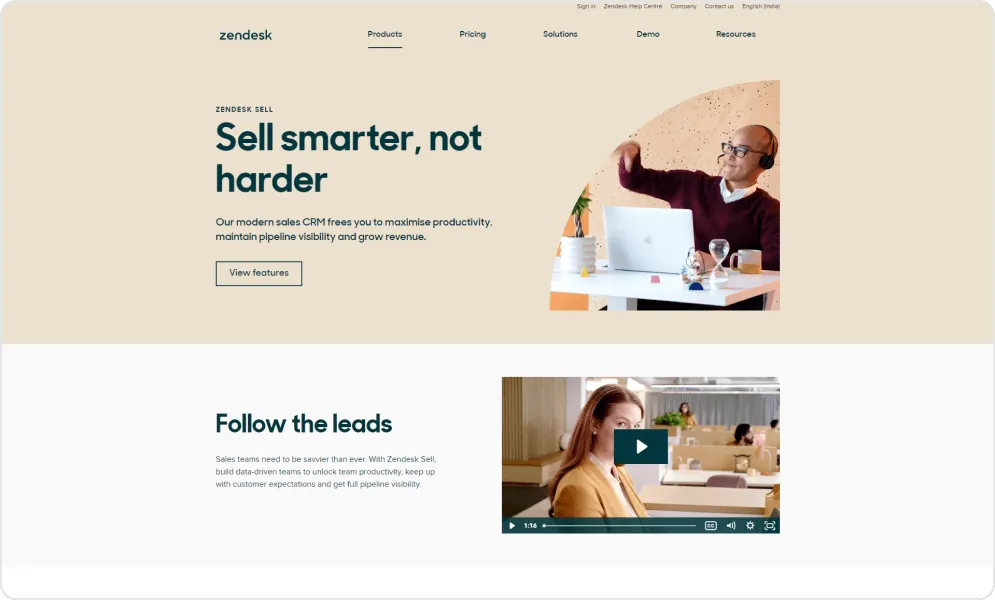
Consider the renewal conversation where a sales rep contacts a customer unaware of recent support frustrations. Or the upsell attempt targeting an account currently experiencing unresolved issues. These awkward moments damage relationships and waste effort. Zendesk Sell eliminates them by surfacing support ticket history alongside sales opportunity data.
The platform's mobile application deserves specific mention. Zendesk Sell provides genuinely excellent smartphone functionality. Geolocation features support field sales. Offline access allows working without connectivity. The app feels native rather than a compromised desktop port.
Pros and cons of using Zendesk Sell
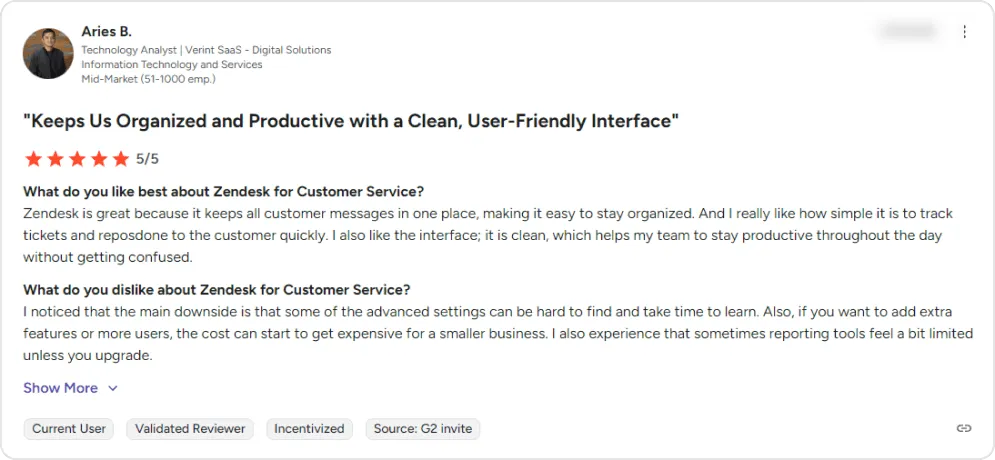
- Offers a broad range of features and apps that can be integrated into one unified platform, keeping operations centralized.
- Quick and easy setup allows teams to get started without a lengthy onboarding process.
- Responsive support team that actively helps resolve issues.
- Additional service pricing can increase overall costs, particularly for features like two-way SMS or text messaging.
- Customer-facing portal offers limited customization, making it harder to match company branding.
Pricing of Zendesk Sell
Zendesk Sell is no longer sold as a new CRM, so its prices are not listed here; existing customers keep full access until August 31, 2027.
User perspective
9. Creatio – No-code platform for custom CRM applications
Creatio occupies a distinctive position: rather than delivering a fixed CRM product, it provides a platform for building custom business applications. Organizations with unique processes that standard CRMs cannot accommodate find this approach liberating.
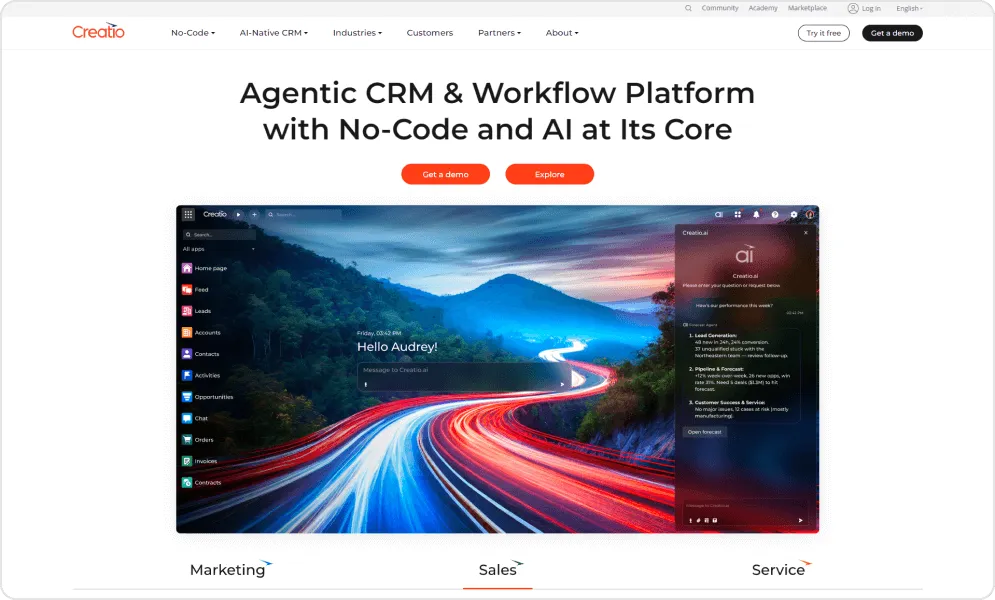
The latest platform version introduces remarkable capabilities. Business users can describe desired automations in natural language, and the system builds them. Custom fields, buttons, dashboards, and reports emerge through visual tools without developer involvement. Creatio claims that everything visible can be modified by non-technical staff.
Creatio structures its offering as separate products: Sales Creatio for pipeline management, Marketing Creatio for campaign automation, and Service Creatio for customer support. Each carries its own pricing, layered atop the base platform. Organizations can adopt one module or combine several.
Pros and cons of using Creatio
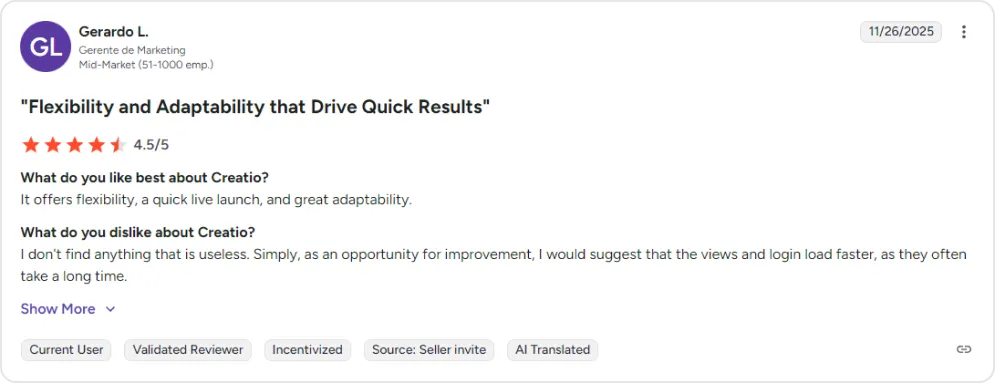
- Competitively priced compared to traditional top-tier CRMs, with built-in tools and functionality that often cost extra on other platforms.
- Robust solution for managing marketing campaigns and customer relationships within a single centralized system.
- Flexible, modern platform that supports customization without requiring heavy development work.
- Strong automation features such as lead nurturing and forecasting help teams prioritize opportunities and achieve sales targets.
- No option to recover accidentally deleted sections, increasing the risk of data loss and rework.
- Scheduled email functionality can be unreliable, disrupting planned communications.
- Customer support can be inconsistent, sometimes requiring repeated explanations before issues are resolved.
- A wide range of features can feel overwhelming for new users, making onboarding and progressive adoption challenging.
Pricing of Creatio
| Component | Monthly Cost (USD) |
|---|---|
| Growth platform | $40/user (minimum 5 users) |
| Enterprise platform | $75/user |
| Unlimited platform | Custom pricing |
| Sales, Marketing or Service product | $15/user each, on top of the platform |
New customers buy at least $10,000 a year, on a standard three-year term.
User perspective
10. Insightly – Where CRM and project management converge
Insightly identified a gap most CRM vendors ignore: what happens after a deal closes? For professional services firms, agencies, consultancies, and other project-based businesses, winning work is only half the challenge. Delivering it successfully—on time, on budget, with satisfied clients—matters equally.
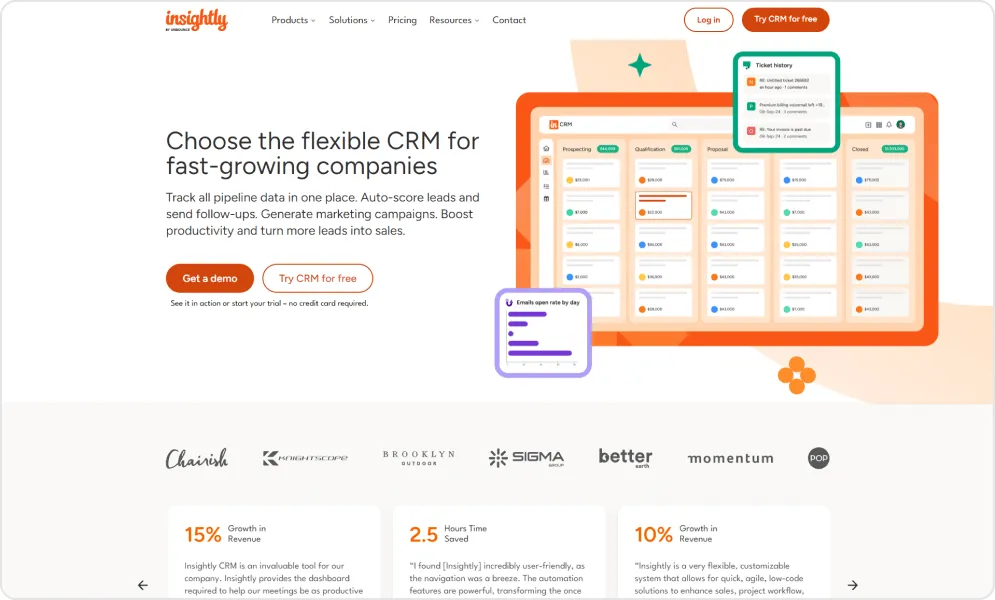
Insightly bridges this gap by integrating CRM and project management within a single platform. When opportunities convert to wins, they transform into projects carrying all associated contacts, communications, and files. The handoff from sales to delivery happens without information loss or duplicate data entry.
Insightly works best for organizations where sales-to-delivery continuity matters. Pure sales teams without project components would find the project management features irrelevant overhead. But for businesses where deals become engagements, Insightly eliminates a common integration challenge.
Pros and cons of using Insightly
- Designed for small businesses with affordable pricing, scalable features, and growth support without enterprise-level complexity.
- Comprehensive tracking tools help manage contacts, monitor project progress, and organize client data in one centralized location.
- Streamlined team collaboration with simple task assignment, coordination tools, and improved internal communication.
- User-friendly interface with easy navigation for efficient day-to-day customer relationship management.
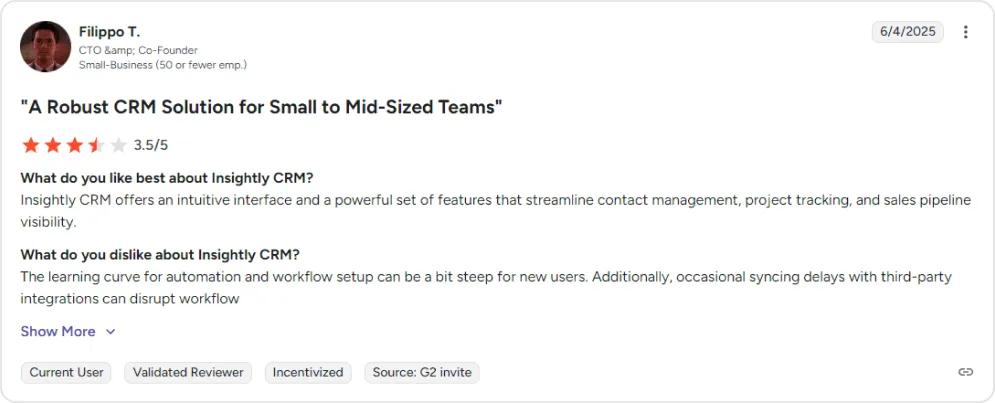
- Customer support can be difficult to reach, slow to respond, and often ineffective for resolving technical or setup issues.
- Email integration is limited, requiring manual linking and lacking advanced tracking or automation capabilities.
- Frequent glitches, slow load times, and recurring bugs impact reliability and disrupt daily workflows.
Pricing of Insightly
| Tier | Monthly Cost (USD) |
|---|---|
| Plus | $29/user, billed annually |
| Professional | $49/user, billed annually |
| Enterprise | $99/user, billed annually |
A free 14-day trial is available with no credit card required.
User perspective
Looking for the Right CRM for Your Team?
Don’t waste time guessing—get a tailored recommendation based on your business needs, team size, and workflow requirements.
Request Your Free CRM ConsultationFree 30-minute call · No obligation
Choosing a CRM is about finding a platform that aligns with your workflows, team capabilities, and long-term growth goals. After reviewing multiple options, the next step is to apply a structured approach to identify which solution best fits your organization.
Selecting the Right CRM for Your Business: A Practical Decision Framework
With ten viable options analyzed, matching your specific requirements to the right platform becomes critical. Use these guidelines to narrow your evaluation. Early-stage teams can also compare Salesforce alternatives for startups.
Twenty fits best when:
- Data ownership and vendor independence are priorities
- Your team has technical capabilities to self-host
- Zero licensing fees matter more than turnkey support
- Modern UI/UX and developer experience are valued
- You want complete customization freedom via open-source
HubSpot fits best when:
- Marketing and sales alignment represents your primary challenge
- You value usability over extensive customization
- A free starting point with growth headroom matters
- Content marketing and inbound strategies drive your business
Zoho CRM fits best when:
- Budget constraints are real and non-negotiable
- You prefer integrated business applications from one vendor
- Quick deployment without extensive implementation projects matters
- Your team is small-to-midsize without dedicated CRM administrators
Pipedrive fits best when:
- Sales pipeline visibility and velocity are paramount
- Your team thinks visually about deals and activities
- Field sales or mobile usage is common
- Simplicity matters more than feature breadth
Microsoft Dynamics 365 fits best when:
- Your organization already runs on Microsoft 365
- Enterprise security and compliance requirements apply
- Deep ERP or operations integration is needed
- Budget and timeline allow proper implementation investment
Freshsales fits best when:
- AI capabilities matter but enterprise budgets don't exist
- Built-in phone, email, and chat reduce tool sprawl
- Growing SMBs need sophisticated features at entry prices
- A generous trial period allows thorough evaluation
monday.com CRM fits best when:
- Your team already uses monday.com for work management
- Visual, flexible workspaces match how you operate
- Collaboration and transparency outweigh specialized CRM depth
- Standard CRM structures feel constraining
Zendesk Sell fits best when:
- You already use Zendesk for customer support
- Sales-service visibility would improve customer relationships
- Field sales with strong mobile requirements are common
- You are already on Sell and plan to move before August 31, 2027
Creatio fits best when:
- Standard CRMs cannot accommodate your unique processes
- No-code customization empowers business users
- You can meet minimum annual commitment ($10,000)
- Building custom applications without developers appeals
Insightly fits best when:
- Sales leads naturally to project delivery
- Professional services or agency models apply
- CRM and project management integration reduces handoff friction
- File storage and document management matter
With so many Salesforce alternatives available, choosing the one that fits your business needs can feel overwhelming. The right decision balances features, scalability, budget, and ease of use, so you get a CRM that grows with your business.
Making the Transition: Final Considerations
Salesforce remains a legitimate choice for organizations with complex, multi-cloud requirements and resources to manage enterprise software properly. But for growing businesses where simplicity, cost-efficiency, and rapid value matter more than theoretical capability, the alternatives examined here offer compelling paths forward.
The CRM market in 2026 rewards informed buyers. Platforms like:
- Twenty demonstrate that modern, open-source alternatives can deliver exceptional user experiences with complete data ownership.
- HubSpot proves unified marketing and sales don't require separate clouds and integration projects.
- Zoho shows enterprise capabilities can exist at SMB prices. Each alternative represents a deliberate choice to do things differently than the market leader.
Technology selection, however, is only part of successful CRM adoption. Data quality, process design, user training, and change management determine whether any platform delivers promised value. Organizations that choose excellent software but neglect implementation fundamentals often underperform those with adequate software and excellent execution.
TaskRhino guides businesses through Twenty CRM services, including evaluation, selection, implementation and migration with focus on sustainable outcomes rather than just software deployment. From initial requirements definition through post-launch optimization, TaskRhino ensures your CRM investment supports business growth instead of becoming administrative overhead.
Ready to Evaluate Your Salesforce Alternative Options?
Stop paying for complexity you don't need. TaskRhino helps businesses identify the right CRM platform and execute migrations that preserve data, maintain momentum, and accelerate adoption.
Schedule Your Free CRM ConsultationFree 30-minute call · No obligation
Planning a move? See how we move Salesforce data into monday.com: what moves, what we rebuild and what cannot move. Moving to Twenty instead? See Salesforce to Twenty CRM migration.
Frequently Asked Questions
What realistic savings can organizations expect when leaving Salesforce?
Savings depend on your current Salesforce spend and the alternative you choose. Licence savings are easy to estimate from published prices: a 30-person team on Salesforce Core pays $70,200 a year in licensing alone, while the same team on Zoho CRM Professional ($23 per user/month, billed yearly) pays $8,280. Implementation, administration and training costs come on top for both.
How complex is migrating existing Salesforce data to alternative platforms?
Migration complexity depends on customization extent, data volume, and integration dependencies. Standard objects (contacts, accounts, opportunities) transfer relatively smoothly via CSV exports or API connections. Custom objects, complex workflows, and Apex code require more planning. Typical migrations complete in 2-8 weeks. HubSpot, Zoho, and Pipedrive provide dedicated Salesforce migration tools and documentation. Budget for data cleanup—most organizations discover their Salesforce data needs significant tidying during migration.
Will we lose important functionality by switching platforms?
Possibly, but often less than expected. Most organizations use only a fraction of Salesforce's capabilities. The features you actively use likely exist in alternatives. Gaps typically appear in advanced analytics, complex approval workflows, or highly customized processes. Thorough requirements documentation before evaluation ensures selected alternatives cover genuine needs rather than theoretical capabilities Salesforce happens to offer.
How long should CRM implementation typically take?
Timelines vary dramatically by platform complexity. Twenty and Pipedrive deployments often achieve operational status within 1-2 weeks for technical teams. HubSpot and Zoho implementations typically span 2-6 weeks depending on customization requirements. Microsoft Dynamics 365 and Creatio projects commonly require 2-6 months for enterprise deployments with significant customization. Platforms requiring substantial configuration investment deliver proportionally more tailored outcomes.
Do alternative CRMs integrate with the business tools we already use?
Integration capabilities vary by platform. HubSpot, Pipedrive and Zoho each run large app marketplaces. All reviewed platforms support Zapier or similar middleware for connecting unsupported applications. Verify specific integrations during evaluation—critical tool connections should be confirmed rather than assumed.
Can our team manage these CRMs without dedicated technical staff?
Most alternatives are explicitly designed for administration by business users rather than technical specialists. HubSpot, Pipedrive, Freshsales, and monday.com require minimal technical expertise for standard usage. Zoho and Insightly need modest technical comfort for customization but not for daily operation. Twenty, Microsoft Dynamics 365, and Creatio benefit from technical resources for advanced configuration—though Twenty's clean architecture makes it accessible to developers comfortable with modern web technologies.
Which alternative works best for very small teams (under 10 people)?
Small teams should prioritize platforms with free tiers or low per-user minimums: Twenty (completely free self-hosted), Zoho CRM (free for 3 users), Freshsales (free plan), or HubSpot (free tier available). Pipedrive at $14/user provides excellent value for sales-focused small teams despite lacking a free option. Avoid platforms with high minimums (monday.com's 3-seat requirement, Creatio's $10,000 annual minimum) unless growth plans justify near-term scaling.
Want to Host, Customize, or Migrate to Twenty CRM
More in Salesforce Alternatives